





















Windows 11 Insider Channels Explained: Experimental, Beta, and Release Preview Guide
By
Gareth Smith

The kind of bagel that ruins lesser bagels for you.
Summary
Microsoft has restructured the Windows Insider Program, replacing the Canary and Dev channels with a new system centered on Experimental, Beta, and Release Preview tracks. The article explains the differences between these channels, how they relate to specific Windows platform branches (like 25H2), and provides guidance on which channel different types of users should choose based on their risk tolerance and testing goals. The author recommends that most enthusiasts stick with the Experimental channel for Windows 11 version 25H2.
Key quotes
· 3 pulledMicrosoft has reshaped the Windows Insider Program, moving away from the familiar Canary and Dev labels and toward a model centred on Experimental, Beta, and Release Preview experiences.
On paper, that sounds simpler. In practice, the new structure can still be confusing because the channel you choose now depends not only on how much risk you are willing to take, but also on which Windows platform branch you want to test.
A practical guide to Microsoft's new Experimental, Beta, and Release Preview tracks and why I think most enthusiasts should stick with Windows 11, version 25H2 Experimental.
You might also wanna read


Windows 11 Insider Preview Build 26220.7271 Released to Dev and Beta Channels
Microsoft releases Windows 11 Insider Preview Build 26220.7271 (KB5070307) to both Dev and Beta Channels, marking continued development of W
 blogs.windows.com·6mo ago
Windows 11 Insider Preview Build 26120.6772 Released to Beta Channel
Microsoft has released Windows 11 Insider Preview Build 26120.6772 (KB5065797) to the Beta Channel for Windows Insiders on Windows 11 versio
blogs.windows.com·8mo ago
Windows Insider Program: Progress on quality updates and transparency since March
The Windows Insider Program lead reflects on two months in the role, emphasizing transparency and shared pride with the Insider community. T
Windows Insider Blog·1mo ago
Microsoft Releases Notepad and Paint Updates for Windows 11 Insiders
Microsoft is rolling out updates to Notepad and Paint apps for Windows Insiders in the Canary and Dev Channels on Windows 11. The Notepad up
blogs.windows.com·3mo ago
Xbox Insiders Begin Testing New Console Update Features
Xbox Insiders are testing a new console update with experimental features shaped by player feedback. The update is currently in a testing ph
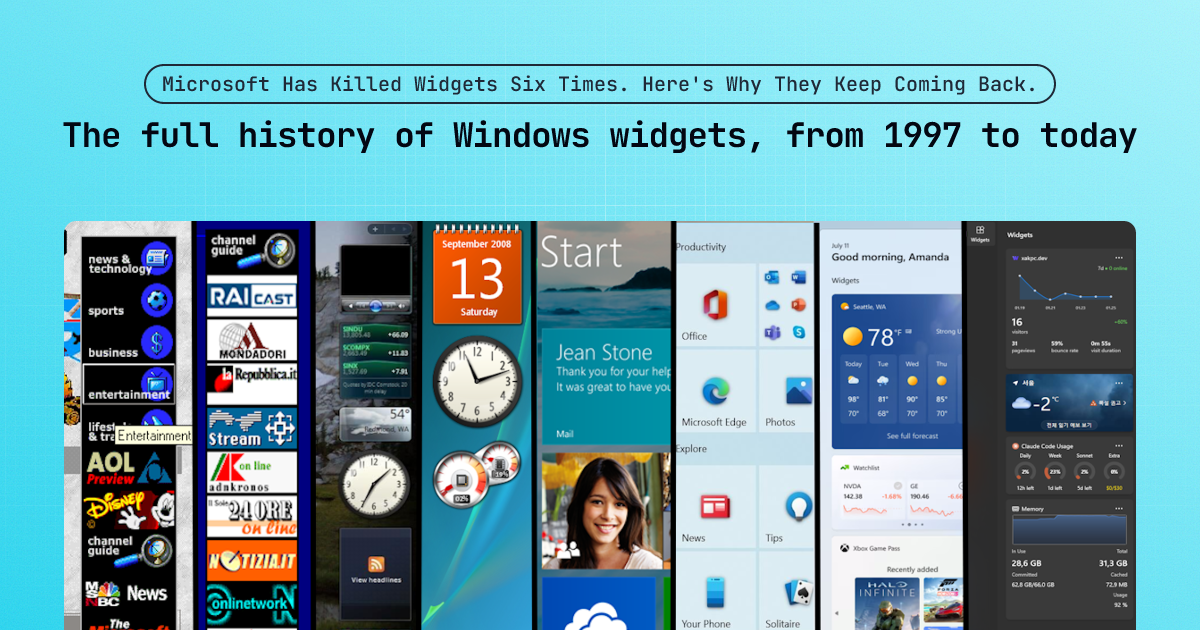
The Evolution and History of Windows Widgets: Six Implementations from 1997 to Today
This article provides a comprehensive history of Windows widgets spanning from 1997 to the present, detailing six different implementations
 xakpc.dev·4mo ago