





















How to Install Teneo CLI Using the Claude Code Desktop App
Summary
A beginner-friendly tutorial on installing the Teneo CLI (Command Line Interface) using the Claude Code desktop app. The guide walks through creating a local folder, opening Claude Code, and running installation commands to gain access to 50+ Teneo agents. No prior coding experience is required, and the process takes approximately 10 minutes.
Source

 Twitter / XHow to Install Teneo CLI Using the Claude Code Desktop Appteneo-protocol.ai
Key quotes
· 4 pulledUse the Claude Code desktop app to install the Teneo CLI in under two minutes.
No prior coding experience is required.
Teneo CLI installed, ready to run.
Direct access to 50+ Teneo agents.
You might also wanna read

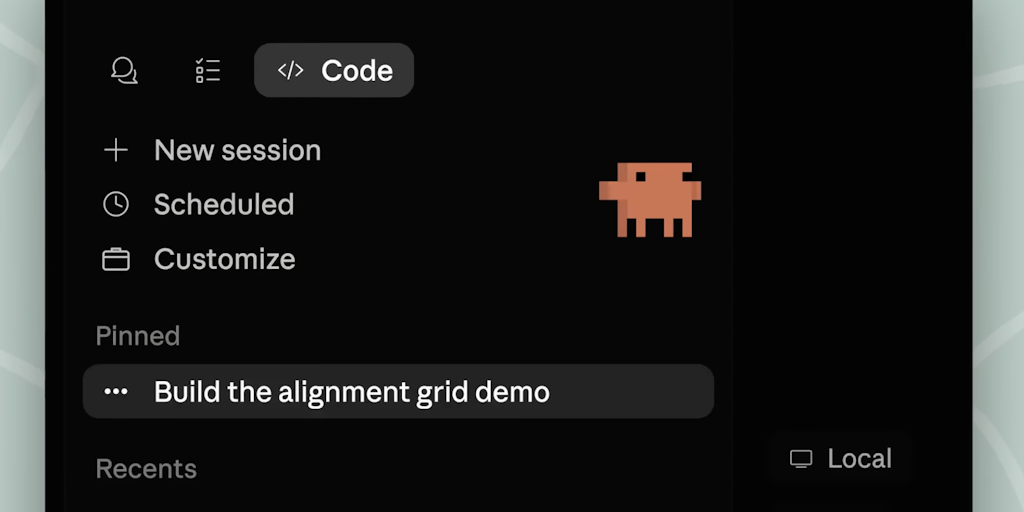
Claude Code Desktop App Redesigned for Parallel Agentic Coding
Claude Code has redesigned its desktop application to enable parallel agentic coding, allowing developers to run multiple coding sessions ac
 Product Hunt·2d ago
Claude Code Routines: Automate AI Development Workflows with Cloud-Based Execution
The article introduces Claude Code Routines, a feature that allows users to automate Claude Code configurations by creating saved routines t
 code.claude.com·2mo ago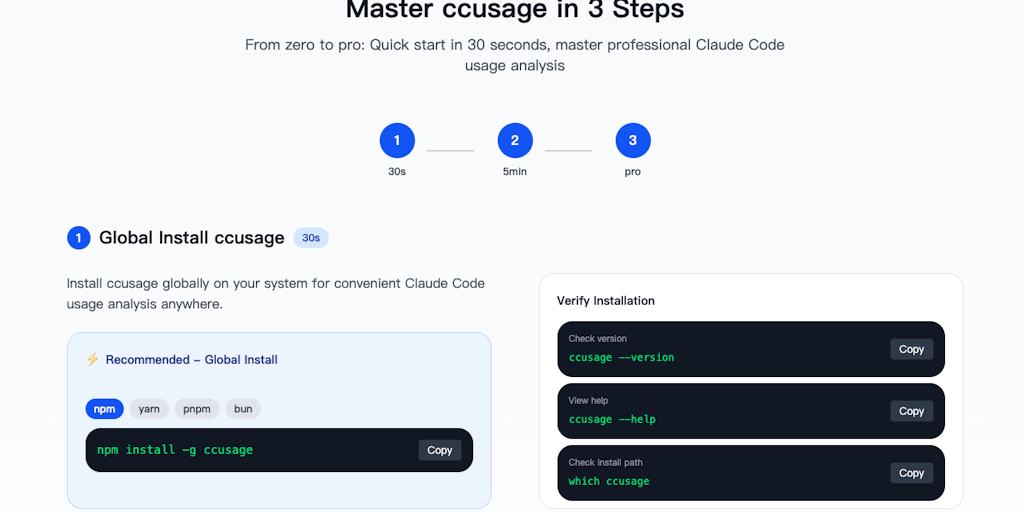
Guide to Using ccusage CLI Tool for Claude Code Token Usage Analysis
The article introduces ccusage, a command-line interface (CLI) tool for analyzing Claude Code token usage and costs. It provides tutorials a
Product Hunt·11mo ago
Testing Claude Code and Codex CLI for automating personal finance tracking
The author describes building a daily cron-job using Codex CLI (an AI coding tool) to automatically log into their bank, credit card, and br
 driggsby.com·1mo ago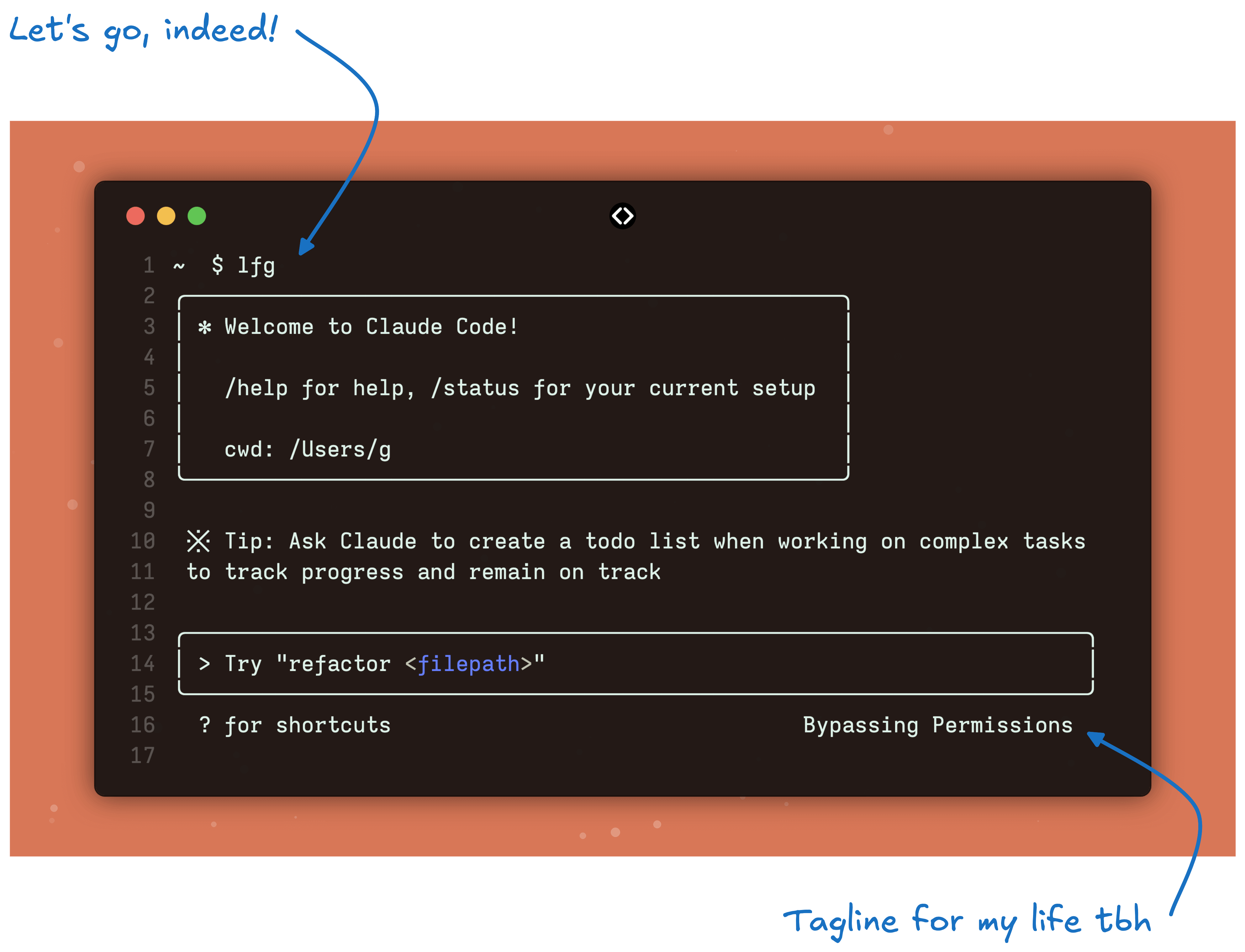
User Experience with Claude Code: A Seamless Workflow Integration
The author shares their positive experience with Claude Code, a tool that seamlessly integrated into their workflow compared to other altern
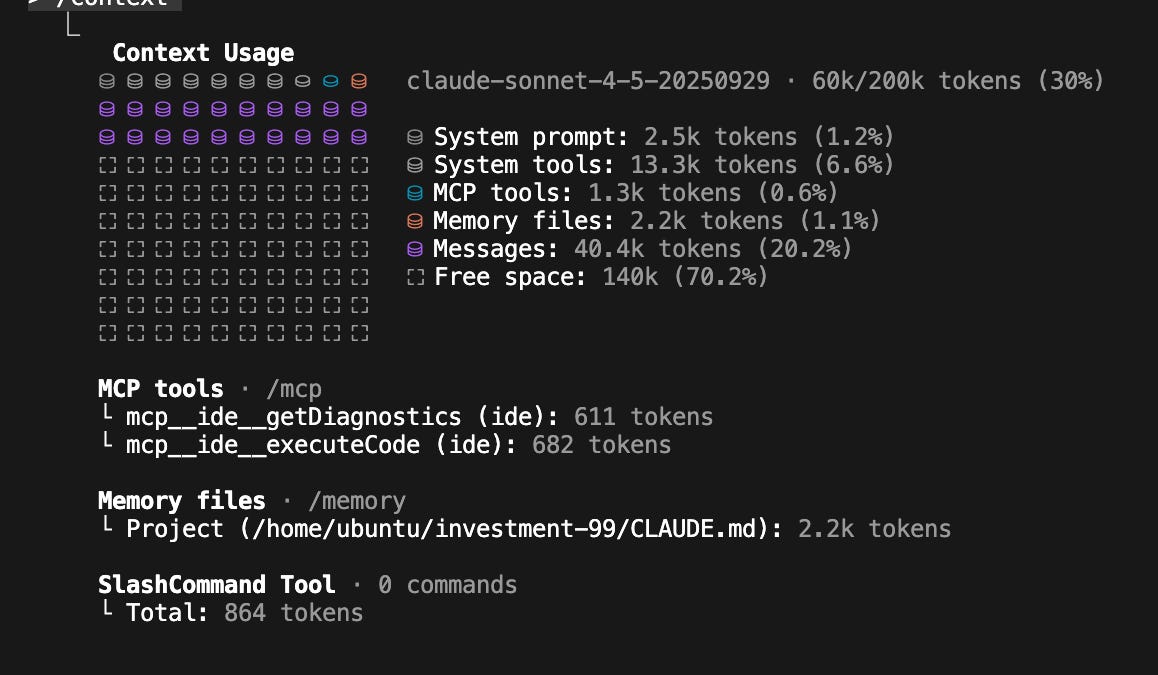
Practical Guide to Using Claude Code: Personal Experience and Professional Insights
The article is a comprehensive personal account of the author's extensive experience using Claude Code, an AI coding assistant. The author d
 blog.sshh.io·7mo ago