





















Remote Control: Continue Local Claude Code Sessions from Any Device
By
empressplay

Pure flour-power. Hearty enough to carry you through lunch.
Summary
Remote Control is a feature that allows users to connect to and continue local Claude Code sessions from any device, including mobile phones, tablets, or other computers. Unlike cloud-based Claude Code, Remote Control sessions run directly on the user's machine, keeping all processing and file interactions local while providing remote access through web and mobile interfaces. This enables users to start coding tasks at their desk and seamlessly continue them from other devices without moving data to the cloud.
Key quotes
· 5 pulledRemote Control connects claude.ai/code or the Claude app for iOS and Android to a Claude Code session running on your machine.
Start a task at your desk, then pick it up from your phone on the couch or a browser on another computer.
When you start a Remote Control session on your machine, Claude keeps running locally the entire time, so nothing moves to the cloud.
Unlike Claude Code on the web, which runs on cloud infrastructure, Remote Control sessions run directly on your machine and interact with your local filesystem.
Continue a local Claude Code session from your phone, tablet, or any browser using Remote Control.
You might also wanna read

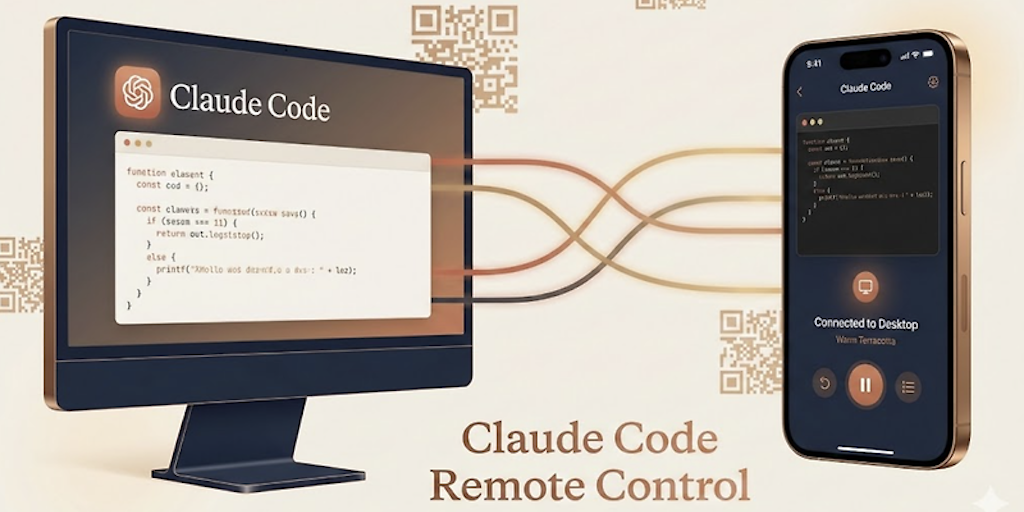
Claude Code Remote Control: Continue Local Coding Sessions from Any Device
The article introduces Claude Code Remote Control, a feature that allows developers to continue local coding sessions from any device. Users
 Product Hunt·3mo ago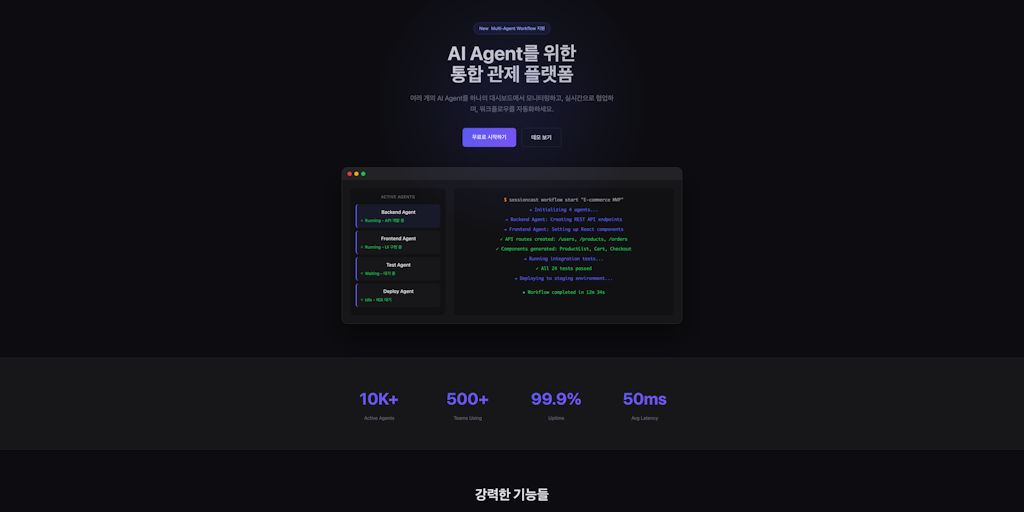
SessionCast: Remote Access Tool for Claude Code via Web Browser
SessionCast is a tool that enables remote access to Claude Code running on a local machine from any device via web browser. It eliminates th
Product Hunt·3mo ago
Anthropic Launches Claude Dispatch: Remote Task Control for Desktop AI via Mobile
Anthropic has launched Claude Dispatch, a feature that turns a user's mobile phone into a remote control for their desktop-based Claude AI.
 clawbeat.co·4d ago
Claude Code on the Web: Cloud-Based Development Environment Documentation
This documentation page covers Claude Code on the web, Anthropic's cloud-based development environment at claude.ai/code. It explains how cl
 code.claude.com·10h ago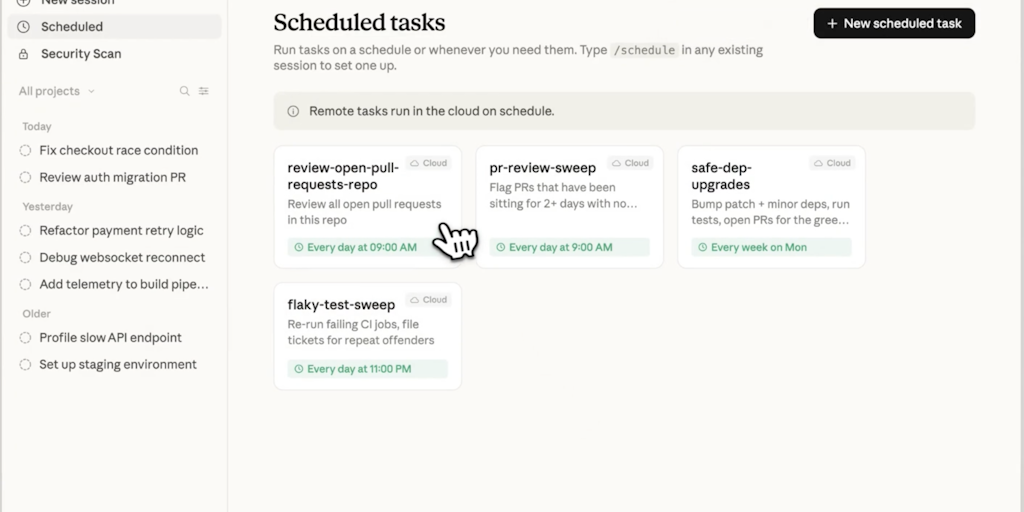
Claude Code Scheduled Tasks: Automate Recurring Coding Tasks Locally and in the Cloud
Claude Code Scheduled Tasks is a tool that enables developers to run recurring coding tasks across both local desktop and cloud environments
Product Hunt·2mo ago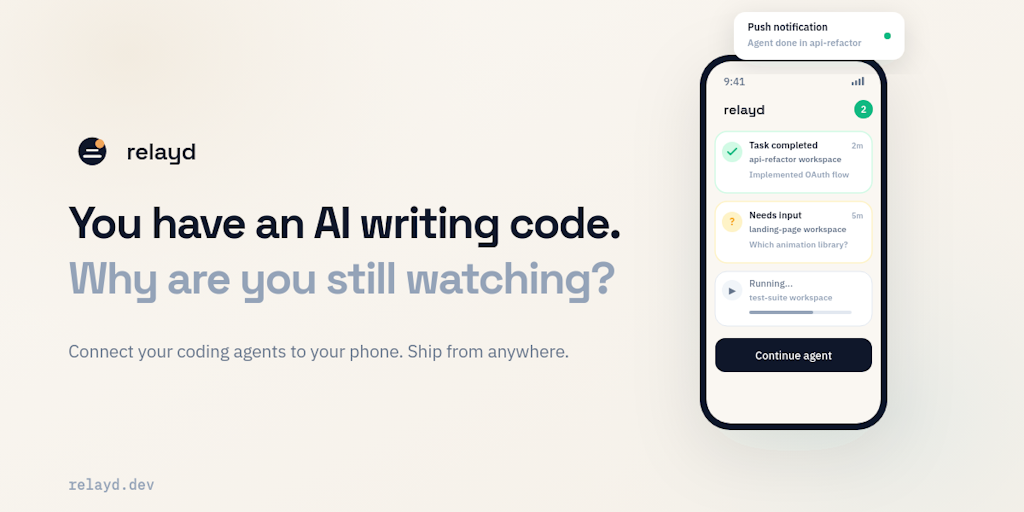
relayd: Remote Control Tool for Codex AI Coding Agents from Mobile Devices
relayd is a tool that enables remote control of Codex AI coding agents from mobile devices. Unlike monitoring tools that only provide alerts
Product Hunt·4mo ago