





















Optimizing OpenAI Transcriptions with Audio Speed-Up
By
georgemandis

Hand-rolled, kettle-boiled, baked to perfection. Worth every minute at the bakery.
Summary
To make OpenAI transcriptions faster and cheaper, the article suggests speeding up audio using tools like ffmpeg. This simple trick can reduce costs and waiting time with minimal impact on transcription quality.
Key quotes
· 3 pulledRun your audio through ffmpeg at 2x or 3x before transcribing it.
You’ll spend fewer tokens and less time waiting with almost no drop in transcription quality.
Here’s a script combining of all my favorite little toys and tricks to get the job.
You might also wanna read

How to Disable Firefox's Emoji Picker
This article explains how to disable the emoji picker that Mozilla added to Firefox 150, which uses the Ctrl + . (Control + period) keyboard
emsh.cat·1mo ago

Guide to Deleting Your OpenAI Account and Canceling Subscriptions
This article provides step-by-step instructions for deleting an OpenAI account through two methods: submitting a request via the Privacy Por
 help.openai.com·3mo ago
How to Cancel Your ChatGPT Subscription: Step-by-Step Guide
This article provides step-by-step instructions for canceling ChatGPT subscriptions, covering both personal subscriptions (via chatgpt.com w
help.openai.com·3mo ago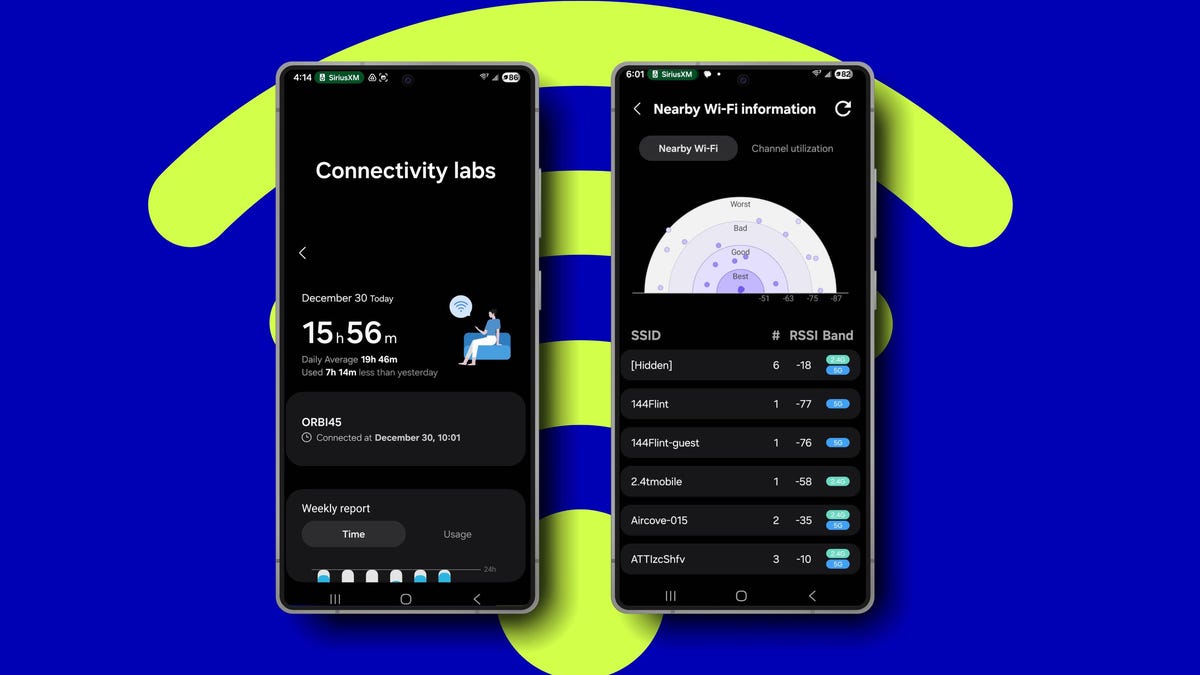
How to Access and Use Samsung's Hidden Connectivity Labs Menu for Better Wi-Fi Performance
This article explains how to access and use Samsung's hidden Connectivity labs menu on Galaxy phones, which contains advanced Wi-Fi networki
 zdnet.com·5mo ago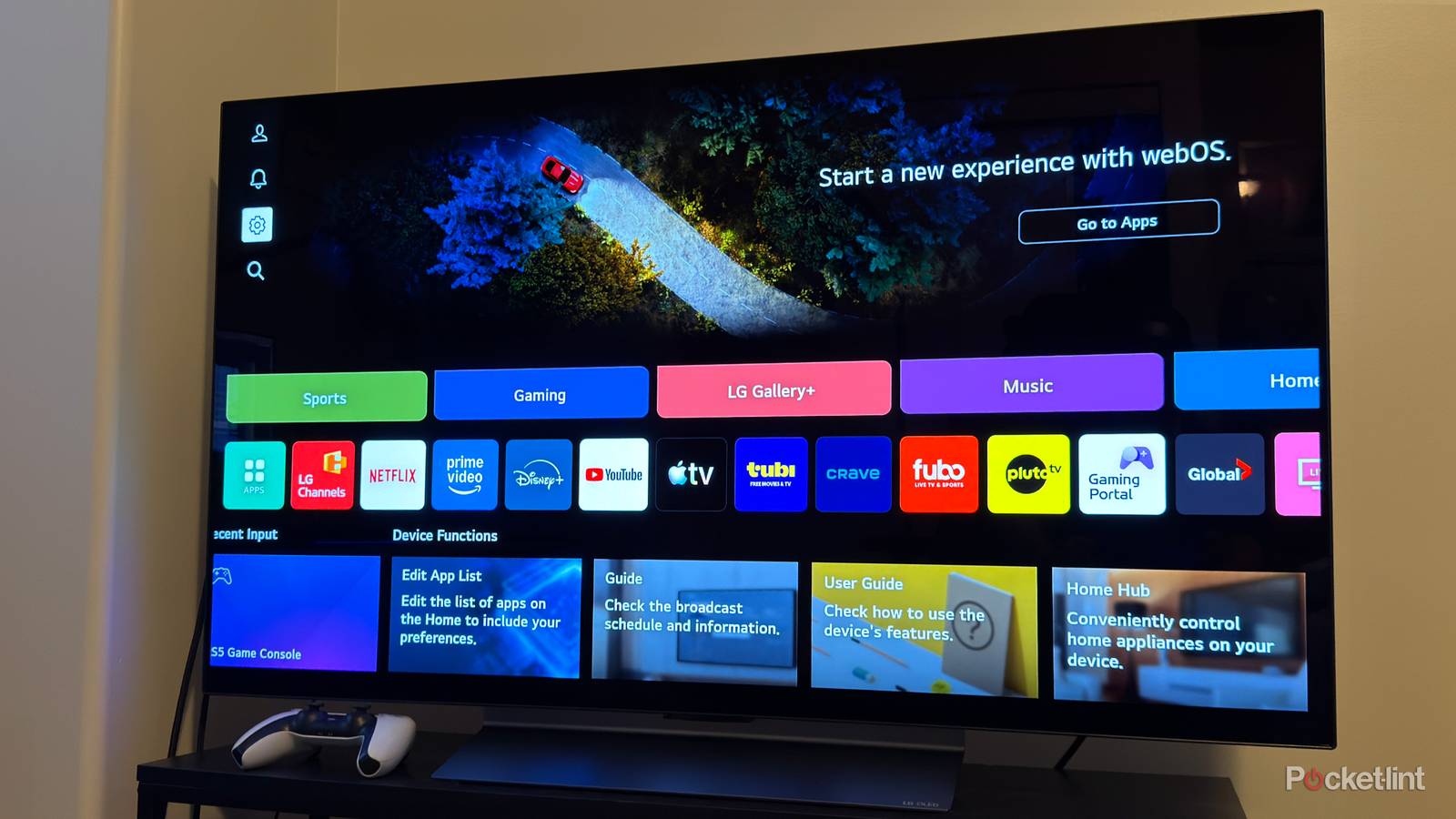
How LG Smart TVs Track Viewing Data and How to Disable It
The article reveals that LG smart TVs collect extensive viewing data through ACR (Automatic Content Recognition) technology, which tracks ev
 pocket-lint.com·5mo ago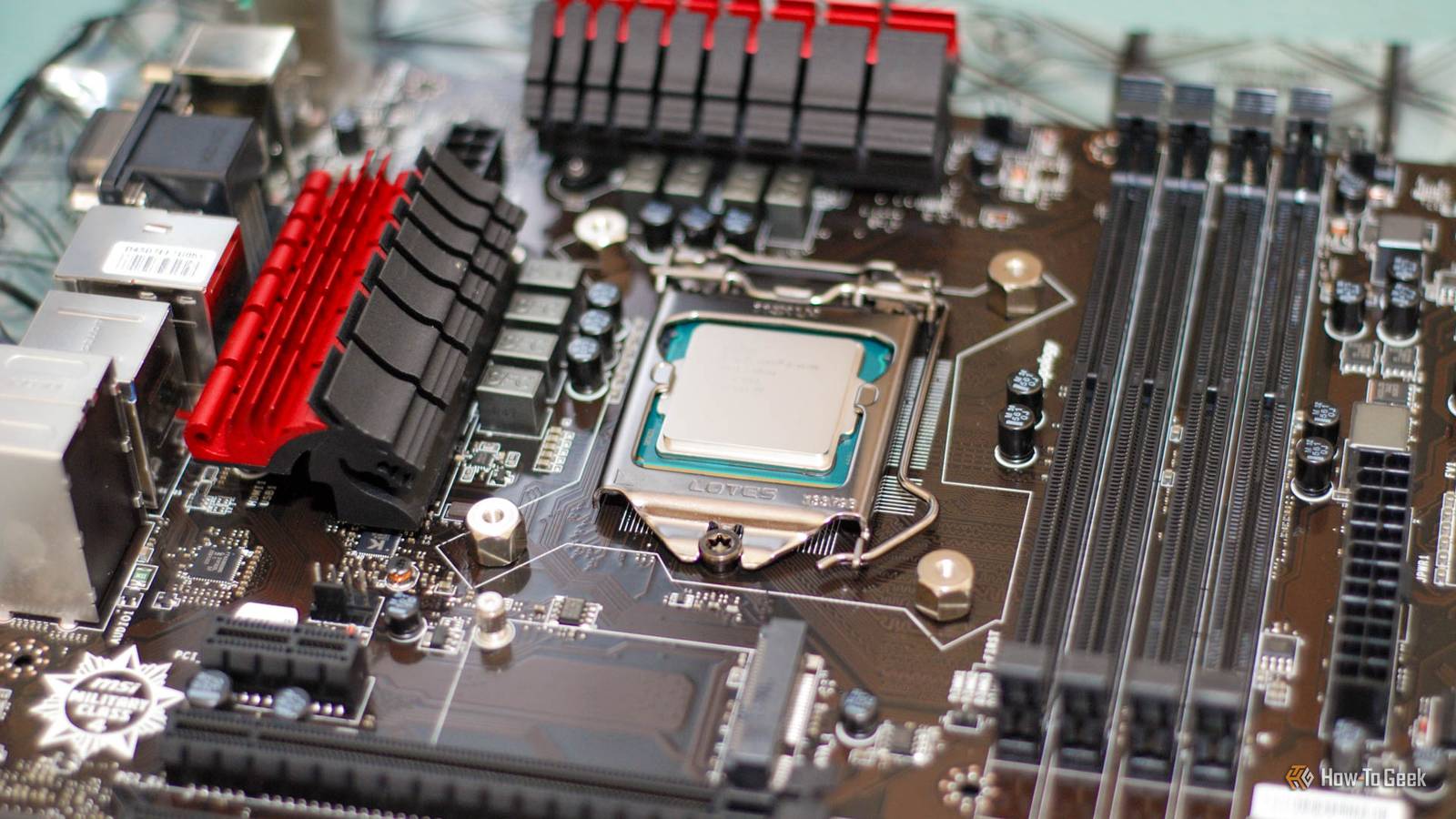
How to Repurpose an Old PC as a Cost-Effective NAS Solution
The article explains how to repurpose an old PC as a Network Attached Storage (NAS) device, arguing it's more cost-effective and flexible th
 howtogeek.com·6mo ago