





















How to Revert to Classic Search in Google Photos Instead of Using 'Ask Photos' AI
By
Sean Hollister
9mo ago· 2 min readen

65/100
Toasty
Bagelometer↗
Crackles when you bite it. Shows the baker did the work.
Score65Typehow-toSentimentneutral
Summary
The article discusses how users can revert to the classic search feature in Google Photos instead of using the new AI-powered 'Ask Photos' tool. It provides step-by-step instructions to disable the Gemini AI features and highlights the author's preference for the classic search due to its speed and simplicity.
Key quotes
· 3 pulledWhen Google rolled out its new AI-powered ‘Ask Photos’ search tool, I gave it a go — but after finding it slower, less helpful, and more confusing than the classic search, I always wound up pressing Google’s handy button labeled 'Switch to classic search' or 'Use classic search' instead.
You just want to search your archived photos, instead of interacting with an AI assistant.
Inside the app, tap the Google account button at top-right, then go to Photos settings > Preferences > Gemini features in Photos, and turn off either 'Search with Ask Photos' or 'Use Gemini in Photos'.
When Google rolled out its new AI-powered ‘Ask Photos’ search tool, you could easily switch back. It’s still possible.
You might also wanna read


How to Disable Google's AI Overviews and Restore Classic Search Results
Google's AI Overviews have been rolled out to all US users, replacing the traditional search results with AI-generated summaries. The articl
 cnet.com·1d ago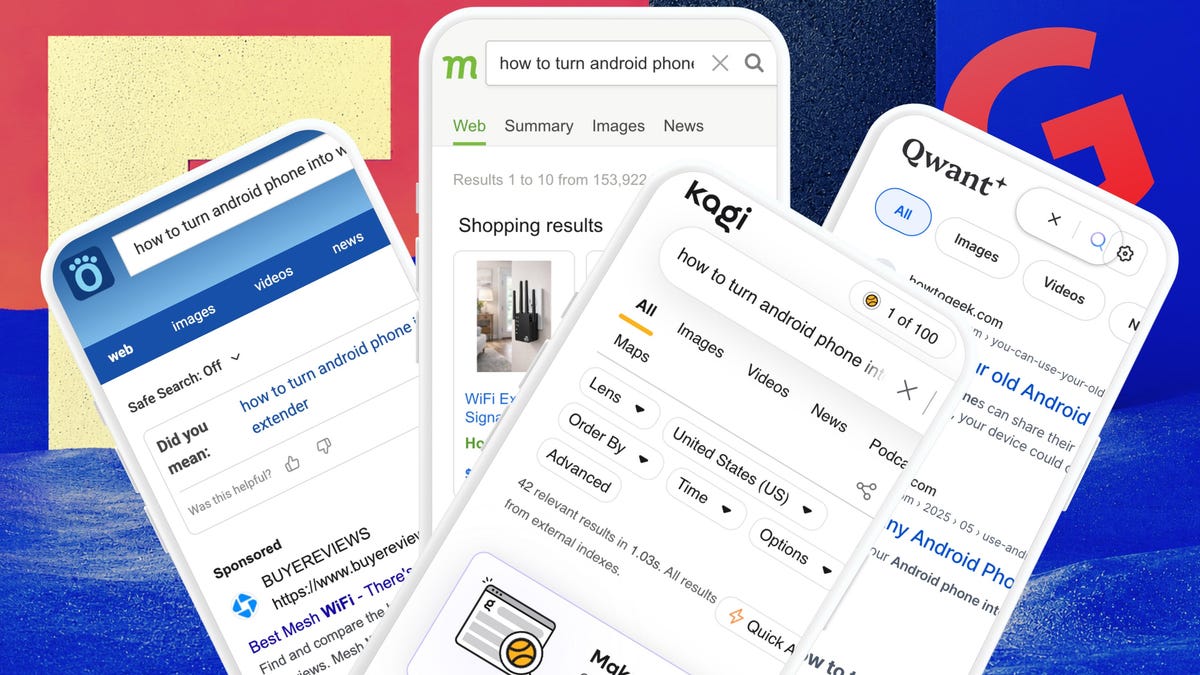
9 Google Search alternatives for users who want traditional links instead of AI Overviews
The article explores alternatives to Google Search for users frustrated with AI Overviews and AI Mode. The author, who is not anti-AI but va
 zdnet.com·5h ago