





















How to Limit CPU and RAM Usage in Linux: A Guide to cpulimit, cgroups, systemd, and ulimit
By
Ravi Saive

Pure flour-power. Hearty enough to carry you through lunch.
Summary
This article provides a practical guide for Linux users and system administrators on how to prevent and control high CPU and RAM usage by processes. It covers four main methods: cpulimit (for limiting CPU usage of a single process), cgroups (for resource management at the group level), systemd (for service-level resource limits), and ulimit (for user-level shell limits). The guide includes real-world examples and use cases such as backup jobs, software builds, and misbehaving applications, emphasizing proactive resource management over simply killing processes.
Key quotes
· 3 pulledA process suddenly consuming 99% of your CPU at 2 AM can turn a stable server into a slow, unresponsive mess.
The good news is that Linux gives you several ways to prevent this from happening before it becomes a problem.
In many cases, killing the process isn't the best solution. You may simply want to limit how much CPU or memory it can use so the rest of the system continues running normally.
You might also wanna read

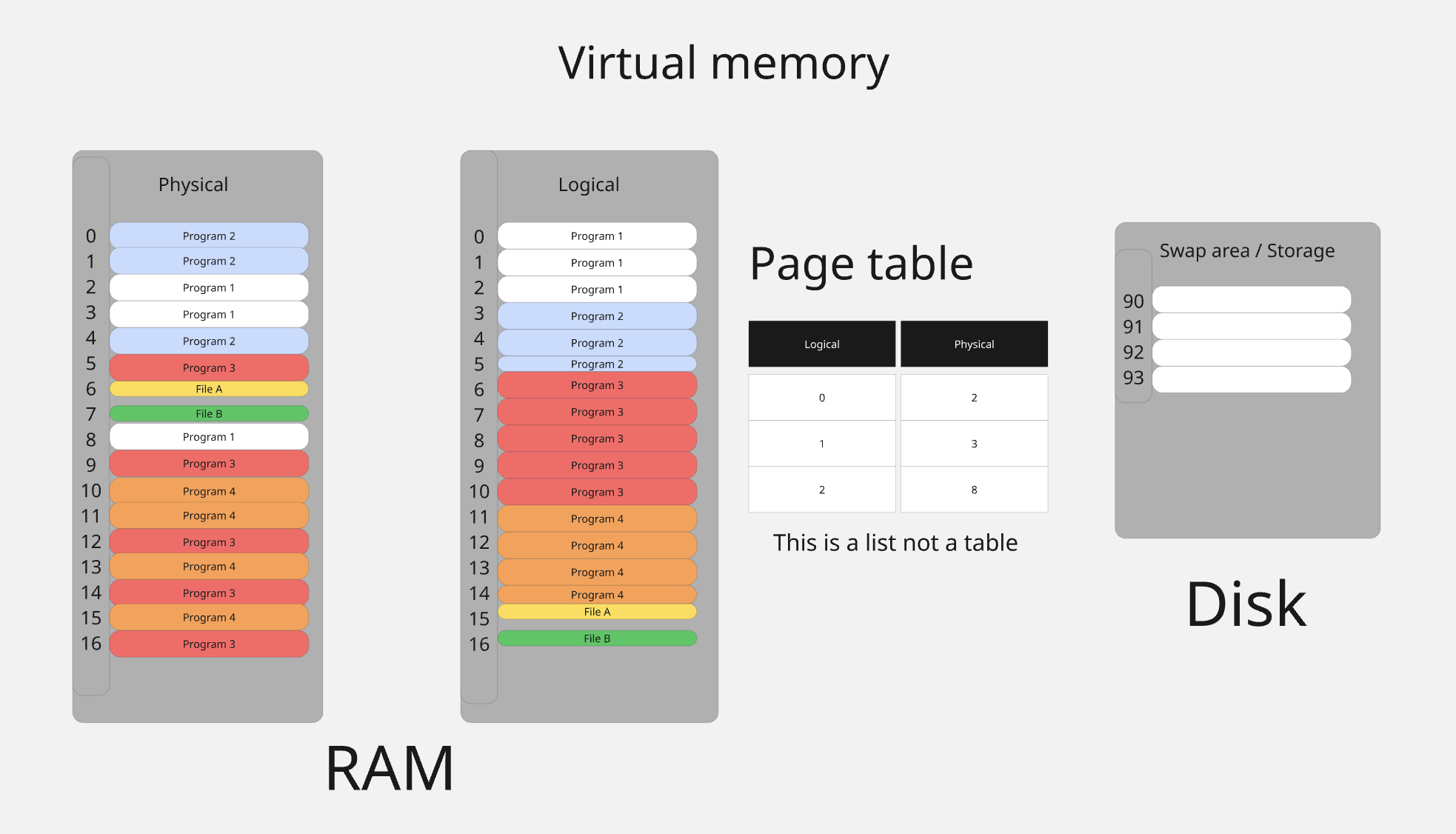
Understanding Linux Process Memory Management: Virtual Address Spaces and Page Tables
This article provides an educational deep dive into how Linux manages process memory, explaining the illusion of continuous memory that Linu
 0xkato.xyz·7mo ago
Systemd cgroup driver bug: containerd CPU quota calculation mismatch causes container creation failures
The article describes a technical bug in container orchestration systems where using the systemd cgroup driver with a CPU limit of 4096m cau
 github.com·7mo ago
Understanding Linux Memory Management: Page Faults, mmap, and userfaultfd
This technical article explores Linux memory management concepts including page faults, mmap system calls, and userfaultfd. The author expla
 shayon.dev·3mo ago
Linux kernel OOM killer discussion: protecting critical processes from memory pressure (2004)
A Linux kernel mailing list email thread from 2004 where Thomas Habets proposes a sysctl mechanism to protect specific processes (like xlock
 lwn.net·12d ago
Understanding Linux System Call Performance Overhead on x86-64 Architecture
This technical deep dive examines why system calls are expensive operations in Linux, particularly on x86-64 architecture. The article expla
 blog.codingconfessions.com·8mo ago
Challenges and Solutions for Clean Linux Thread Termination
This technical article explores the challenges of cleanly stopping Linux threads in long-running multi-threaded applications written in C/C+
 mazzo.li·8mo ago