





















How to change Claude models in Claude Code: /model command, --model flag, and environment variables
By
yrds96

Crispy enough to crunch, soft enough to enjoy. A good bake.
Summary
This guide explains three methods for changing the Claude model used with Claude Code: the /model command for instant changes within the terminal, the --model flag for one-time session changes, and environment variables for setting a permanent default model. The /model command is highlighted as the easiest method, allowing immediate model switching without restarting the terminal.
Key quotes
· 3 pulledThe simplest way to change models is to use the /model command directly within Claude Code.
This works immediately without restarting your terminal.
Your model change takes effect immediately.
You might also wanna read

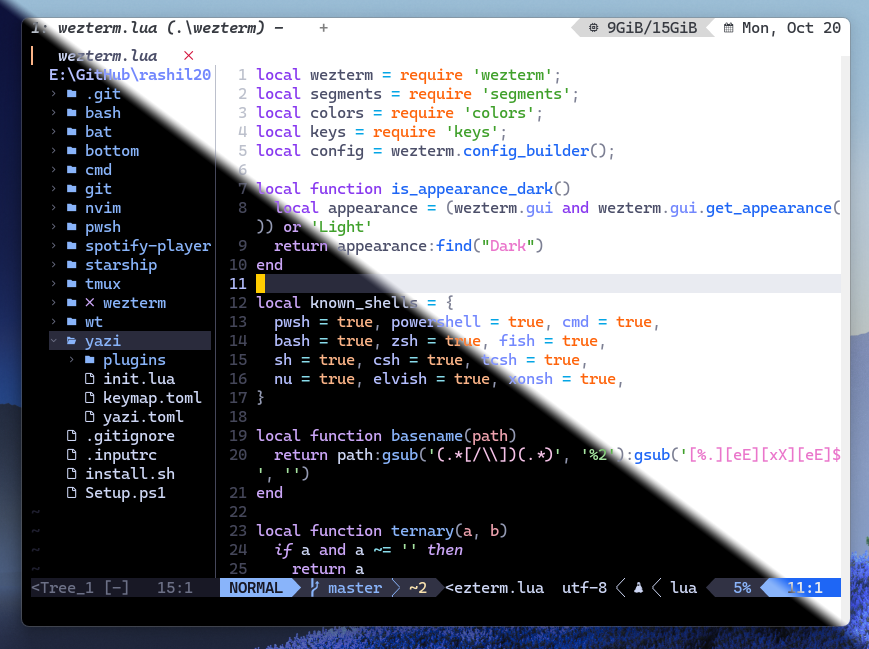
Comprehensive Guide to Configuring WezTerm Terminal Emulator
A detailed technical guide focused on configuring and customizing WezTerm, a terminal emulator, with obsessive attention to detail for power

Researcher's "ADHD" tool for Claude Code claims 2x improvement; experts call for more evidence
Solo researcher Udit Akhouri released a third-party Agent SDK tool called "ADHD" for Claude Code on Reddit, claiming it helps coding agents
 bit.ly·4h ago
Microsoft Foundry Skill: Reusable Guidance for Coding Agent Workflows
The Microsoft Foundry Skill is a meta-skill for coding agents that provides reusable guidance for Foundry agent workflows. It helps standard

Erlang Ecosystem Foundation Launches Central Company Registry
The Erlang Ecosystem Foundation has launched a new canonical company registry at registry.erlef.org. The registry aims to serve members, spo

aislop: Open-source CLI tool detects low-quality code patterns left by AI coding agents
aislop is an open-source CLI tool (MIT-licensed) that detects low-quality patterns left behind by AI coding agents like Claude Code, Cursor,
 github.com·2d ago
wterm: A DOM-based Web Terminal Emulator Powered by Zig and WebAssembly
wterm is a web-based terminal emulator that renders directly to the DOM, providing native text selection, copy/paste, find functionality, an
 wterm.dev·2d ago