





















Heirloom Apps: Modernized Program and File Manager for Windows
By
electroly

Slow-proofed and worth the wait. Worth its weight in flour.
Summary
Heirloom apps are modernized versions of the classic Program Manager and File Manager for Windows, offering alternatives to the Start menu and File Explorer. Both apps are free and open source, with licenses from Microsoft Corporation and Brian Luft.
Key quotes
· 3 pulledAn alternative to the Start menu for launching shortcuts. This is a reimplementation of the classic Program Manager.
Browse, organize, and manipulate files. An alternative to File Explorer for basic tasks.
These apps are free and open source.
You might also wanna read


AI company logos and their unintended anatomical resemblances: A Feedback column
A humorous Feedback column from New Scientist that observes the proliferation of AI company logos and notes a blogger's observation that man
 newscientist.com·10h ago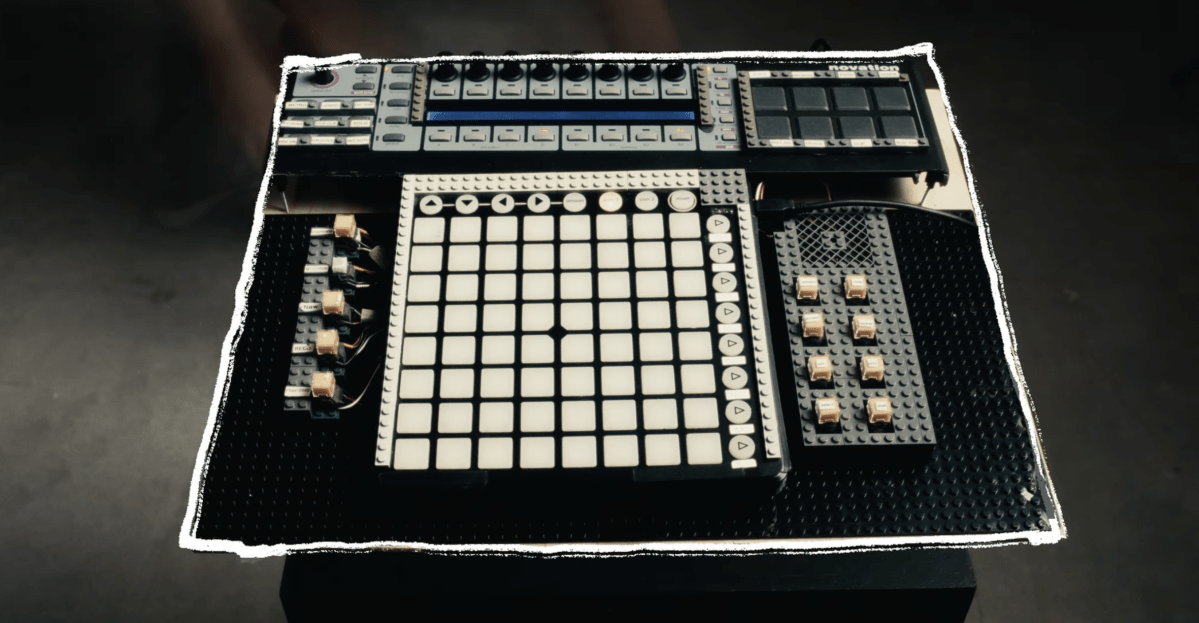
Ableton Push prototype was built from Lego bricks and scavenged music gear parts
Ableton's Push controller was originally prototyped by designer Jesse Terry using Lego bricks and parts scavenged from other music gear. Ter
 theverge.com·10h ago
Interior Design Portfolio Brochure Template Review: Tom Sarraipo's 26-Page InDesign Layout
A review and analysis of Tom Sarraipo's 26-page interior design portfolio brochure template for Adobe InDesign. The article highlights how t
 weandthecolor.com·13h ago
Ferrari launches first electric hypercar 'Luce' designed by Jony Ive and Marc Newson
Ferrari is undergoing a historic transformation by launching its first fully electric hypercar, the "Luce" (or "Ferrari E"), designed in col
 ft.com·14h ago
Bonsai Image 4B: Compact Image Generation Models for Local Devices
Bonsai Image 4B is a family of compact image-generation models released by the company, designed to run high-quality diffusion inference on
 prismml.com·17h ago
Study Documents Manipulative 'Dark Patterns' Used by AI Chatbots to Exploit Users
A new study by the Center for Democracy & Technology examines how AI chatbots like ChatGPT, Gemini, and Replika employ manipulative "dark pa
 404media.co·20h ago