





















Guide to Creating a Tailwind-Ready Color System in Figma for Design Systems
By
Elizabeth Alli
11mo ago· 1 min readen

75/100
Toasty
Bagelometer↗
Toasted just enough. A reliable bake, gently seasoned.
Score75Typehow-toSentimentpositive
Summary
This tutorial guides on creating a Tailwind-ready color system in Figma for a design system, addressing the challenge of incorporating existing colors and catering to developers using Tailwind.
Key quotes
· 3 pulledI was a bit stuck on creating a color system for the design system of a product I’m working on.
I found a lot of tutorials on generating color styles, using a plugin or borrowing from an existing design system.
This is my comprehensive tutorial on how to create a color system from scratch using Tailwind, Styles and Variables in Figma (that developers won't hate)!
This is my comprehensive tutorial on how to create a color system from scratch using Tailwind, Styles and Variables in Figma (that developers won't hate)!
You might also wanna read

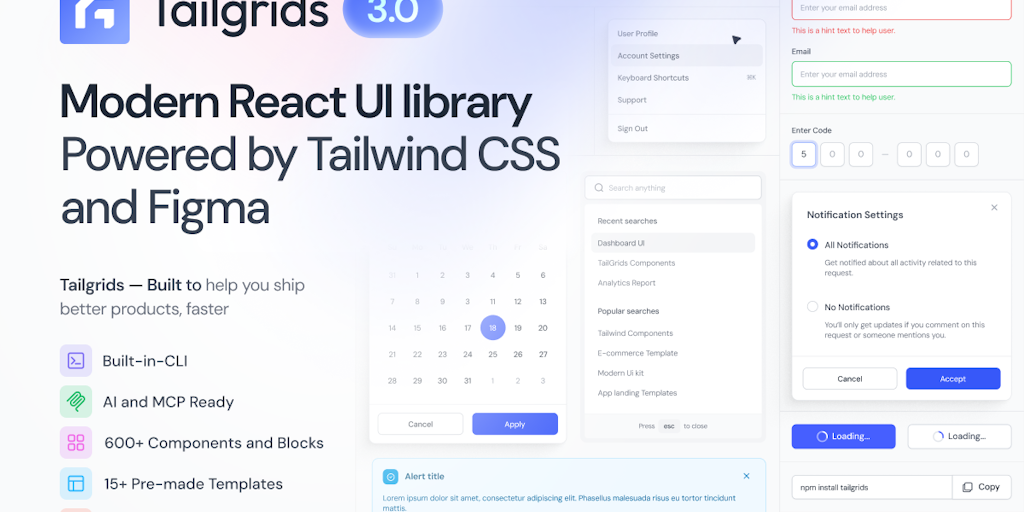
Tailgrids 3.0: Open-Source React UI Library with 600+ Tailwind Components and Figma Integration
Tailgrids 3.0 is an open-source React UI library and design system built with Tailwind CSS and Figma. It offers 600+ components, blocks, and
 Product Hunt·1mo ago
Building a Localization-Ready Design System: A Case Study on Figma Variables and Design Tokens
This case study explores how designers Rebecca and Mark built a localization-ready design system for global audiences using Figma Variables
 Smashing Magazine·1y ago
Tailkits: Comprehensive Tailwind CSS v4-Ready Templates and Components Collection
Tailkits is a comprehensive collection of Tailwind CSS templates and components that are ready for Tailwind CSS v4. The platform offers over
Product Hunt·7mo ago