





















Windows System Optimization Utility: Features and Usage Instructions
By
janandonly

Crisped on the outside, thoughtful enough on the inside.
Summary
A Windows utility tool that offers system optimization, debloating, and customization features through PowerShell commands. The tool includes modules for installing applications via WinGet, applying performance tweaks, managing Windows updates, and configuring system profiles. The article warns users about potential risks and lack of support while providing usage instructions and purchase options for an executable version.
Key quotes
· 4 pulledImportant: Use at your own risk. Misuse can break your system, and no support is provided.
Run in an elevated PowerShell (Run as Administrator)
Purpose: Improve usability and performance without hurting stability.
The disable update has been revamp
You might also wanna read

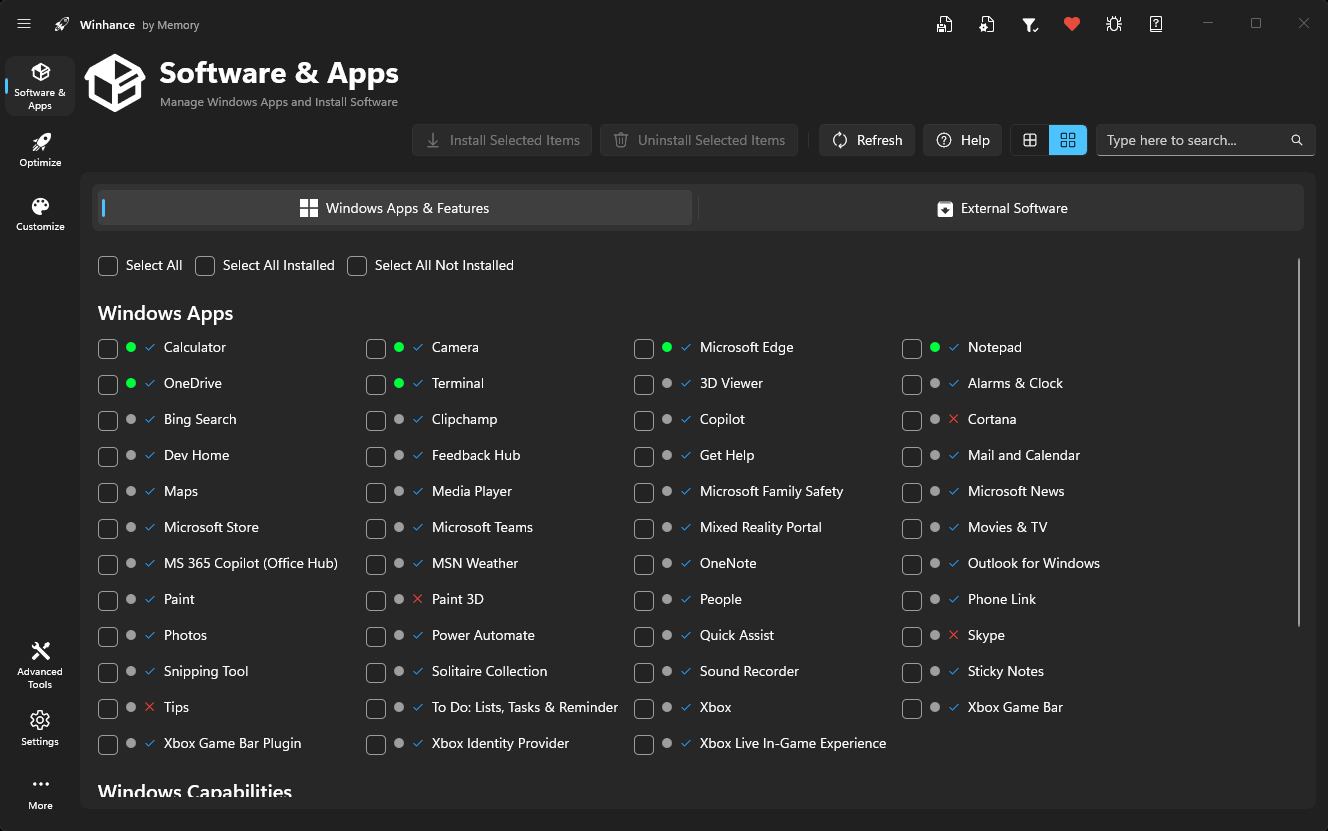
Winhance: A Windows Debloating and Optimization Utility Tool
Winhance is a Windows utility tool that allows users to debloat, optimize, and customize their Windows 10 or 11 systems. The article present
 winhance.net·3d ago
Testing Microsoft's Free PC Manager: Can One Click Really Speed Up a Slow Windows PC?
Microsoft's free PC Manager app promises to speed up slow Windows PCs with a single click, offering memory management, storage cleanup, and
 pcmag.com·9h ago