





















Why Text-to-Speech Technology for Blind Screen Reader Users Hasn't Changed in 30 Years
By
tuukkao

Hand-rolled, kettle-boiled, baked to perfection. Worth every minute at the bakery.
Summary
The article discusses how text-to-speech (TTS) technology for blind screen reader users has remained largely unchanged for 30 years, contrasting with the rapid advancement of TTS for sighted users. It explains that this stagnation is intentional because blind users have different needs: they prioritize speed, clarity, predictability, and efficiency over natural-sounding voices. Blind users often prefer robotic-sounding voices that can be understood at extremely high speeds (800-900 words per minute), compared to the average speaking rate of 200-250 words per minute. The article explores the reasons behind these different requirements and the implications for TTS development.
Key quotes
· 4 pulledIf you're not a screen reader user yourself, you might be surprised to learn that the text to speech technology used by most blind people hasn't changed in the last 30 years.
The needs of a blind text to speech user are vastly different than those of a sighted user.
While sighted users prefer voices that are natural, conversational, and as human-like as possible, blind users tend to prefer voices that are fast, clear, predictable, and efficient.
This results in a preference among blind users for voices that sound somewhat robotic, but can be understood at high rates of speed, often upwards of 800 to 900 words per minute.
You might also wanna read


Using Figma Variables to Test Font Scaling for Accessibility in Design Workflows
The article discusses how Figma variables can be used to integrate accessibility testing for font scaling directly into design workflows, ma
 Smashing Magazine·2mo ago
Accessibility Features Are Widely Used Beyond Traditional Disability Contexts
The article challenges the common misconception that accessibility features are only for people with permanent disabilities. It argues that
 protovate.com·2mo ago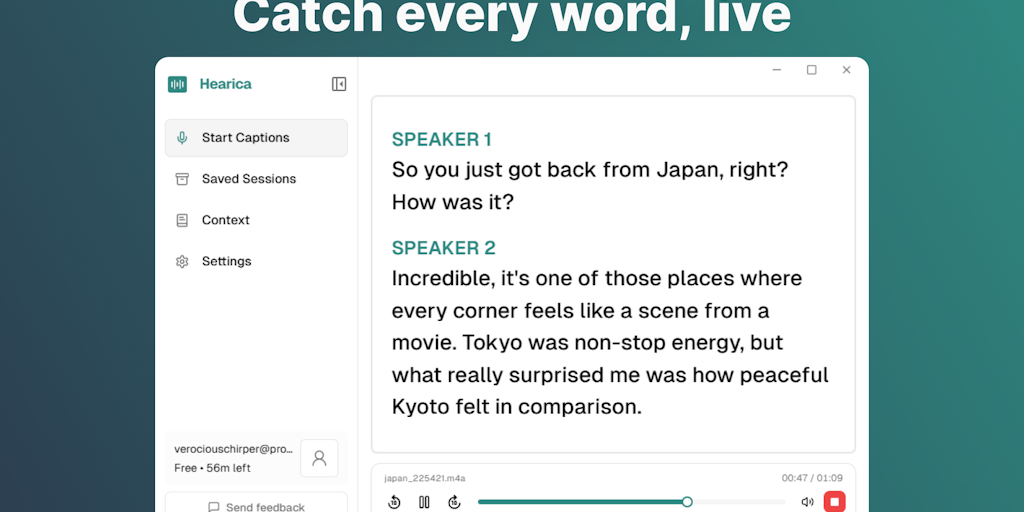
Hearica: System-Wide Real-Time Captioning Tool for Computer Audio
Hearica is a computer captioning tool that works across all applications, transcribing any audio in real-time with a floating overlay. It of
 Product Hunt·3mo ago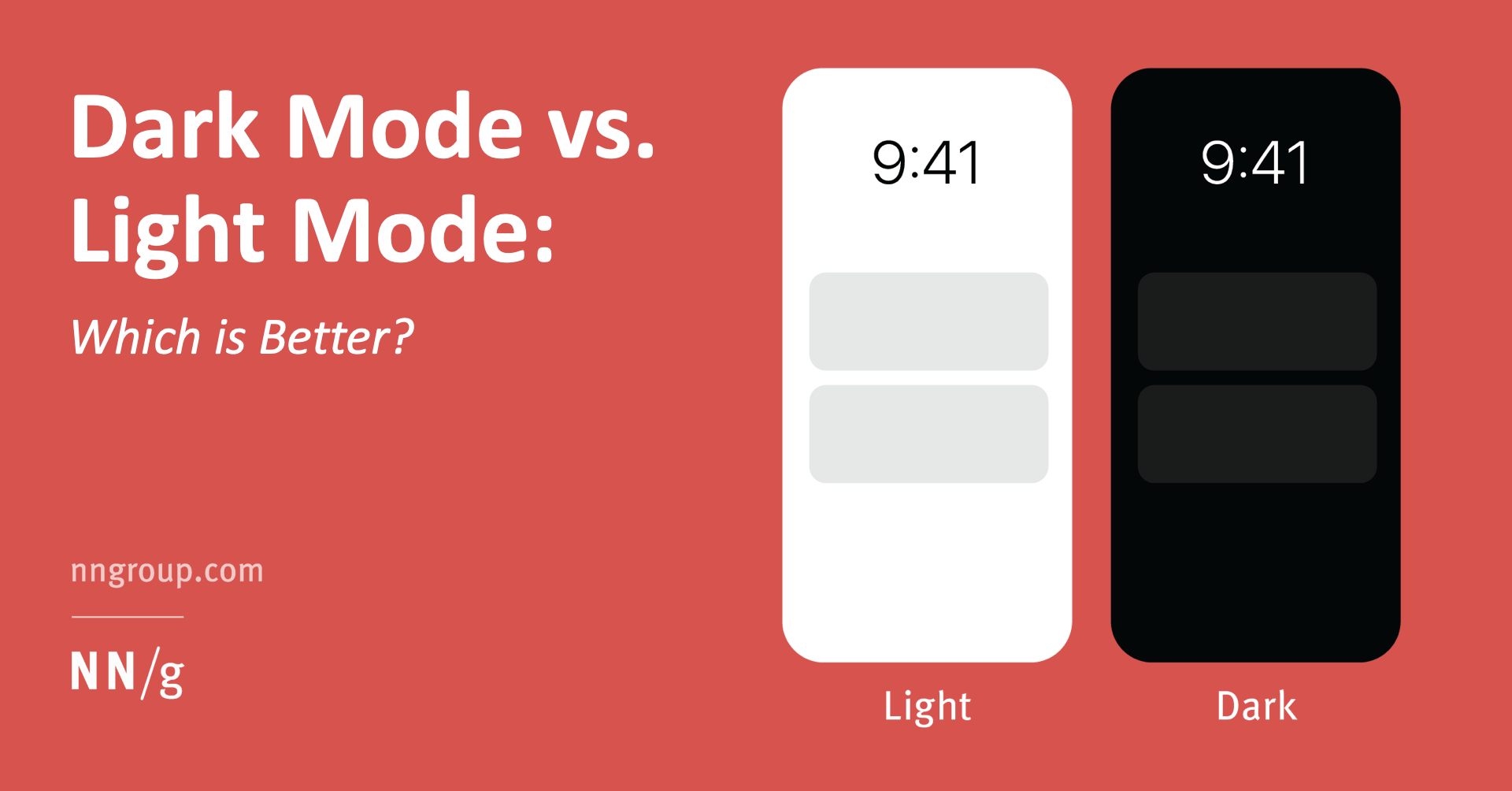
Dark Mode vs. Light Mode: Visual Performance and Health Considerations
The article examines the debate between dark mode and light mode interfaces, analyzing which is better for different users. It finds that fo
 nngroup.com·4mo ago
UX Design Guidelines for Creating Accessible Experiences for Deaf People
This article provides practical UX design guidelines for creating accessible digital experiences for deaf people and those with hearing loss
Smashing Magazine·5mo ago
"Accessible UX Research" eBook Now Available from Smashing Magazine
Smashing Magazine announces the release of "Accessible UX Research," a new eBook by Michele A. Williams that provides practical guidance for
Smashing Magazine·5mo ago