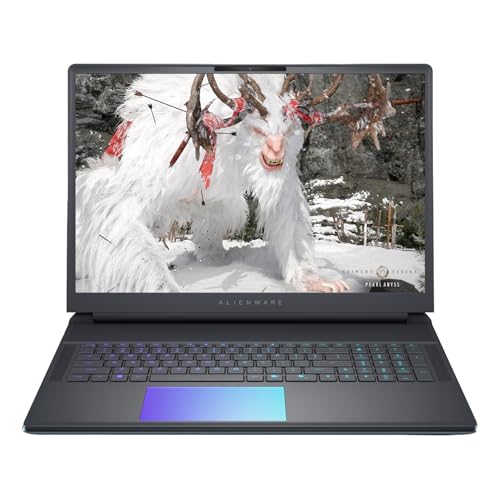
Laptop Buying Guide for Photography and Video Editing: Key Specs to Consider
By
May 27th 2026
3d ago· 2 min readenInsight

65/100
Toasty
Bagelometer↗
Toasted to a respectable shade. No regrets, no crumbs left.
Score65TypeanalysisSentimentneutral
Summary
Mikah Sargent on Hands-On Tech breaks down the essential specifications to look for when buying a laptop for photography and video editing. The article covers why photo and video editing software like Lightroom, Photoshop, and Topaz Video AI place heavy demands on both CPU and GPU, and warns that not all laptops are built to handle these workloads. It provides guidance for power users handling thousands of photos and demanding video processing tasks.
Key quotes
· 3 pulledThe right laptop can transform your workflow if you handle thousands of photos and demanding video processing.
Photo and video editing software—like Lightroom, Photoshop, and especially Topaz Video AI—make big demands on both CPU and GPU.
Not all laptops are built to handle these, and choosing the wrong GPU can be a costly mistake.
On Hands-On Tech, Mikah Sargent outlines what to look for in a new laptop for power users working applications such as Lightroom, Photoshop, and Topaz Video AI.