





















The Challenges of Combining Plain Text and Visuals in Writing
By
bpierre

Master baker tier. Every paragraph earns its place on the tray.
Summary
The article discusses the author's preference for plain text and the challenges of integrating drawings or visuals into plain text workflows. The author highlights the inconvenience of switching between apps and the resulting loss of simplicity when using proprietary formats for visuals.
Key quotes
· 3 pulledI like plain text. I also like doodling while I write. Some things are just easier to explain with a picture.
But if I need to draw a picture today, I need to stop writing plain text, pick an app, dismiss a couple of dialogs or tours of new features in front of my face, think about all the ways it's acting for its creators rather than for me.
I end up with some bloated format that only one or two apps can open.
You might also wanna read

Tomoshibi: A Minimalist Writing App Where Text Gradually Fades to Prevent Over-Editing
Tomoshibi is a minimalist writing application designed to help writers overcome perfectionism and writer's block by making text gradually fa
 tomoshibi.in-hakumei.com·3mo ago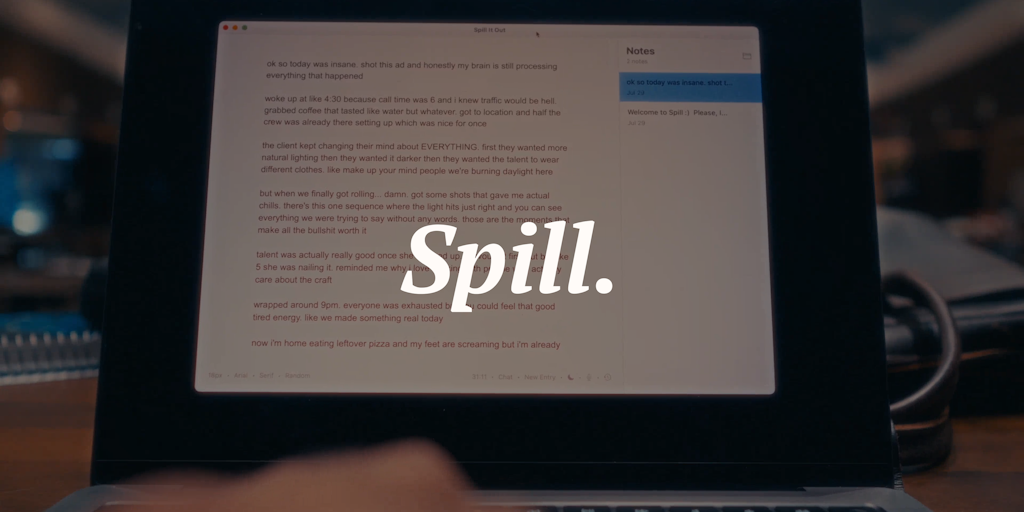
Introducing Spill: A Minimalist Freewriting App for Distraction-Free Writing
Spill is a minimalist freewriting app designed to help users express their thoughts in a distraction-free environment. It includes a voice m
 Product Hunt·10mo ago
Retrotype/Monotype: A distraction-free Mac writing app that emulates a typewriter experience
Retrotype (also called Monotype) is a Mac-focused, offline-first writing tool designed to emulate the experience of using a real typewriter.
 Product Hunt·10mo ago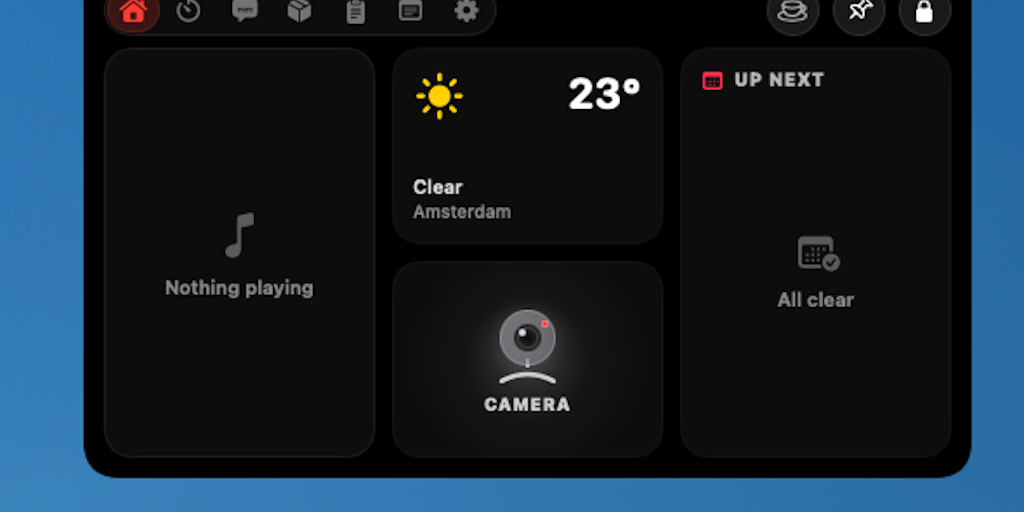
Notchy: Free macOS app turns MacBook notch into Dynamic Island with music, timers, and clipboard features
Notchy is a free, native macOS app that transforms the MacBook notch into a Dynamic Island-like interface, similar to the iPhone's feature.
Product Hunt·3d ago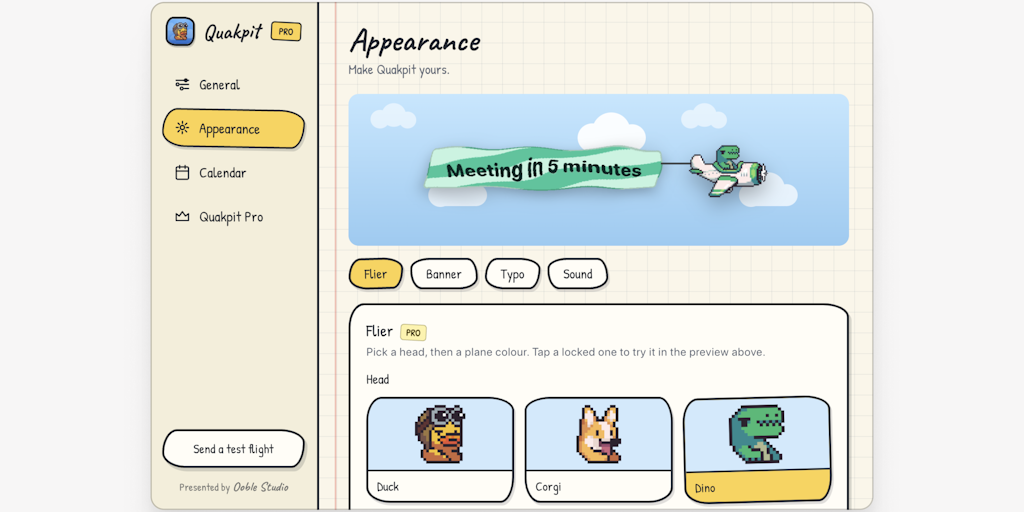
Quakpit: A macOS app that replaces meeting reminders with animal-piloted planes
Quakpit is a free, open-source macOS menu bar app that replaces boring meeting notification popups with a fun, animated animal-piloted plane
Product Hunt·6d ago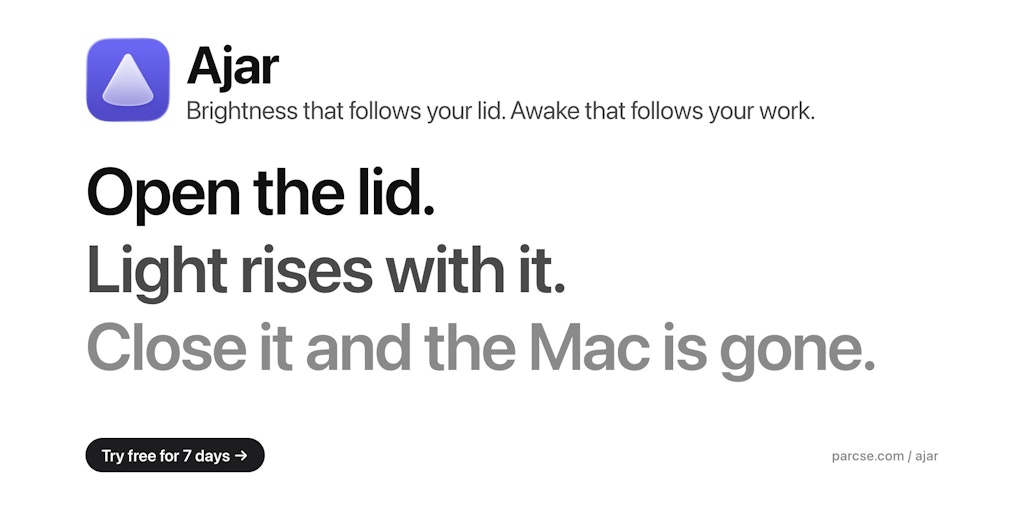
Ajar: Mac Utility That Maps Lid Angle to Brightness, Volume, and Keyboard Backlight
Ajar is a Mac utility that turns the MacBook's lid angle into a functional input. It offers two main features: Lid Angle Sync, which adjusts
Product Hunt·6d ago