





















Why you should avoid third-party PC cleanup tools and what to do instead
By
Monica J. White

An everything bagel for the brain. Substantive, layered, well-seasoned.
Summary
This article warns users against relying on third-party PC cleanup tools (like CCleaner, CleanMyPC, etc.) to free up storage space. It explains that these tools often cause more harm than good by deleting important files (cache, temp files, browser data) that actually improve performance, and can even break applications or system functionality. The article provides safer, manual alternatives for cleaning up storage, including using built-in Windows tools like Disk Cleanup, Storage Sense, uninstalling unused apps, clearing temporary files manually, and managing large files. It emphasizes that modern Windows and macOS systems manage storage efficiently on their own, and that aggressive cleaning can degrade performance rather than improve it.
Key quotes
· 5 pulled'Cleanup tools often delete files that are actually useful, like browser caches that speed up your browsing experience.'
'The built-in Disk Cleanup tool in Windows does a better job than most third-party cleaners without the risk of breaking something.'
'If you really want to free up space, uninstalling old applications you no longer use is far more effective than running a cleaner.'
'Many of these tools use scare tactics, showing you 'junk files' that are actually helping your system run faster.'
'Modern operating systems are designed to manage storage efficiently—interfering with that process can actually slow down your PC.'
You might also wanna read

macOS Command-Line Tool for Freeing Disk Space by Cleaning Caches, Logs, and Junk Files
mac-cleaner-cli is a free, open-source command-line tool for macOS that helps users free up disk space by removing unnecessary files. It sca
 github.com·6mo ago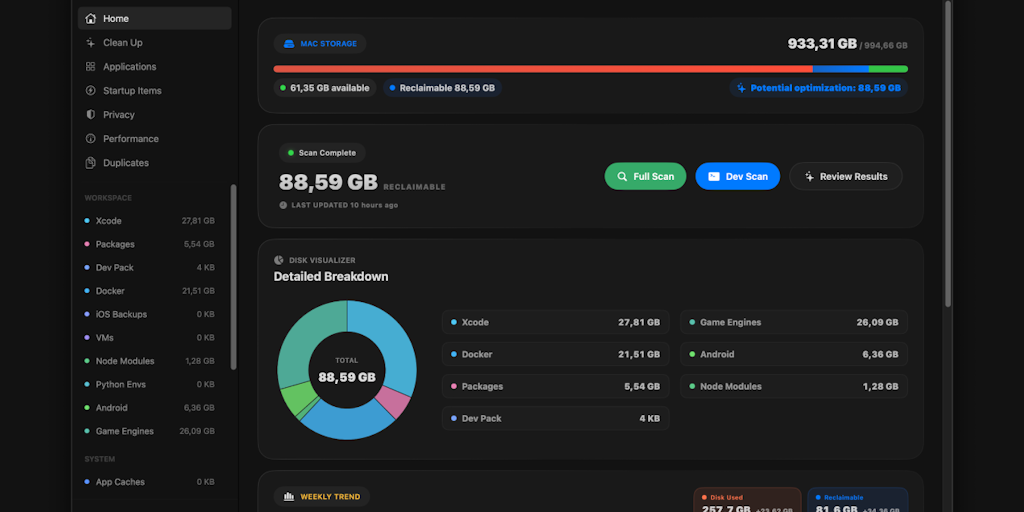
Room Service: A Mac Cleaner Tool Designed Specifically for Developers
Room Service is a Mac cleaner tool specifically designed for developers that helps them identify and clean various types of disk clutter inc
 Product Hunt·2mo ago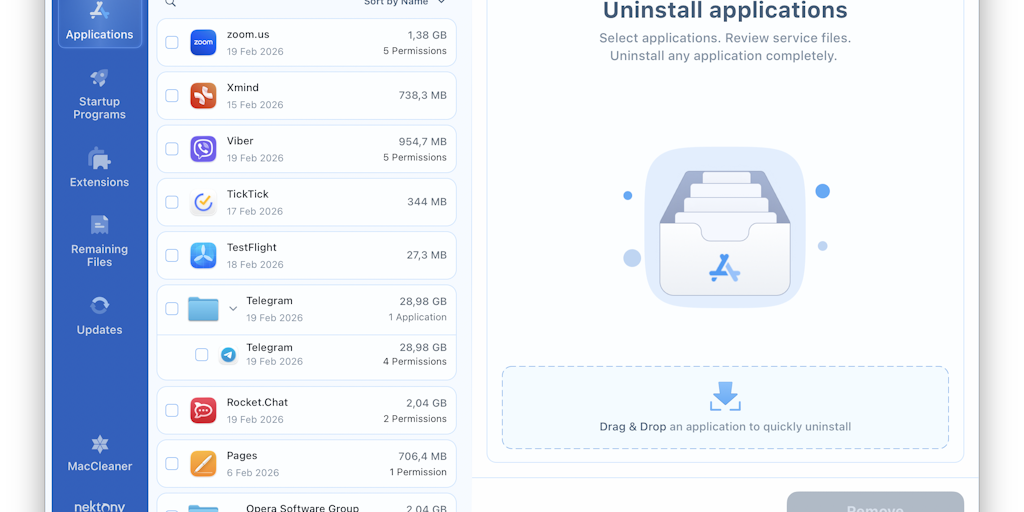
App Cleaner & Uninstaller: Comprehensive Mac Application Management Tool
App Cleaner & Uninstaller is a comprehensive Mac application management tool that allows users to completely uninstall apps without leftover
Product Hunt·3mo ago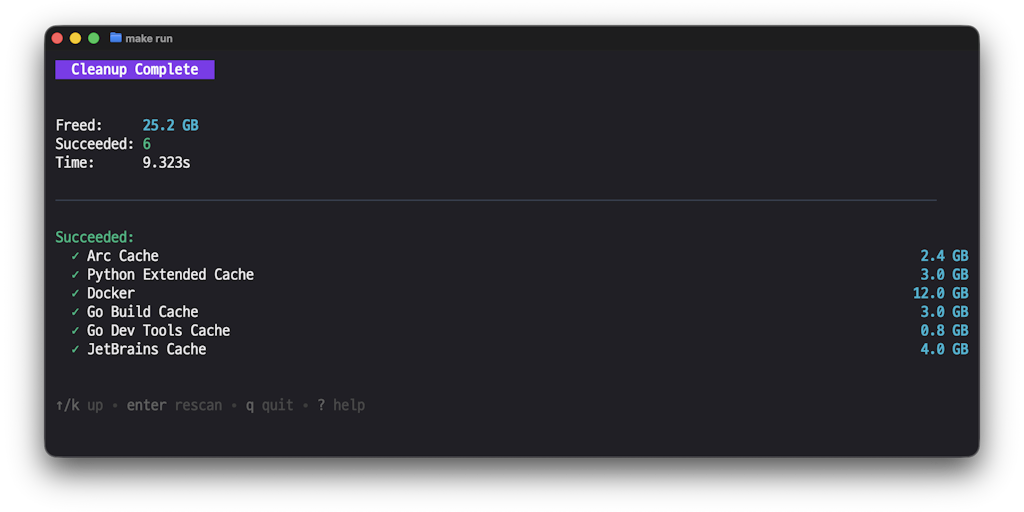
Mac Cleanup Go: Open-Source Terminal-Based macOS Cleaner with Transparent File Management
Mac Cleanup Go is an open-source, terminal-based macOS cleaner that provides transparent file cleanup by showing users exactly what files it
Product Hunt·4mo ago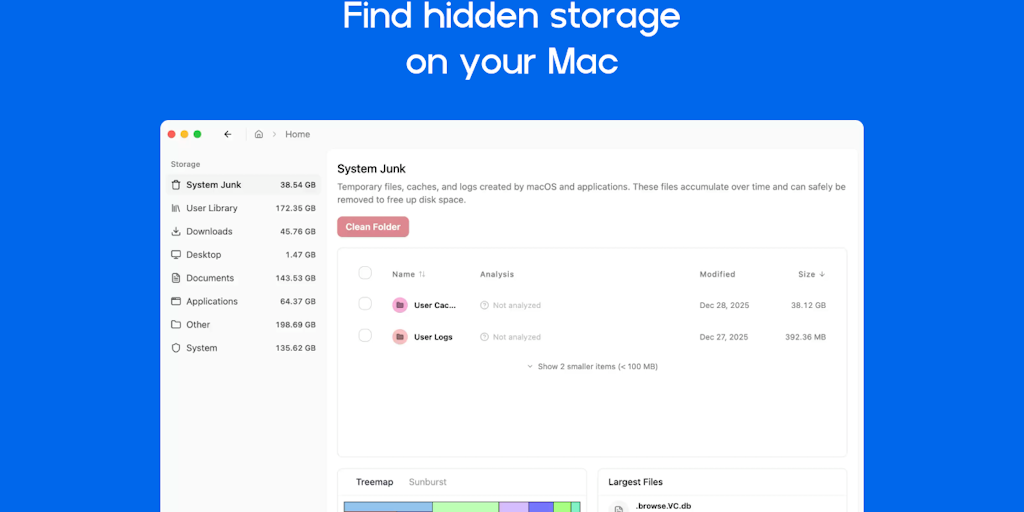
FreeUpMyMac: A Lifetime License Disk Cleaner for Mac System Data Management
FreeUpMyMac is a Mac disk cleaner application designed to solve the "System Data" storage problem by identifying and removing cache, logs, a
Product Hunt·5mo ago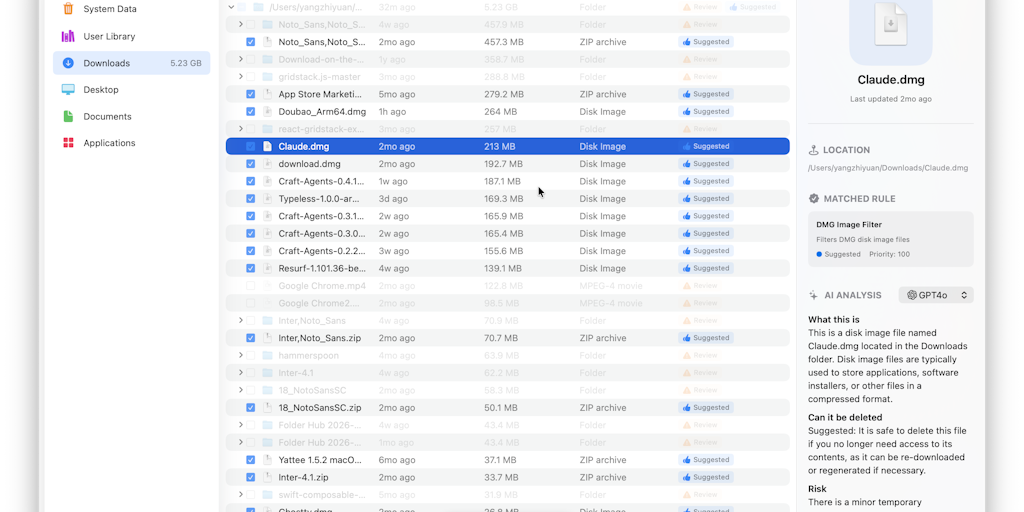
Cacheless: AI-Powered Mac System Data Cleaner with Smart File Analysis
Cacheless is an AI-powered system data cleaner for Mac that helps users understand and clean their system files. It explains the purpose of
Product Hunt·2mo ago