





















Sortail: A floating toolbar for one-click inbox cleanup in Apple Mail
By
Andrew Leshkin (lazy)

A bagel-shaped object. The form is there, the soul isn't.
Summary
Sortail is a small floating toolbar for Apple Mail that enables one-click inbox cleanup. Users can move, archive, or delete a single message, an entire thread, or all emails from a sender with one click. The tool learns user behavior over time and suggests the right folder for incoming messages. Built by maker Andrew, it solves the repetitive task of manually sorting emails by sender or type in Apple Mail.
Key quotes
· 5 pulledI live in Apple Mail, and for years I did the same thing dozens of times a day: archive this newsletter, move that receipt to 'Finances', delete every old message from a sender I no longer hear from.
Apple Mail can do all of it — but never in one move, and never for a whole sender at once.
So I built Sortail: a small floating toolbar that sits above Apple Mail.
One click to move, archive, or delete — a single message, the whole thread, or an entire sender's history.
It shows counts and asks for confirmation exactly where a mistake would hurt.
You might also wanna read

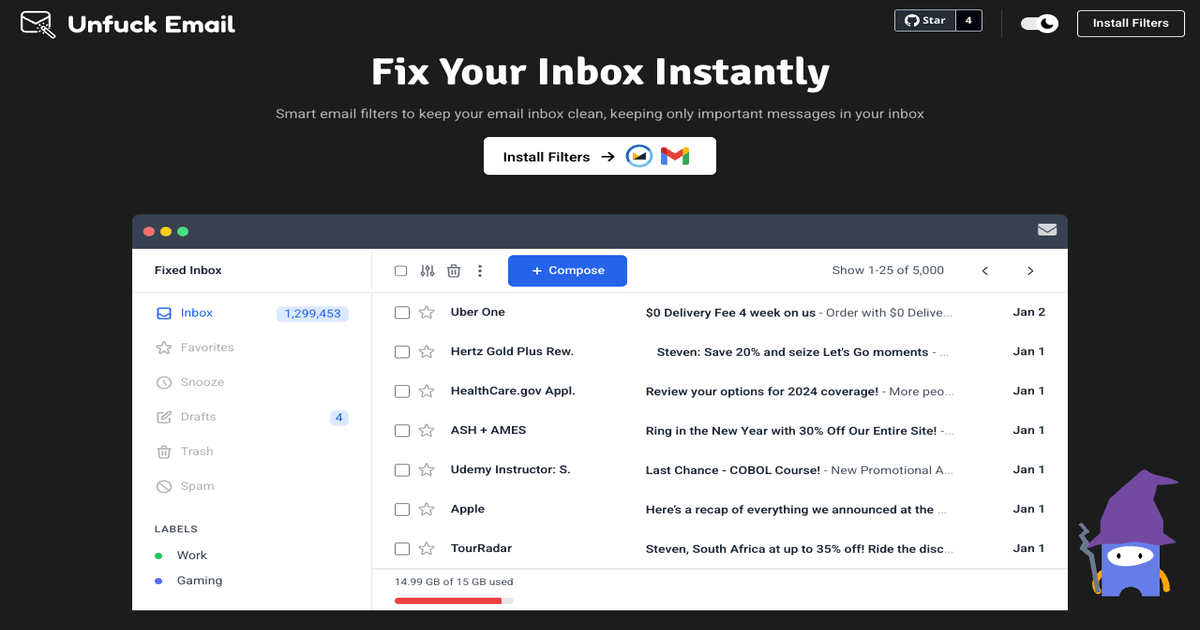
Email Management Solution: Smart Filters for Inbox Organization
The article presents a solution for email management called 'Unfuck Email' that uses smart filters to clean up inboxes by keeping only impor
 unfuck.email·9mo ago
Templatical: Interactive Drag-and-Drop Email Editor Playground
Templatical offers a browser-based drag-and-drop email editor playground where users can build, preview, and export email templates interact
 play.templatical.com·1mo ago
Re: Fully functional email address

Understanding Dead Man's Switch Email Tools: A Guide to Automated Email Services for Inactivity
The article examines the surprisingly limited market for 'dead man's switch' email tools - services that automatically send emails when user
 blog.alcazarsec.com·2mo ago
Google's AI Inbox for Gmail: Early Review of AI-Powered Email Management
Google has introduced an AI Inbox feature for Gmail that replaces the traditional email list with AI-generated to-dos and topics based on in
 The Verge·5mo ago