





















SizzleAir: A macOS menu bar thermal assistant for fanless MacBook Airs
By
Mariusz Jankowski
14d ago· 1 min readenProduct

38/100
Stale
Bagelometer↗
Recycled flavour. You've tasted this bagel before.
Score38Typepress releaseSentimentpositive
Summary
SizzleAir is a macOS menu bar utility for fanless Apple Silicon MacBook Airs that detects thermal pressure and provides users with clear explanations of what's causing thermal issues and practical next steps. It does not cool the machine or control fans, but replaces thermal guesswork with actionable local signals based on workload, display state, power status, and CPU usage.
Key quotes
· 4 pulledIt does not cool your Mac, kill processes, tune performance, or pretend to beat physics.
The goal is simpler: replace thermal guesswork with a clear local signal.
SizzleAir is a tiny menu bar thermal assistant for Apple Silicon MacBook Airs.
It detects thermal pressure, checks local context like workload, display, power state and top CPU usage, then explains the likely cause and suggests one practical next step.
SizzleAir is a tiny macOS thermal assistant built specifically for fanless MacBook Airs. Instead of another sensor wall, it turns thermal pressure, workload context, external display or clamshell state, and top CPU usage into one clear status, likely caus
You might also wanna read

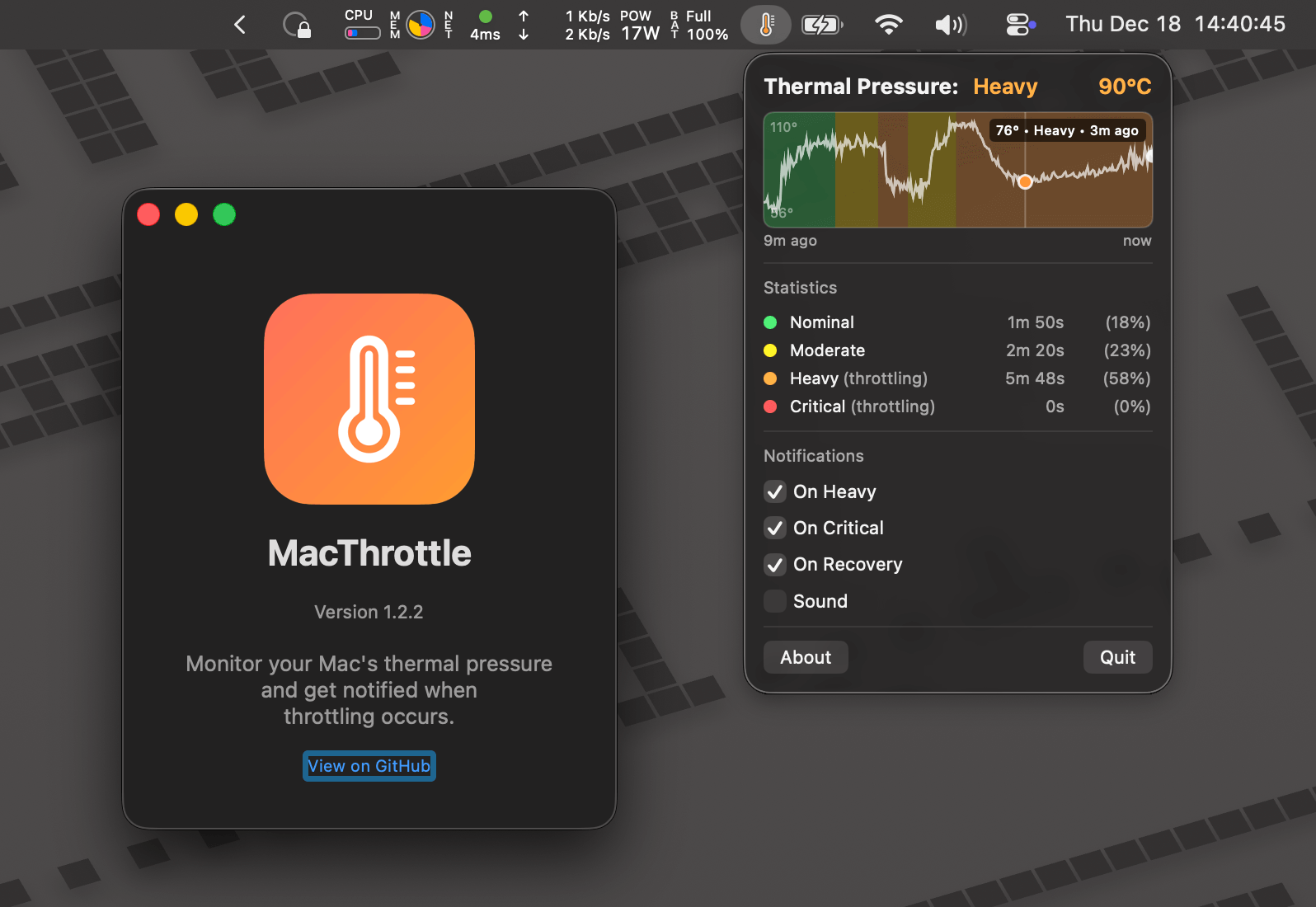
Building MacThrottle: A macOS App to Detect Thermal Throttling
A developer shares their journey building MacThrottle, a macOS menu bar app that detects when a Mac is thermal throttling. The project was i
 stanislas.blog·5mo ago
Hardware Recommendations for Running Local LLMs and Coding Assistants on Mac
The article is a response to a Hacker News question about using open LLMs and coding assistants locally. The author provides specific hardwa
 news.ycombinator.com·7mo ago