





















Show HN: MCP Jetpack – The easiest way to get started with MCP in Cursor
By
gsundeep
My friends and I built MCP Jetpack which makes it really easy to start using MCP. It’s an MCP server that automatically finds and executes the right tools needed to accomplish your task without having to manage MCP servers for each service (GitHub, Linear, Atlassian, Notion etc.). Once you add it to Cursor (or any other AI app with MCP support), Cursor instantly gets access to a growing library of remote MCP servers without any extra setup. For services that require authentication, you will be asked to login the first time you ask your AI to interact with that service.
Two problems we are trying to solve:
Friction - Normally if you want to give Cursor access to GitHub, you have to install the right MCP server and login before you can use GitHub with Cursor’s chat. With MCP Jetpack, you can ask Cursor to list your GitHub issues, and it will automatically execute the right tool behind the scenes to accomplish your task. For services that require authentication, you will be asked to login the first time you interact with the service. However, it all happens within the Cursor chat so you never have to context switch and fiddle with Cursor’s settings.
Tool Limits - Cursor warns you if you have more than 50 MCP tools installed as it says having more will degrade performance. However, just installing the GitHub MCP server itself adds 74 MCP tools. With MCP Jetpack, you get access to GitHub, Atlassian and 15 other services with just two tools: “FindTool” and “ExecTool”.
Here are the 17 services we support today: GitHub, Atlassian, Canva, Linear, Notion, Intercom, Monday.com, Neon, PayPal, Hugging Face, Sentry, Square, Webflow, Wix, Cloudflare Docs, Cloudflare AI Gateway, Cloudflare Workers Bindings.
We’ll continue to add more services as companies launch remote MCP servers. If yours isn’t listed and you’d like it to be added, please email us at [email protected].
MCP Jetpack is in alpha so please let us know if you run into any problems or have any feedback - thanks!
Comments URL: https://news.ycombinator.com/item?id=44637165
Points: 3
# Comments: 0
You might also wanna read

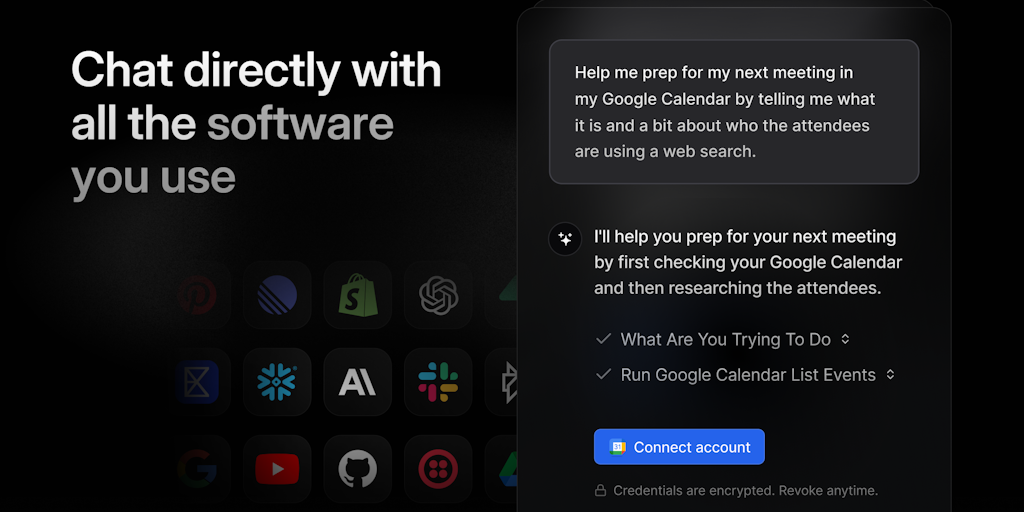
MCP Chat by Pipedream: A Tool for Chatting with Software Across 2700+ APIs
MCP Chat by Pipedream is a tool that allows users to interact with their software across 2700+ APIs and MCP servers, integrating 10k+ tools.
 Product Hunt·10mo ago
Loop MCP: Unified Gateway for AI App Tool Integration and Management
Loop MCP by SimpliflowAI is a unified gateway that solves the problem of AI app integration limitations. It addresses the issue where AI app
 Product Hunt·8mo ago
MCPCore: Cloud Platform for Building and Deploying AI-Powered MCP Servers
MCPCore is a cloud platform that enables developers to build and deploy AI-powered MCP (Model Context Protocol) servers without managing inf
Product Hunt·2mo ago
Penpot Experiments with MCP Servers for AI-Powered Design Workflows
Penpot, an open-source design tool, is experimenting with MCP (Model Context Protocol) servers to integrate AI capabilities into design work
 Smashing Magazine·4mo ago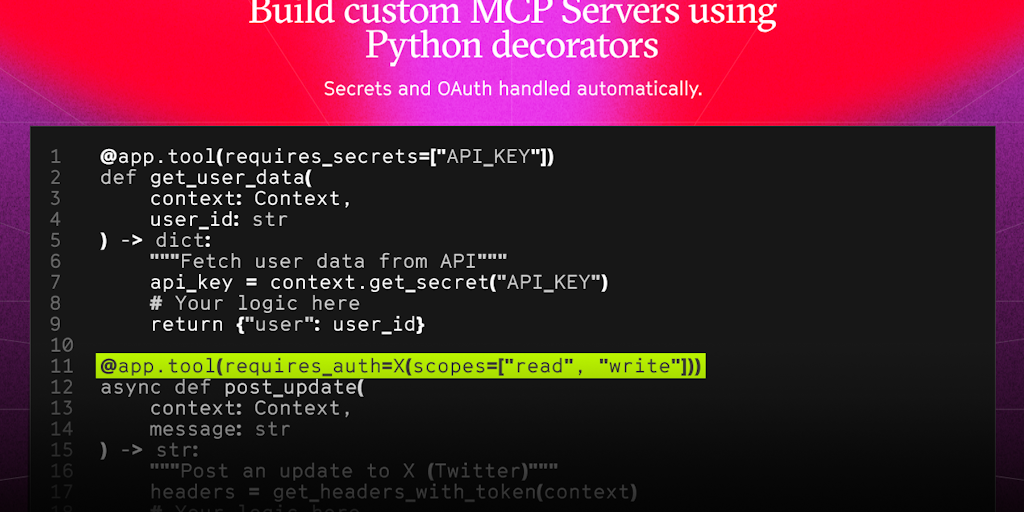
Arcade.dev Launches Open-Source MCP Framework with Built-in Authentication
Arcade.dev introduces arcade-mcp, an open-source MCP (Model Context Protocol) framework that enables developers to launch secure MCP servers
Product Hunt·7mo ago
Air MCP: Centralized Tool for AI Application Integrations
Air MCP is a developer tool that provides a centralized solution for managing AI integrations across multiple applications. It eliminates th
Product Hunt·10mo ago