





















Show HN: Kontext CLI – Credential broker for AI coding agents in Go
By
mc-serious
We built the Kontext CLI because AI coding agents need access to GitHub, Stripe, databases, and dozens of other services — and right now most teams handle this by copy-pasting long-lived API keys into .env files, or the actual chat interface, whilst hoping for the best.
The problem isn't just secret sprawl. It's that there's no lineage of access. You don't know which developer launched which agent, what it accessed, or whether it should have been allowed to. The moment you hand raw credentials to a process, you've lost the ability to enforce policy, audit access, or rotate without pain. The credential is the authorization, and that's fundamentally broken when autonomous agents are making hundreds of API calls per session.
Kontext takes a different approach. You declare what credentials a project needs in a .env.kontext file:
  GITHUB_TOKEN={{kontext:github}}
  STRIPE_KEY={{kontext:stripe}}
  LINEAR_TOKEN={{kontext:linear}}
The closest analogy is a Security Token Service (STS): you authenticate once, and the backend mints short-lived, scoped credentials on-the-fly — except unlike a classical STS, we hold the upstream secrets, so nothing long-lived ever reaches the agent. The backend holds your OAuth refresh tokens and API keys; the CLI never sees them. It gets back short-lived access tokens scoped to the session.
What the CLI captures for every tool call: what the agent tried to do, what happened, whether it was allowed, and who did it — attributed to a user, session, and org.
Install with one command: `brew install kontext-dev/tap/kontext`
The CLI is written in Go (~5ms hook overhead per tool call), uses ConnectRPC for backend communication, and stores auth in the system keyring. Works with Claude Code today, Codex support coming soon.
We're working on server-side policy enforcement next — the infrastructure for allow/deny decisions on every tool call is already wired, we just need to close the loop so tool calls can also be rejected.
We'd love feedback on the approach. Especially curious: how are teams handling credential management for AI agents today? Are you just pasting env vars into the agent chat, or have you found something better?
GitHub: https://github.com/kontext-dev/kontext-cli Site: https://kontext.security
Comments URL: https://news.ycombinator.com/item?id=47765374
Points: 4
# Comments: 0
You might also wanna read

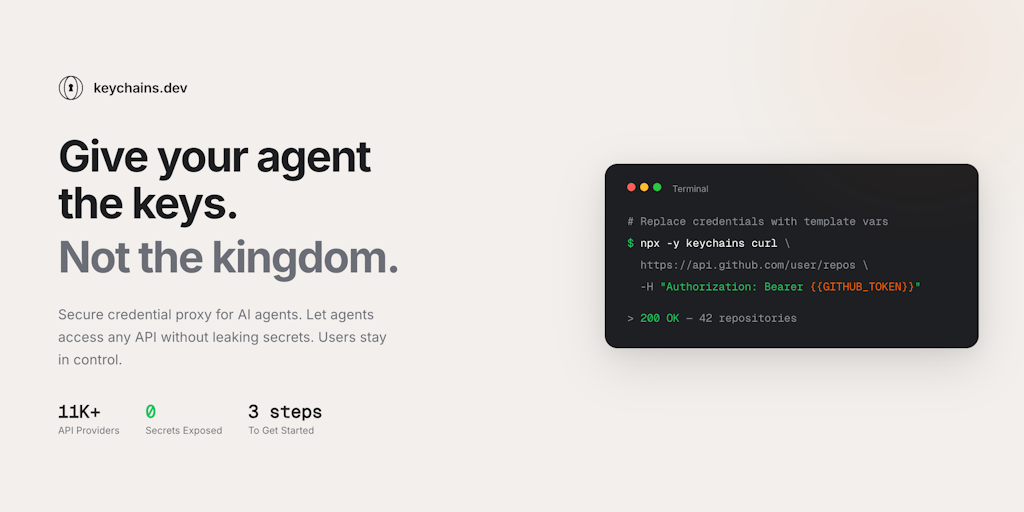
Keychains.dev: Secure Credential Proxy for AI Agents to Access APIs Without Exposing Credentials
Keychains.dev is a secure credential proxy service for AI agents that allows them to access over 11,000 APIs without exposing credentials. I
 Product Hunt·3mo ago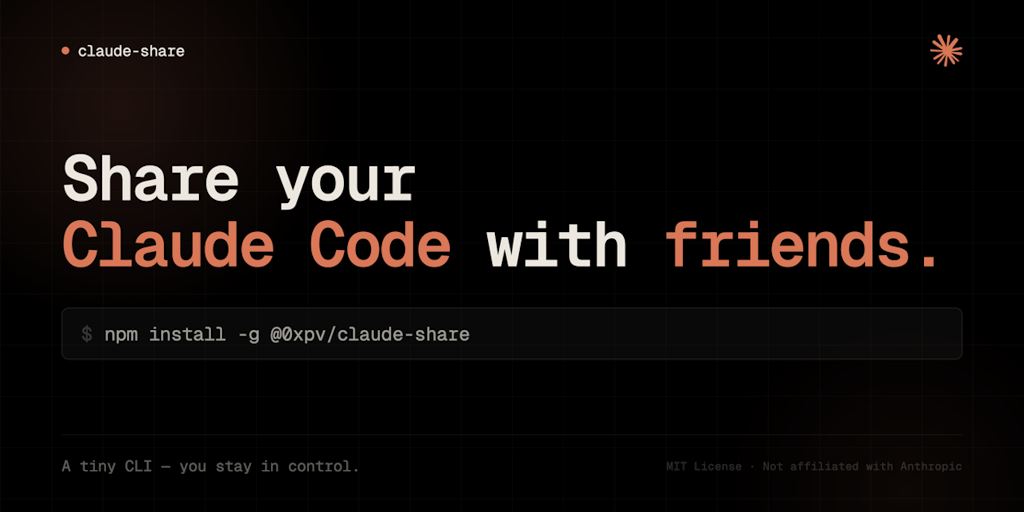
claude-share: A CLI tool for securely sharing Claude Code sessions with credential isolation
A tiny CLI tool called claude-share allows users to securely share their Claude Code subscription with teammates or friends without exposing
Product Hunt·19d ago
Duolingo open-sources AI Slack agent that connects to 200+ engineering tools
Duolingo developed an internal AI Slack app that connects to over 200 tools (GitHub, Jenkins, Sentry, Grafana, etc.) to help engineers triag
 Duolingo·11d ago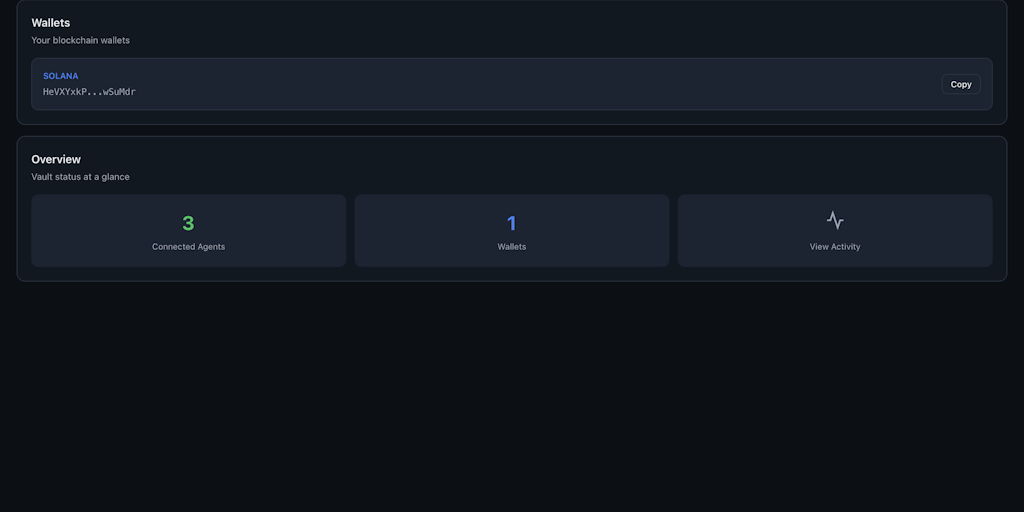
DCP: A Local Permission Vault That Keeps AI Agents from Handling Private Keys and Credentials
DCP is a local permission vault for AI agents that solves the security problem of agents holding private keys, raw credentials, and sensitiv
Product Hunt·10d ago
Claude Code's Unexpected Adoption: How Anthropic's Developer Tool Found Widespread Use Beyond Programmers
The article discusses Claude Code, a developer tool from Anthropic that has unexpectedly gained widespread adoption beyond just developers.
 The Verge·3mo ago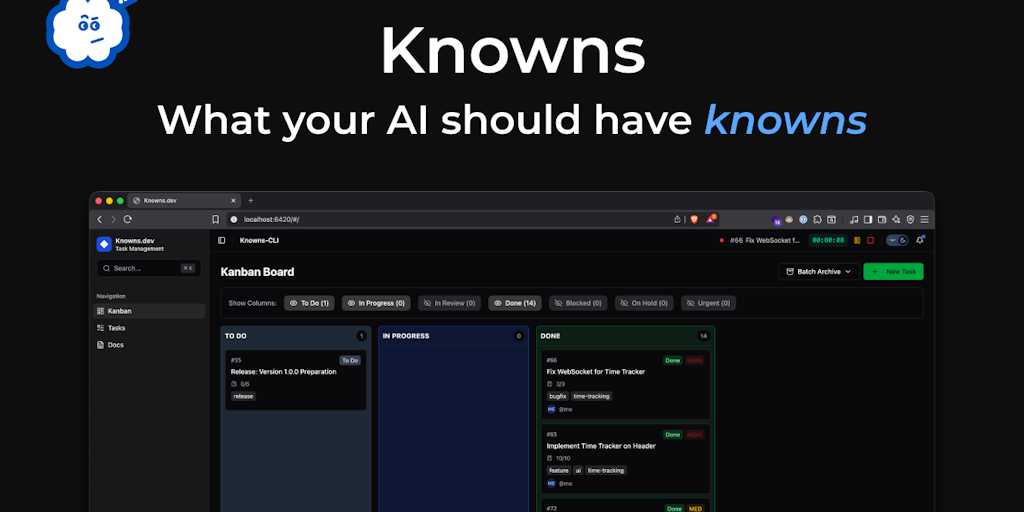
Knowns CLI: AI-Powered Command Line Tool for Task Management and Documentation
Knowns CLI is an AI-first command-line interface tool designed for task management and documentation. The tool allows users to link document
Product Hunt·4mo ago