





















Show HN: Editing 2000 photos made me build a macOS bulk photo editor
By
om202
Last year, I had 2000+ photos from my wedding to edit. The shots were great, but the lighting was different in every room. Some photos were too dark, and some were too yellow. I wanted all the wedding photos to have the same look before I shared them with my family.
I tried using Lightroom. I would copy the settings from one photo and paste them to the next, then adjust it, and repeat. This was very slow. If I used a simple batch edit on all photos, it looked bad because the lighting changed in every shot. After 40 minutes, I was not even halfway done. I had to choose between bad quality batch edits or fixing 2K photos one by one.
I also did not want to upload my private wedding photos to a website or pay for a monthly subscription.
I wanted a way to edit fast but still have control over each photo. I also wanted everything to stay private on my computer.
So I built a Mac app called RapidPhoto.
It lets you set the look once and apply it to the whole wedding set. The important part is that you can still quickly tweak individual photos that look a bit different without starting over. I also added a feature to change the metadata for many photos at once, which is helpful for organizing big events.
The work that took me 40 minutes now takes about 90 seconds. It runs locally on your Mac with no uploads and there is no subscription.
Comments URL: https://news.ycombinator.com/item?id=47733385
Points: 3
# Comments: 0
You might also wanna read

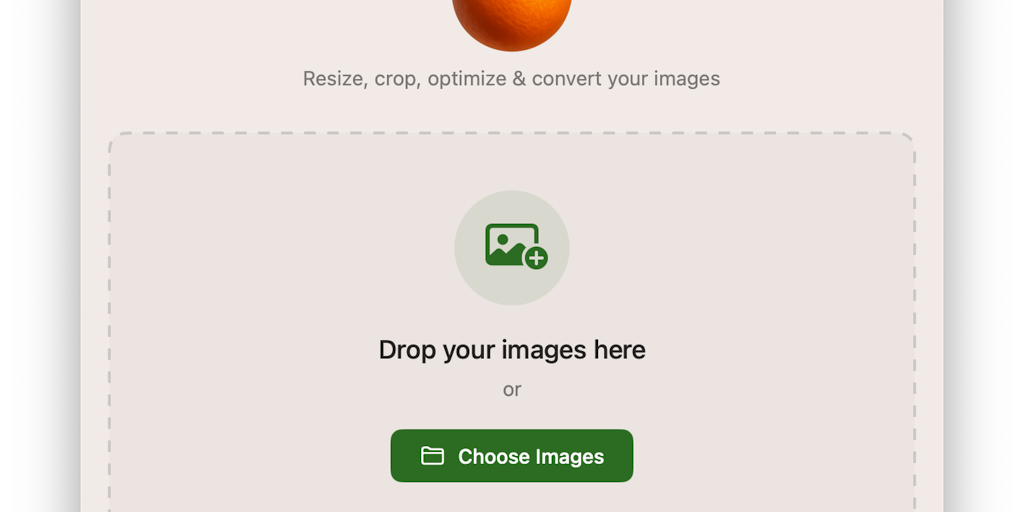
Freshly Squeezed: Batch Image Processing Tool for macOS
Freshly Squeezed is a native macOS application designed for professionals who regularly work with images, particularly in e-commerce setting
 Product Hunt·8mo ago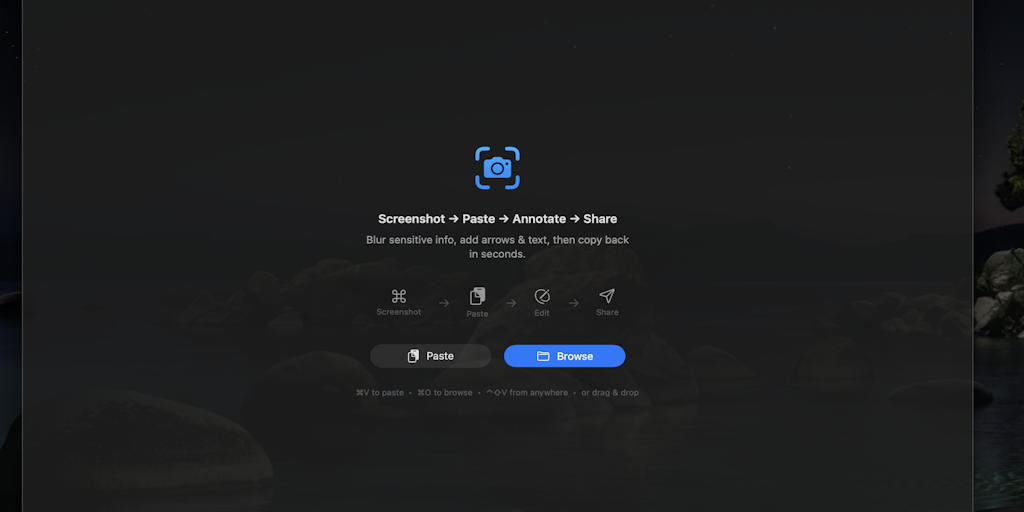
SnapEdit: Lightweight SwiftUI Clipboard Image Editor for macOS
A developer created a lightweight SwiftUI app called SnapEdit that allows users to quickly edit images directly from the clipboard without s
Product Hunt·1mo ago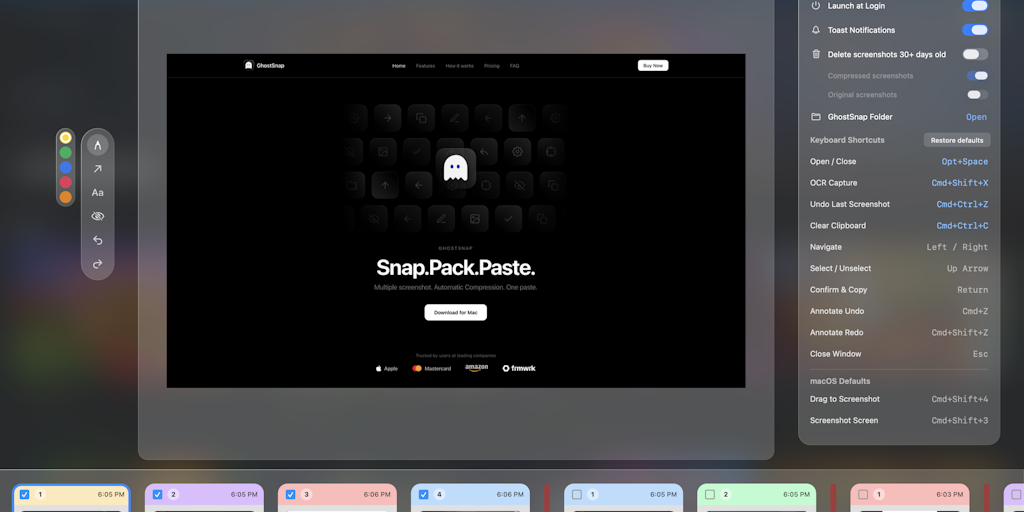
GhostSnap: A Mac menu bar app for auto-compressing and batch-pasting multiple screenshots for AI tools
GhostSnap is a macOS menu bar app that solves the frustration of taking multiple screenshots for AI tools. It allows users to snap multiple
Product Hunt·13d ago