





















Show HN: Dynamic code and feedback walkthroughs with your coding Agent in VSCode
By
cyrusradfar
I've been programming since I'm 6 and I don't want to quit. Since Agents came into existence I've been increasingly building more of the random ideas.
BUT, like many I kept getting stuck and frustrated where I wanted to make changes with the Agent that I knew I could've made without it but I had *no clue* how things worked.
I created Intraview to help me build and maintain a mental model of what I was building (or had vibed) so I could use my knowledge to either fix it myself, or provide more directed instruction. It grew into something that's transformed my workflow in a pleasant way.
Intraview is a VS Code extension that allows you to create: - Dynamic code tours built by your existing Agent - Storage and sharing of tours (it's a file) - Batch Feedback/commenting inline in IDE in-tour and without (it's also a file)
Here's a video walkthrough for the show vs tell crowd where I jump in a random (Plotly JS) open source repo and build a tour to get started: https://www.youtube.com/watch?v=ROBvFlG6vtY
Talking tech design, this is very different than most because the whole App is cloudless. Not server less, there's no external APIs (outside basic usage telemetry).
  - basic TypeScript app, JS/CSS/HTML
  - Localhost MCP server inside VS Code (one per workspace open)
  - re-considering the user experience given there's no database
  - trying to build a reasonable experience to manage MCP connection across so many different setups.
  - testing the many forks, Agents and themes because I wanted to make it look native (I'll probably reverse course here in future iterations)
  - New project/developer onboarding
  - PR reviews
  - Keeping up with Agentic code
  - Perf reviews (for EM), you could build a tour biggest contributions by a GitHub handle
  - Planning alignment and review with your Agent
  - for VS Code: https://intraview.ai/install?app=vscode
  - for Cursor: https://intraview.ai/install?app=cursor
  - Create an Intraview the onboarding for this app..
  - Let's use Intraview to gather my feedback on [whatever you created]. Break down steps such that I can provide good granular feedback.
And because this is HN. A relevant quotable from PG.
  “Your code is your understanding
  of the problem you’re exploring.
  So it’s only when you have your code
  in your head that you really understand
   the problem.”

  — Paul Graham
Comments URL: https://news.ycombinator.com/item?id=45837067
Points: 6
# Comments: 0
You might also wanna read

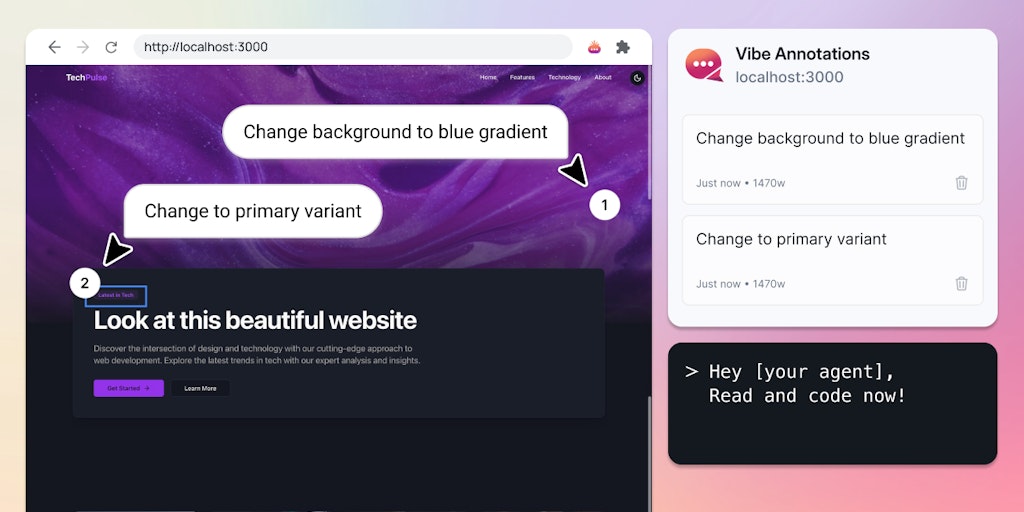
Vibe Annotations: Visual Feedback Tool for AI Coding Agents
Vibe Annotations is a Chrome extension tool that helps developers and designers provide visual feedback on websites by adding annotations di
 Product Hunt·9mo ago
Claude Code's Unexpected Adoption: How Anthropic's Developer Tool Found Widespread Use Beyond Programmers
The article discusses Claude Code, a developer tool from Anthropic that has unexpectedly gained widespread adoption beyond just developers.
 The Verge·3mo ago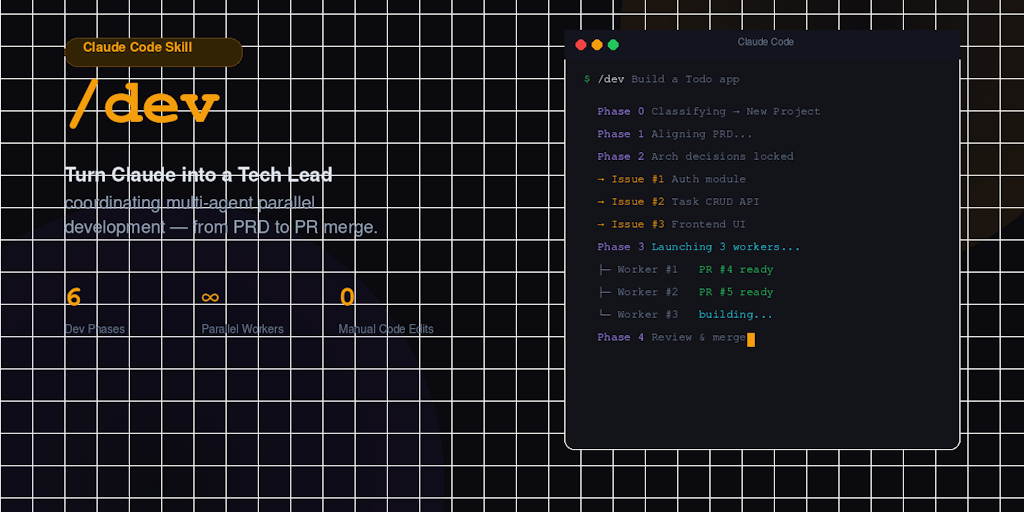
/dev: Open-Source AI Coding Tool That Turns Claude Code into a Tech Lead with Structured Engineering Process
/dev is an open-source AI coding tool that transforms Claude Code into a Tech Lead with a structured 6-phase engineering process using paral
 Product Hunt·1mo ago