





















Recreating Apple's Liquid Glass Effect with CSS, SVG Displacement Maps, and Refraction Calculations
By
Sateeshm
8mo ago· 12 min readen

100/100
Golden Brown
Bagelometer↗
The bagel they save for the regulars. Don't skim, savour.
Score100Typehow-toSentimentpositive
Summary
This article provides a hands-on technical tutorial on recreating Apple's Liquid Glass UI effect (introduced at WWDC 2025) using web technologies. It explains how to build the effect from first principles, covering CSS techniques, SVG displacement maps for distortion, and physics-based refraction calculations. The approach focuses on approximating the core refraction and specular highlights as a proof-of-concept rather than achieving pixel-perfect parity with Apple's implementation.
Key quotes
· 3 pulledApple introduced the Liquid Glass effect during WWDC 2025 in June—a stunning UI effect that makes interface elements appear to be made of curved, refractive glass.
Instead of chasing pixel‑perfect parity, we'll approximate Liquid Glass, recreating the core refraction and a specular highlight, as a focused proof‑of‑concept you can extend.
We'll build up the effect from first principles, starting with how light bends when it passes through curved glass surfaces.
Explore how to recreate Apple's stunning Liquid Glass effect using CSS, SVG Displacement Maps, and refraction calculations.
You might also wanna read

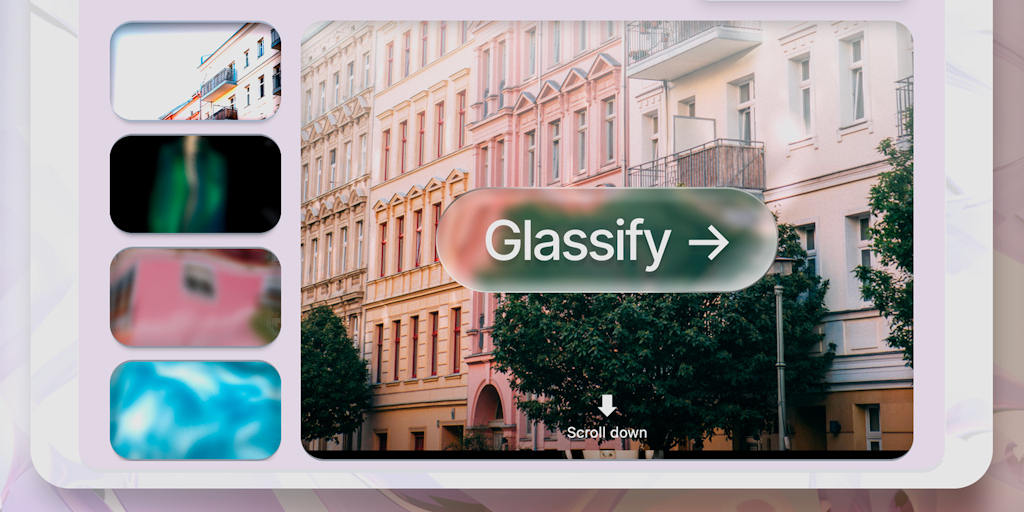
Liquid Glassifier: Create Apple-Style Liquid Glass Buttons for Websites with Copy-Paste Integration
The article introduces Liquid Glassifier, a tool that allows developers to easily create Apple-style liquid glass buttons for websites with
 Product Hunt·11mo ago
Why Apple’s ‘Liquid Glass’ Design Is a Step Backward for UX
Prototypr·11mo ago