





















Part 2: Replacing 3.4MB video with 40kb of scripted GSAP animations: adding a camera.
4d ago
Part one hit 69K views, 250 upvotes here. The comments were better than the post. A lot of you asked about SEO, accessibility, performance, and whether GSAP is even necessary. Several pointed out the demo was missing something.
You were right. Part one had a cursor clicking through scenes on a flat stage. No depth, no focus. This post adds a camera: zoom into the action on right-click, pan to follow the cursor through a save dialog, zoom into the result on the destination board, pull back and loop. Still under 40 KB. Still no video files.
What part two covers:
* **Zoom wrapper architecture** — why `gsap.to(frame, { scale: 1.4 })` breaks responsive scaling
* **Pan math** — the formula to center any target in the viewport at a given zoom level
* **"Stay zoomed, pan to follow"** — zoom in once, pan through the interaction, zoom out once. Not PowerPoint.
* **Easing philosophy** — why camera pans need `sine.inOut`, not `power2.inOut`, and the full easing table by motion type
* **Cursor alive during camera moves** — a frozen cursor during a zoom makes the whole thing feel mechanical. 30% drift fixes it.
* **Graceful loop lifecycle** — outro pattern instead of snap-reset
* **SEO** — every button label and heading in the demo is indexable DOM text, not a black box video
* **Accessibility** — `prefers-reduced-motion` support, `autoAlpha` for screen readers
* **Performance** — live FPS stress test you can run in your browser (8 → 24 → 48 elements with zoom + pan + stagger), not much performance drop
* **The agent split** — I wrote \~60% (the directing), an AI agent wrote \~40% (the tedious timeline code). Still a lot of manual editing, but way better than recording a video and the maintenance
The full post has 4 interactive demos you can pause and inspect, including side-by-side comparisons of easing curves and cursor behavior during zooms.
Full writeup with live demos: [https://spanthi.com/blog/gsap-choreography-part-2](https://spanthi.com/blog/gsap-choreography-part-2)
Production examples: [https://costumary.com](https://costumary.com) and [https://costumary.com/web-clipper](https://costumary.com/web-clipper)
Skill for AI agents if anyone wants to save time: [https://github.com/Costumary/gsap-choreography](https://github.com/Costumary/gsap-choreography)
Let me know what I did right, wrong, or things I still missed out! This has been a good few days of learning and experimenting for me.
You might also wanna read
Researchers let AI models run a simulated society. Claude was the safest—and Grok committed 180 crimes and went extinct within 4 days
fortune.com·6h ago

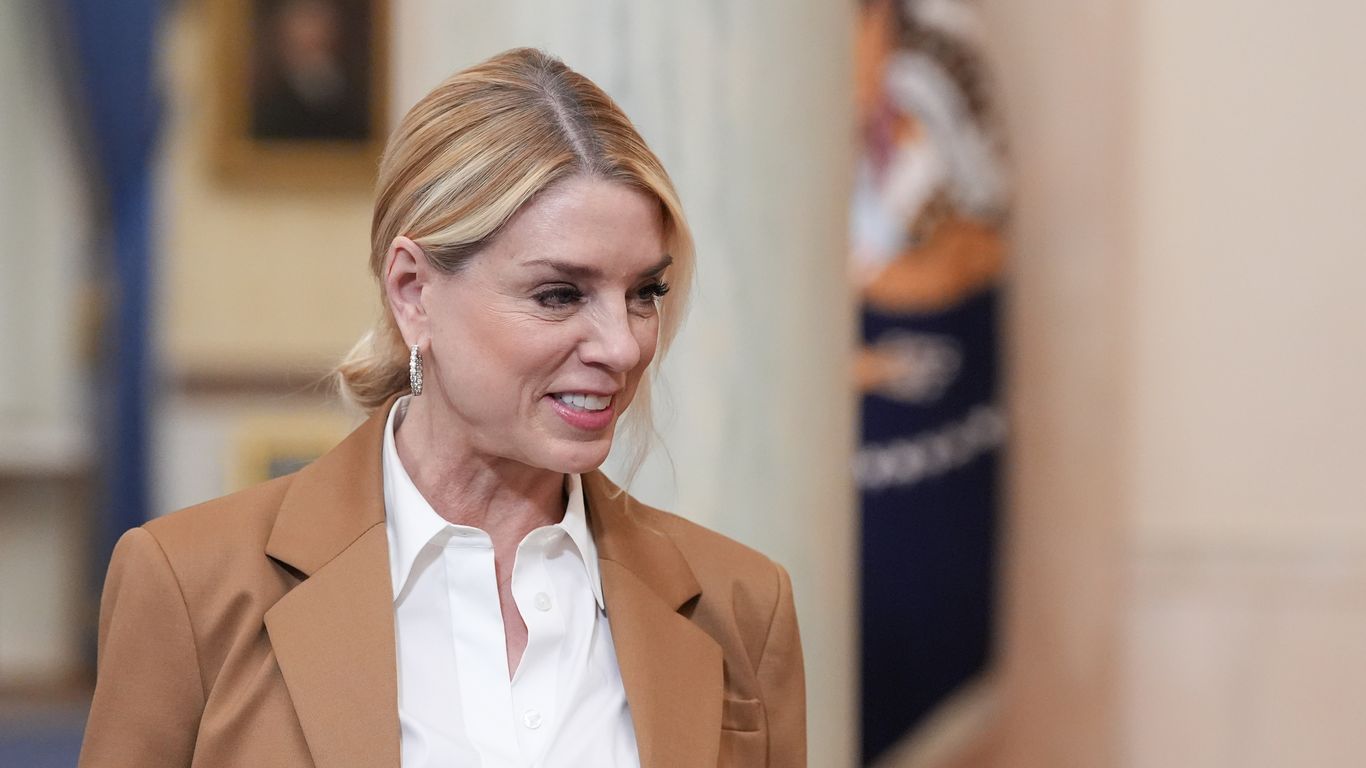
Trump appoints former AG Pam Bondi to White House AI advisory panel
President Trump has appointed former Attorney General Pam Bondi to the Presidential Council of Advisors on Science and Technology (PCAST), a
 axios.com·1d ago
Trump appoints former AG Pam Bondi to White House AI advisory panel
President Trump has appointed former Attorney General Pam Bondi to the Presidential Council of Advisors on Science and Technology (PCAST), a
axios.com·1d ago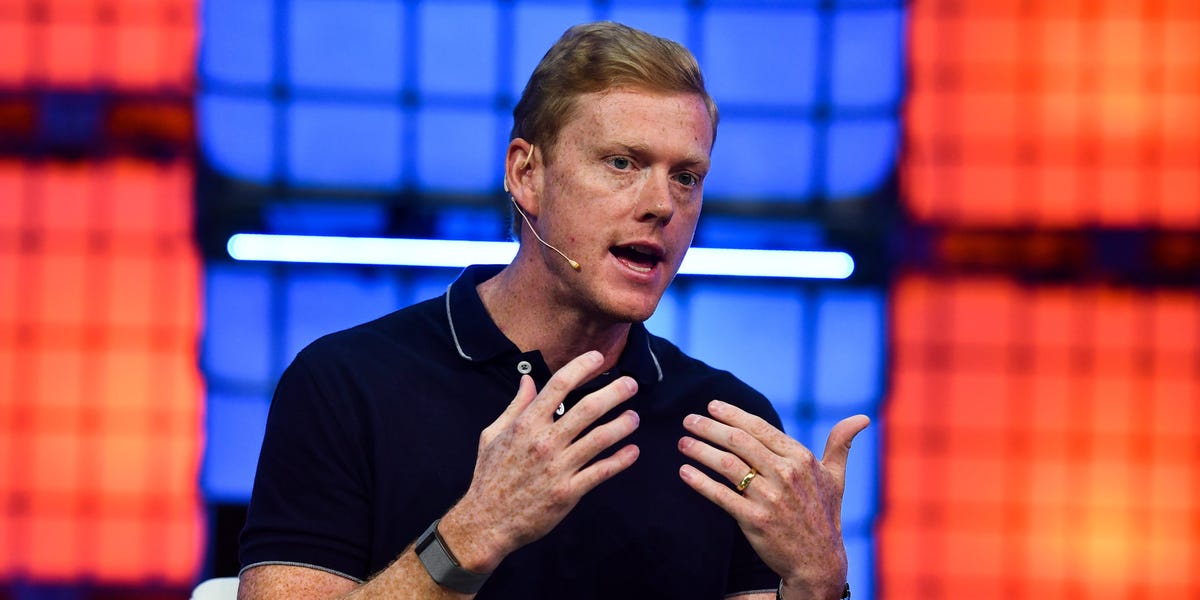
Uber COO Andrew Macdonald questions return on investment from rising AI costs
Uber's Chief Operating Officer Andrew Macdonald stated that the company is finding it increasingly difficult to justify the significant spen
 businessinsider.com·2d ago
I’m not on a pro plan rn but 4.8 is here and 4.6 is gone in my app.
reddit·3d ago
Introducing Claude Opus 4.8
i.redd.it·3d ago