





















Open Computer Use: Open-Source Desktop Automation Tool for AI Agents via MCP
By
Leo

Slightly gummy. The crust never quite set.
Summary
Open Computer Use is an open-source tool that turns local desktop automation into a standard MCP (Model Context Protocol) service. It allows AI agents like Codex, Claude Code, and Gemini CLI to inspect apps, click, type, scroll, drag, and take screenshots across macOS, Linux, and Windows. It supports CLI, JS/Python/Go SDKs, and Skills for integration into various agent stacks. The tool is npm-installable and designed for legacy app automation, data entry, and structured data extraction, with recommendations for adding validation and human review in production flows.
Key quotes
· 3 pulledBecause Open Computer Use exposes desktop control through MCP, an agent can inspect a legacy app, click through forms, read or copy values, and write them into a structured database or spreadsheet.
Beyond MCP, it also supports a CLI, JS/Python/Go SDKs, and Skills, so you can plug it into different agent stacks or build a more custom workflow around it.
For production-ish data entry flows, I would still recommend adding validation steps, screenshot/state checks, retries, and human review for sensitive fields.
You might also wanna read

OpenCode: Open Source AI Coding Agent Available in Beta for Desktop Platforms
OpenCode is an open source AI coding agent available as a desktop app in beta for macOS, Windows, and Linux. It helps developers write code
 opencode.ai·2mo ago
Open-Agent: Open-Source Alternative to Claude Agent SDK and ChatGPT Agents
Open-Agent is an open-source alternative to proprietary AI agent systems like Claude Agent SDK, ChatGPT Agents, and Manus. It enables agenti
 github.com·7mo ago
Agent: Open-Source macOS AI Automation Tool with 17 LLM Providers for Code, Apps, and System Control
Agent is an open-source macOS application that provides AI-powered automation and control of Mac systems. It integrates with 17 different LL
github.com·1mo ago
Eigent: Open-Source Desktop Application for AI Workforce Automation
Eigent is an open-source desktop application that serves as a local, free alternative to Claude Cowork, enabling users to build and manage a
github.com·4mo ago
agent-desktop: A Rust-based CLI for AI-driven desktop automation via OS accessibility trees
agent-desktop is a native desktop automation CLI built with Rust, designed specifically for AI agents to control desktop applications throug
github.com·1mo ago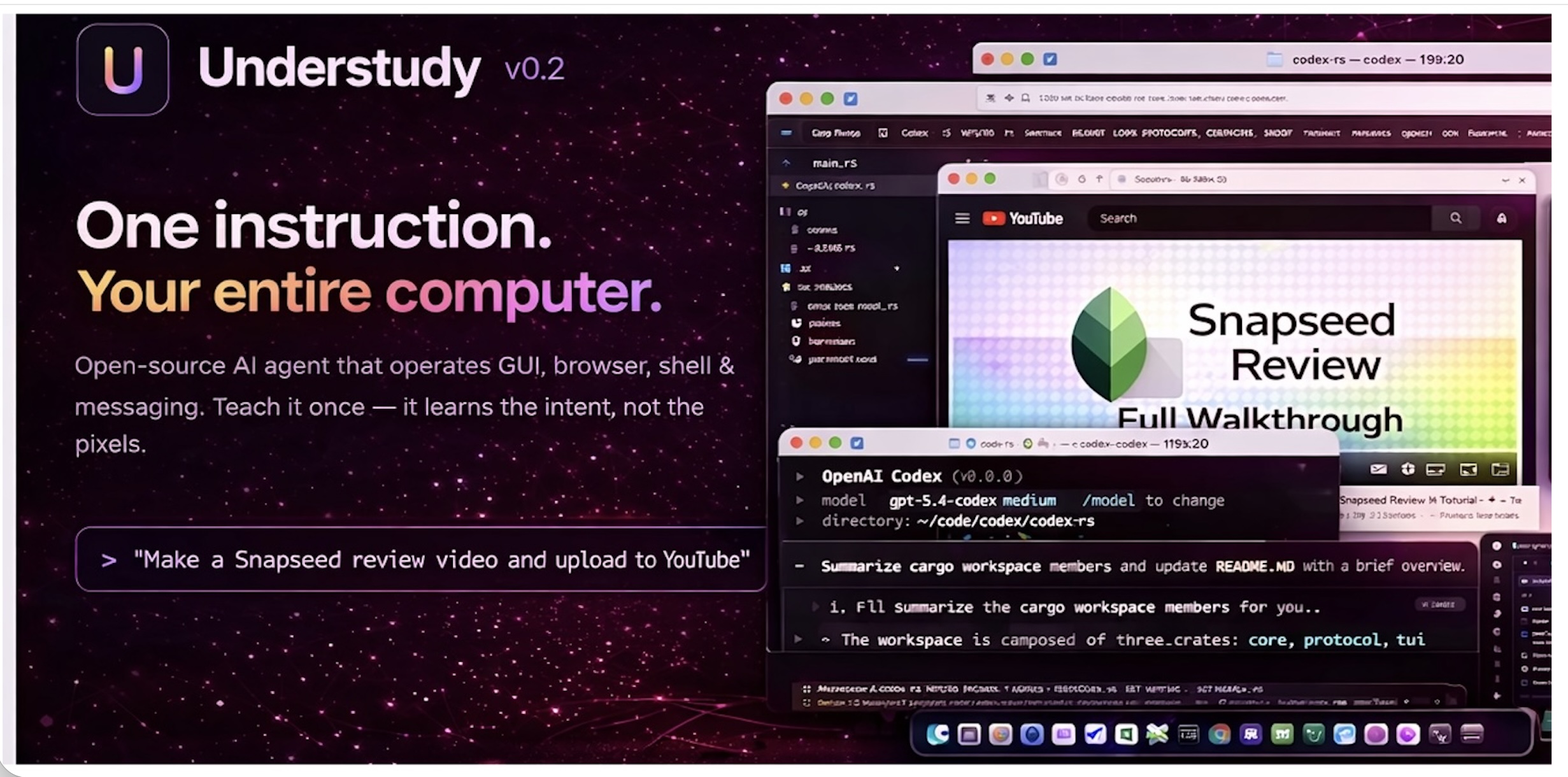
Understudy: Open-Source Local AI Agent for Computer Automation and Control
Understudy is an open-source local AI agent that can operate a user's entire computer system including GUI, browser, shell, and messaging ap
github.com·2mo ago