





















Obsidian Headless Sync: Command Line Synchronization Guide
By
adilmoujahid
Summary
This article explains Obsidian's Headless Sync feature, which allows users to sync their Obsidian vaults without needing the desktop app running. It covers how to set up Headless Sync using the command line interface, the requirements including having Obsidian installed and a sync service configured, and the basic commands for starting, stopping, and checking sync status. The article serves as technical documentation for advanced users who want automated synchronization of their notes.
Key quotes
· 5 pulledHeadless Sync allows you to sync your Obsidian vault without having the Obsidian desktop app running.
To use Headless Sync, you need to have Obsidian installed on your system and have a sync service configured.
You can start Headless Sync by running the appropriate command in your terminal or command prompt.
Headless Sync is useful for automated sync scenarios, such as running sync as a scheduled task or as part of a script.
The sync process will continue running in the background until you stop it manually or the process is terminated.
You might also wanna read


Claude Code on the Web: Cloud-Based Development Environment Documentation
This documentation page covers Claude Code on the web, Anthropic's cloud-based development environment at claude.ai/code. It explains how cl
 code.claude.com·9h ago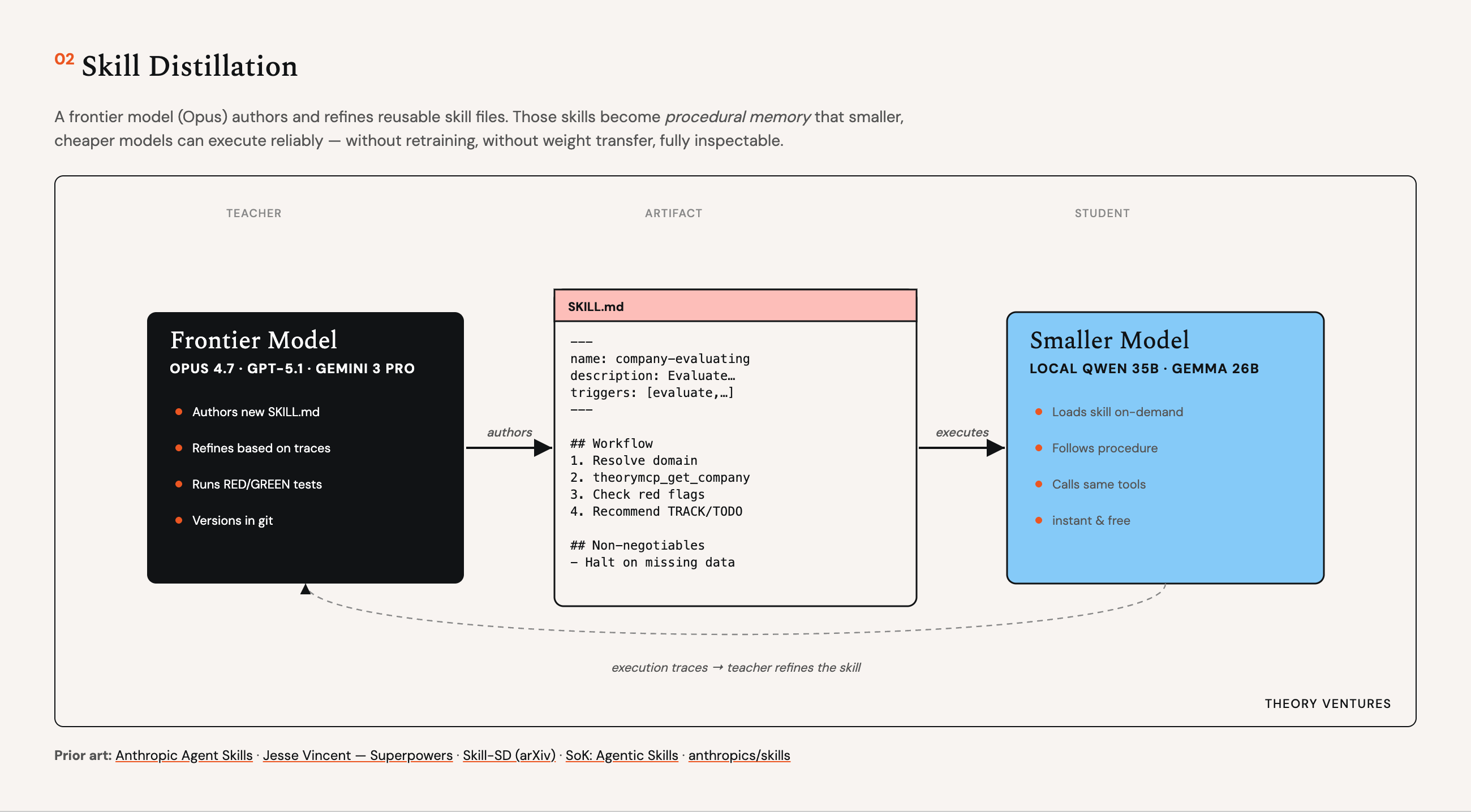
Building a Personal AI Agent with Markdown-Based Skills and Local Models
The article describes a personal AI agent built on Pi that manages the author's inbox, calendar, deal pipeline, blog publishing, and researc
 tomtunguz.com·2d ago
How an AI Engineer codes on his phone using encapsulated development
An AI Engineer at Notion describes how he maintains consistent productivity on his side project by coding on his phone using an "encapsulate
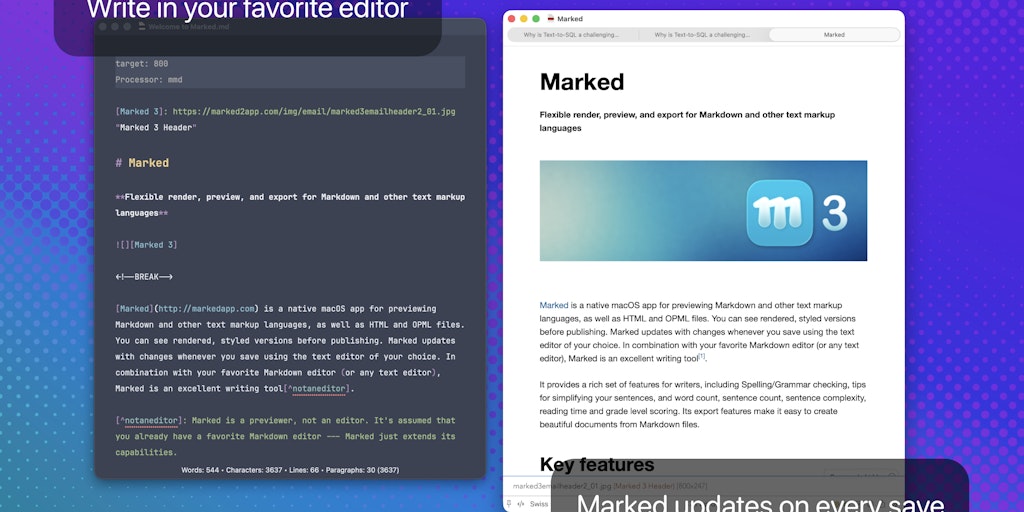
Marked 3 for Mac: Major Markdown Preview and Export Update with DOCX, EPUB, and Speed Reading Features
Marked 3 is a major update to the popular Mac application for previewing and exporting Markdown documents. The update introduces best-in-cla
 Product Hunt·4d ago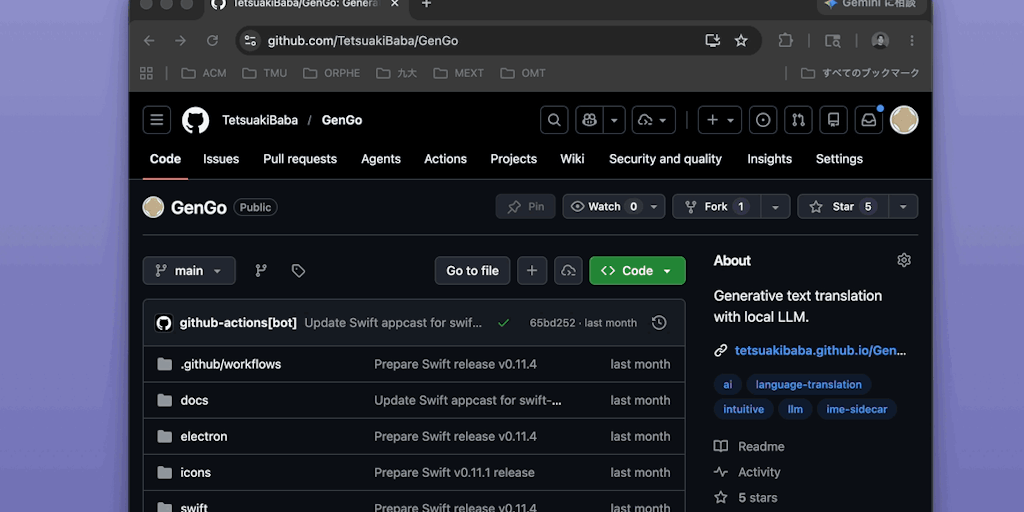
GenGo: AI-Powered macOS Text Transformation Utility
GenGo is a macOS utility that uses AI to transform selected text in-place across any application. Users can select text, describe the desire
Product Hunt·5d ago
How Codex Expands Beyond Coding into Knowledge Work
Jason Liu discusses his evolving use of Codex, moving beyond traditional coding tasks to leverage coding agents for broader knowledge work s
 jxnl.co·12d ago