





















KeyFlow: Custom Keyboard Shortcut Remapping for Adobe Photoshop
By
Geoffrey Nwachukwu

Crumbles when you bite it. Light on filling.
Summary
KeyFlow is a software tool that allows Adobe Photoshop users to remap keyboard shortcuts, particularly useful for those with non-QWERTY keyboards or damaged keys, enabling them to maintain their workflow efficiency.
Key quotes
· 3 pulledStruggling with broken or missing shortcuts in Adobe Photoshop?
KeyFlow lets you remap any key or combo—perfect for non‑QWERTY or damaged keyboards
so you can reclaim tools, panels, and hidden features and keep your workflow fluid
You might also wanna read

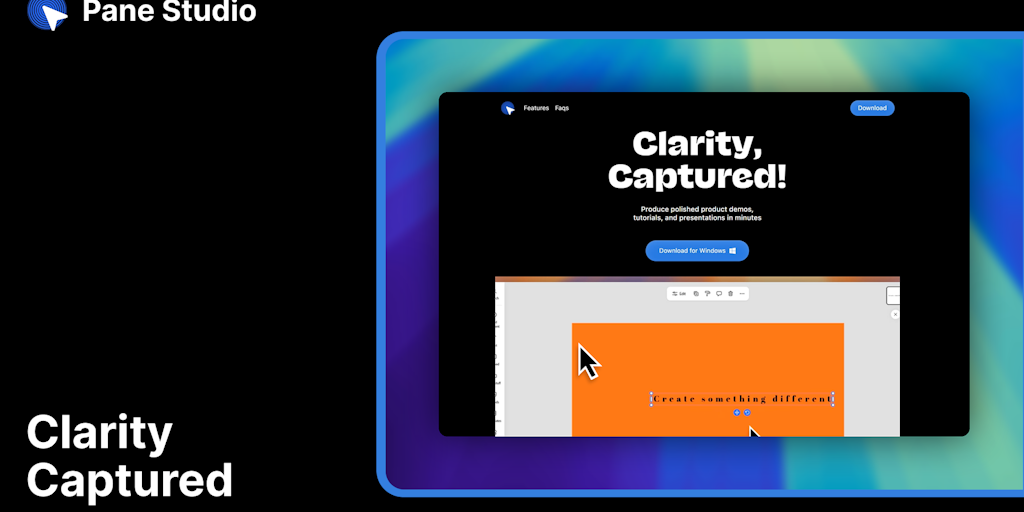
Pane Studio: Windows Screen Recorder for Professional Product Demos
Pane Studio is a Windows-exclusive screen recording software designed for creating polished product demos and tutorials. It features smooth
 Product Hunt·1mo ago
ScreenSmooth Chrome Extension: Enhance Screen Recordings with Smooth Mouse Movement and Cinematic Effects
ScreenSmooth is a Chrome extension that enhances screen recordings by smoothing mouse movements, automatically zooming in on clicks, applyin
Product Hunt·1mo ago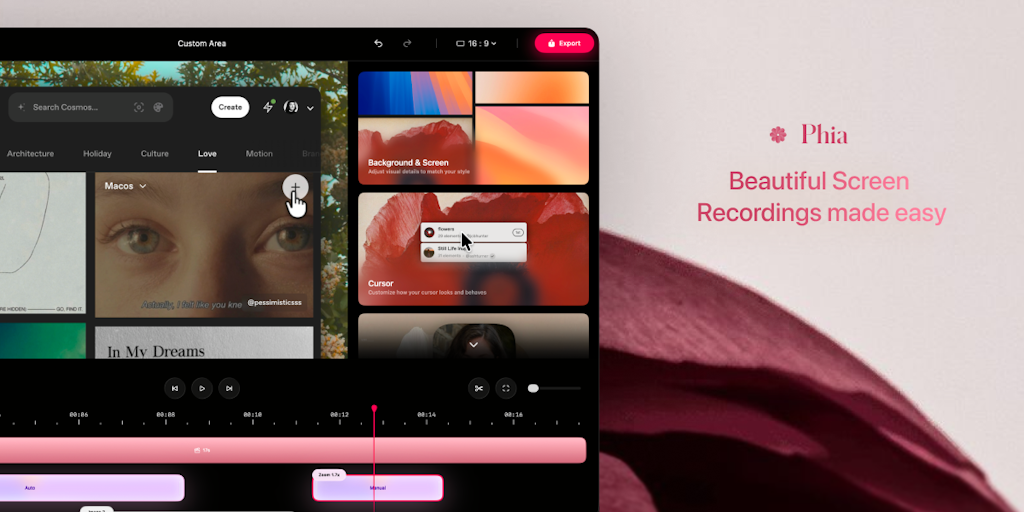
Phia: Automated Screen Recording Tool for Creating Polished Videos
Phia is a screen recording tool that automatically transforms raw screen captures into polished, professional-looking videos. It adds featur
Product Hunt·4mo ago
Screenhance: Template-Based Tool for Creating Polished Screenshot Visuals and Animations
Screenhance is a screenshot enhancement tool that allows users to quickly transform static screenshots into polished visuals or animated cli
Product Hunt·5mo ago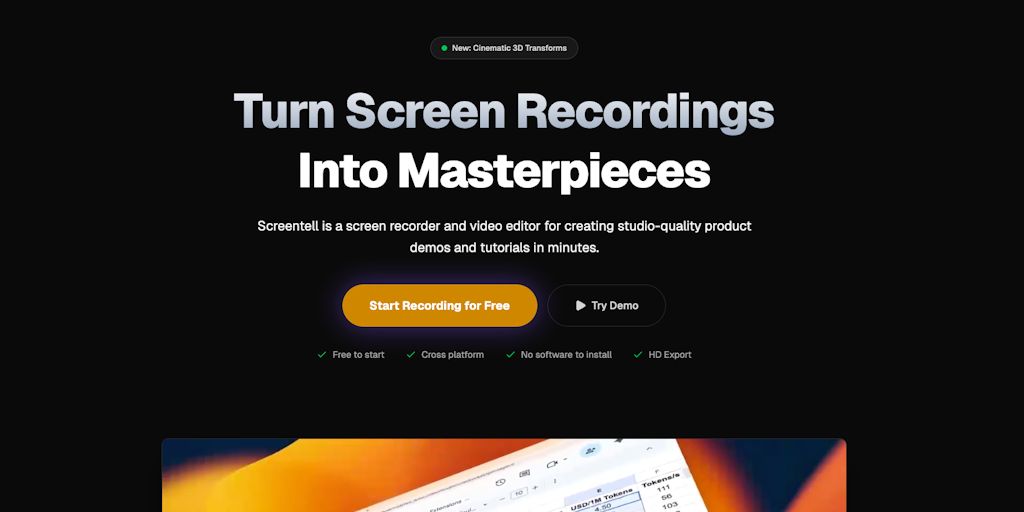
Screentell: Browser-Based Screen Recorder with Cinematic 3D Effects
Screentell is an in-browser screen recording tool that enables users to create cinematic product demos and tutorials with 3D effects and ann
Product Hunt·5mo ago
Sketch Design Platform: Tools for Collaborative Design Workflow from Ideation to Handoff
Sketch is a comprehensive design platform that provides tools for the entire design workflow, from initial ideas to final handoff. The platf
Product Hunt·6mo ago