





















Switching from dual-boot to Proxmox: Running Windows and Linux simultaneously on one machine
By
Faisal Rasool

Crisp on the outside, thoughtful on the inside. A keeper.
Summary
The article describes the author's experience switching from a dual-boot setup (Windows and Linux on separate drives) to using Proxmox as a Type 1 hypervisor. The author explains the limitations of dual-booting, such as needing to reboot to switch OSes and poor GPU passthrough performance with Type 2 hypervisors like VirtualBox. Proxmox, built on Debian and using KVM, allows running both Windows and Linux simultaneously with near-native performance via GPU passthrough. The author details the setup process, including partitioning, installing Proxmox, configuring a ZFS pool, setting up VMs, and passing through a GPU. Benefits include seamless multitasking, better resource utilization, and the ability to run multiple OSes concurrently without rebooting.
Key quotes
· 5 pulledDual-booting is a pain. You have to shut down your computer, wait for it to boot back up, and then choose which operating system you want to use.
Proxmox is a Type 1 hypervisor, which means it runs directly on the hardware and can allocate resources to each virtual machine as needed.
The performance is near-native, and I can run both operating systems at the same time without any issues.
GPU passthrough is the key to making this work. It allows you to pass a physical GPU through to a virtual machine, giving it direct access to the hardware.
I no longer have to choose between Windows and Linux. I can have both, running simultaneously, on the same machine.
You might also wanna read

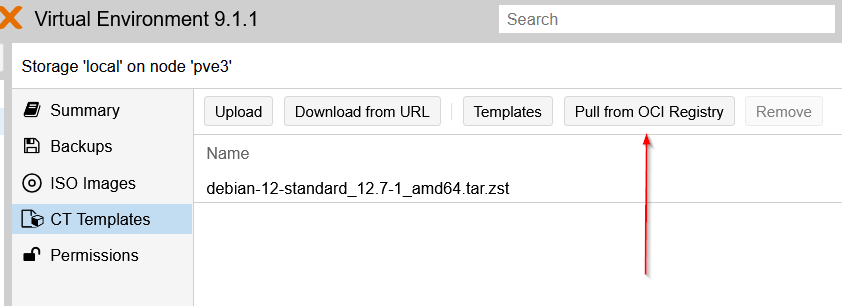
Proxmox VE 9.1 Adds Native Docker Container and OCI Image Support
Proxmox VE 9.1 introduces native support for running Docker containers and OCI images directly within the virtualization platform, eliminati

VMware Migration Alternatives: Proxmox, HPE, and Nutanix Solutions
This Hacker News discussion explores alternatives to VMware virtualization, with users sharing experiences and recommendations for migration
 news.ycombinator.com·8mo ago
Proxmox Releases Datacenter Manager as VMware Alternative for Private Cloud
Proxmox has released the first stable version of its Datacenter Manager product, positioning it as a more viable alternative to VMware for p
 theregister.com·6mo ago
Proxmox Virtual Environment 9.1 Released with Enhanced Container and Virtualization Features
Proxmox Server Solutions GmbH has released Proxmox Virtual Environment 9.1, a major update to their open-source virtualization platform. The
 proxmox.com·7mo ago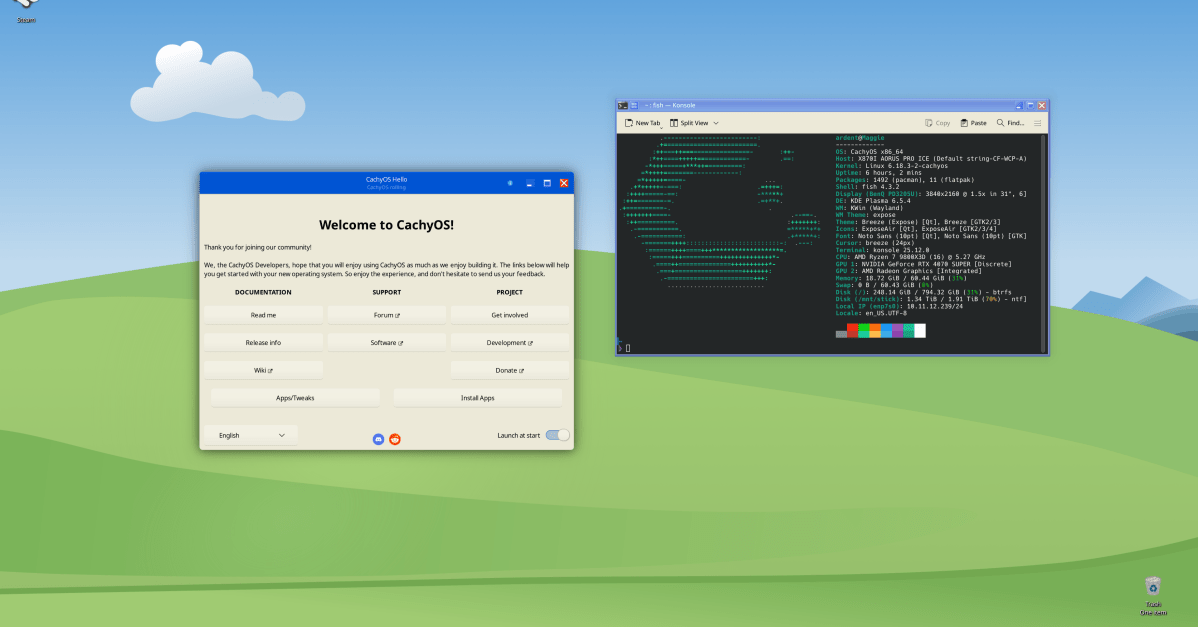
Personal Experience: Switching from Windows to Linux Desktop with CachyOS
The author shares their personal experience of switching from Windows to Linux (specifically CachyOS) as their main desktop operating system
 theverge.com·5mo ago
Virtualizing NVIDIA HGX B200 GPUs with Open-Source Software
This technical blog post details the process of virtualizing NVIDIA HGX B200 GPUs using open-source software. It covers hardware overview, F
 ubicloud.com·6mo ago