





















How to Integrate Existing AI Agents into Microsoft Teams Using TypeScript SDK
By
umangsehgal93

A baker's-dozen of insight crammed into one ring.
Summary
This article provides a technical guide for developers on how to integrate existing AI agents or bots into Microsoft Teams without rewriting code. It focuses on using the Teams TypeScript SDK's HTTP server adapter pattern to connect pre-built agents (like LangChain chains, Azure Foundry deployments, or Slack bots) to Teams, enabling them to operate within the enterprise collaboration platform where most work happens. The article emphasizes the practical value of bringing agents into Teams' workflow context and promises implementation in under 50 lines of code.
Key quotes
· 5 pulledTeams is where most enterprise work happens: decisions get made, customers get answered, and projects move forward there.
Getting your agent into that context, before you build anything Teams-specific, is already worth doing.
It comes down to one pattern in the Teams TypeScript SDK: the HTTP server adapter.
You point it at your HTTP server, it registers a messaging endpoint, and your existing server keeps running as-is.
Your agent is already built. Here's how to surface it in Teams in under 50 lines, without rewriting anything.
You might also wanna read

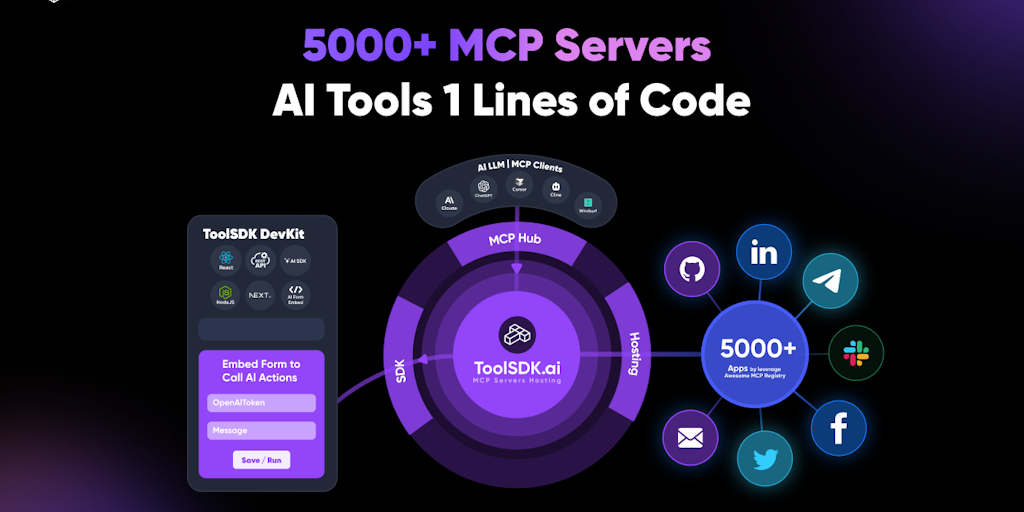
ToolSDK.ai: Free TypeScript SDK for AI Apps with 5000+ MCP Servers
ToolSDK.ai offers a free TypeScript SDK for building agentic AI applications, providing instant access to over 5000 MCP servers and AI tools
 Product Hunt·10mo ago
Trigger.dev: Platform for Building AI Workflows and Agents in TypeScript
Trigger.dev is a platform for building AI workflows and agents using TypeScript, featuring capabilities for long-running tasks with retries,
 Product Hunt·7mo ago
Microsoft Adds AI Copilot Agents to Teams for Meeting Automation
Microsoft is introducing AI agents called Copilot assistants to Teams, which will be available in every channel, meeting, and community. The
 The Verge·8mo ago
ADK-TS: Comprehensive Framework for Building AI Agents with Advanced Tool Integration
The article introduces ADK-TS, a comprehensive framework for building sophisticated AI agents with advanced tool integration, memory systems
Product Hunt·10mo ago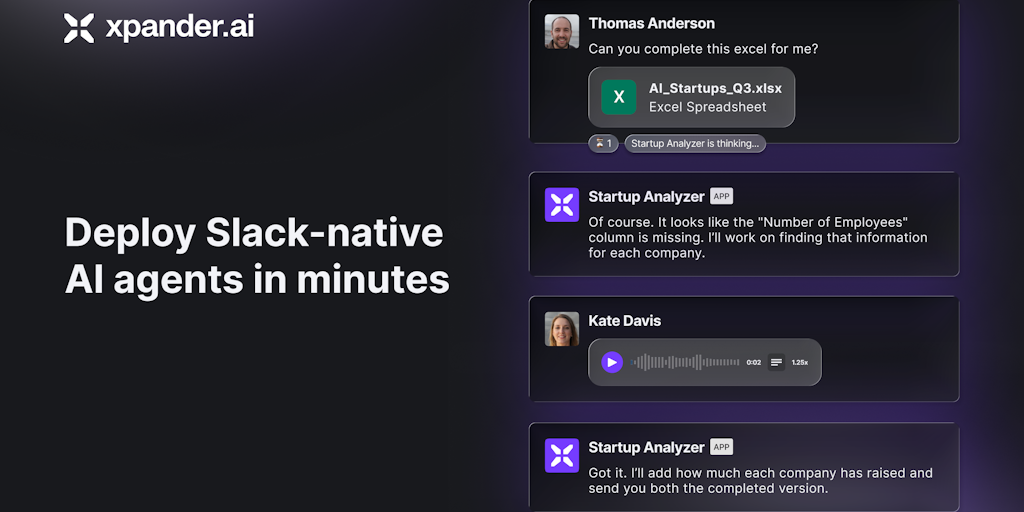
xpander.ai: Integrate AI Agents as Slack Teammates Without Infrastructure Hassles
xpander.ai introduces a platform that transforms AI agents into Slack-native teammates, eliminating infrastructure and scaling challenges. T
Product Hunt·10mo ago
AI Integration in Software Development: How Claude Code and Agentic Workflows Are Transforming the Terminal into a Conversational Interface
The article discusses how AI is transforming software development by integrating large language models (LLMs) into development workflows, pa
 Prototypr·4mo ago