





















How to recover files from an Android phone with a broken screen for free
By
Jack Wallen

Crackling crust, pillowy middle. The kind of bagel that earns a second cup of coffee.
Summary
A practical guide explaining how to recover files from an Android phone with a broken/cracked screen without paying for repairs. The article walks through steps to connect the phone to a computer via USB, use ADB (Android Debug Bridge) commands to unlock the device, and transfer files off the phone for free. It covers prerequisites like having USB debugging enabled beforehand, and alternative methods if that wasn't set up.
Key quotes
· 3 pulledYou pick up the device to see a spiderweb of cracks running across the display. No matter how you touch the screen, the phone simply won't react.
If your screen is shattered, you probably can't even turn on Repair Mode.
There is a way to do it.
You might also wanna read


How to recover deleted files using PhotoRec: A practical guide
The article discusses how deleted files are not truly erased from storage media, explaining the concept of file recovery using the PhotoRec
 lost-number·1mo ago
Step-by-Step Guide to Recovering from a Hacking Incident
The article provides a step-by-step guide on how to respond to a hacking incident, including quarantining files, backing up data, scanning f
DEV Community·10mo ago
ScreenBreak App Uses Physical Challenges to Reduce Smartphone Addiction
ScreenBreak is a productivity app that helps users reduce smartphone addiction by requiring them to complete quick physical challenges (like
 Product Hunt·6mo ago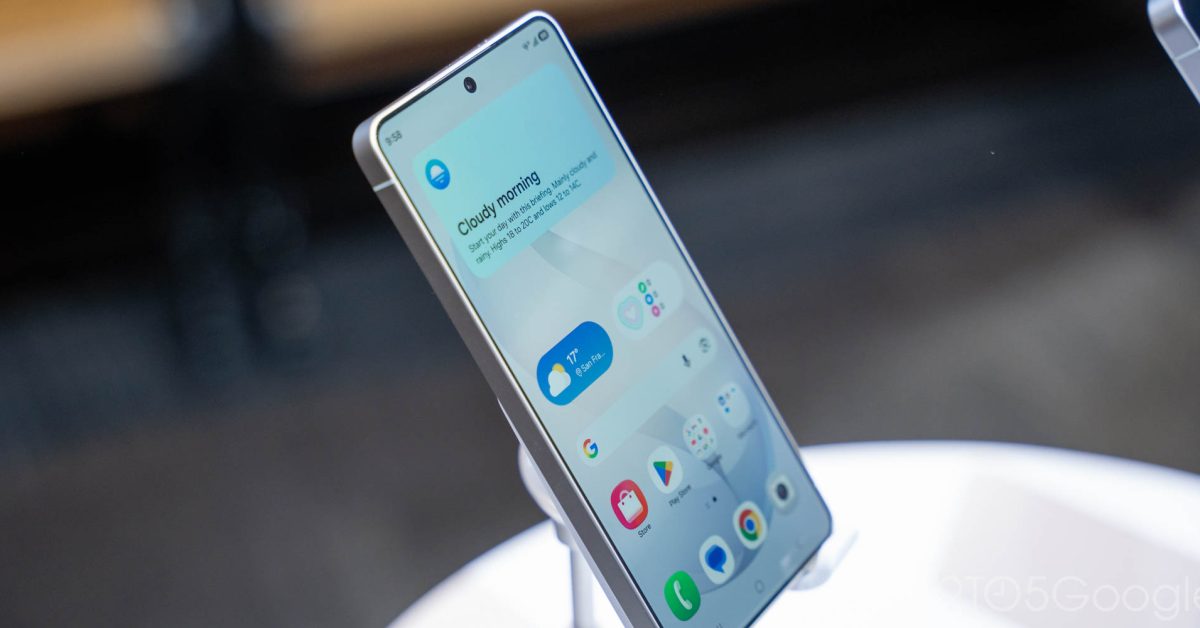
Samsung Removes Android Recovery Menu Tools Including Sideloading in One UI 8.5 Update
Samsung is removing key tools from Android's recovery menu in its latest One UI 8.5 updates, including sideloading capabilities. The recover
 9to5google.com·3mo ago
ADB Wrench: Browser-Based Android Debugging Tool with AI Assistant via WebUSB
ADB Wrench is a browser-based Android Debug Bridge (ADB) tool that works via WebUSB without requiring any installation, SDKs, or drivers. It
Product Hunt·4mo ago
Self-Taught Programmer's Journey: Learning to Code on a Cracked Phone and Facing Hiring Barriers
A self-taught programmer shares his journey of learning to code on a cracked Android phone after dropping out of school due to financial con
 rly0nheart.com·4mo ago