





















How to Install Ubuntu Desktop 26.04 on Raspberry Pi
By
Patrick Fromaget

Pulled from the oven just right. Trustworthy, fact-dense, deeply satisfying.
Summary
This tutorial explains how to install Ubuntu Desktop 26.04 on a Raspberry Pi using the Raspberry Pi Imager. It recommends using a Raspberry Pi 5, 500, 4, or 400 with at least 4GB of RAM for the Desktop version. The author notes that while Raspberry Pi OS is simple and reliable, Ubuntu Desktop provides a more familiar desktop computing experience for users already accustomed to Ubuntu on PCs.
Key quotes
· 4 pulledI often use Raspberry Pi OS for my tutorials because it's simple, reliable, and well-supported.
But if I want my Raspberry Pi to feel more like a regular desktop computer, I highly recommend Ubuntu Desktop.
Ubuntu Desktop 26.04 can be installed on a Raspberry Pi using Raspberry Pi Imager, where it is listed under 'Other general-purpose OS.'
A Raspberry Pi 5, 500, 4, or 400 with at least 4GB of RAM is recommended for the Desktop version.
You might also wanna read

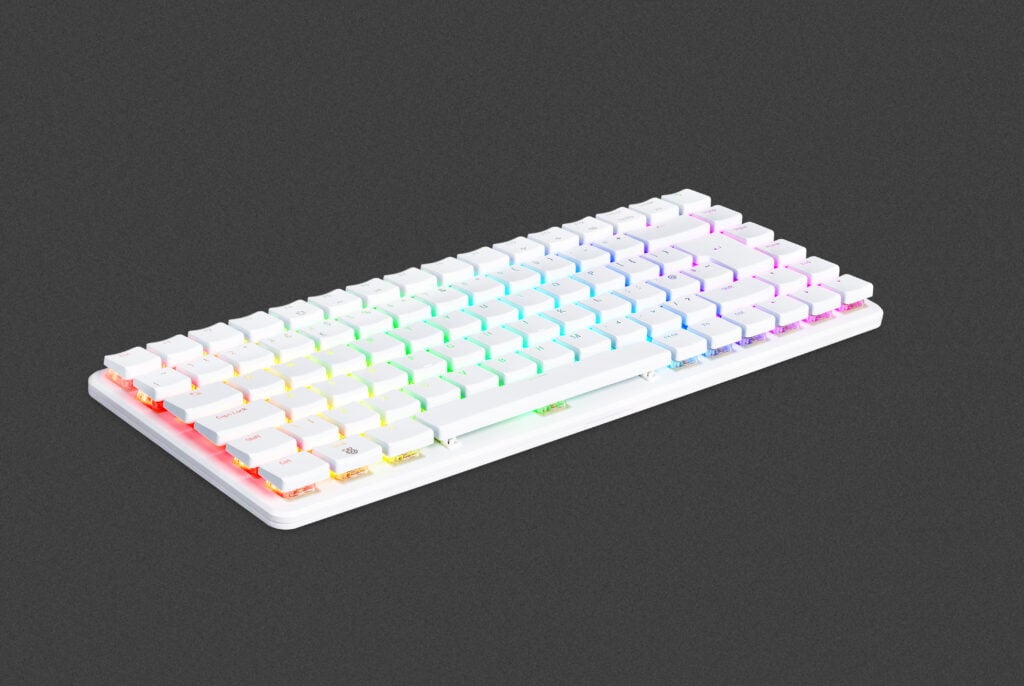
Raspberry Pi launches $200 Pi 500+ all-in-one desktop PC built into a mechanical keyboard
Raspberry Pi has launched the Raspberry Pi 500+, an all-in-one desktop PC built into a high-quality mechanical keyboard. It features a 2.4GH
 raspberrypi.com·8mo ago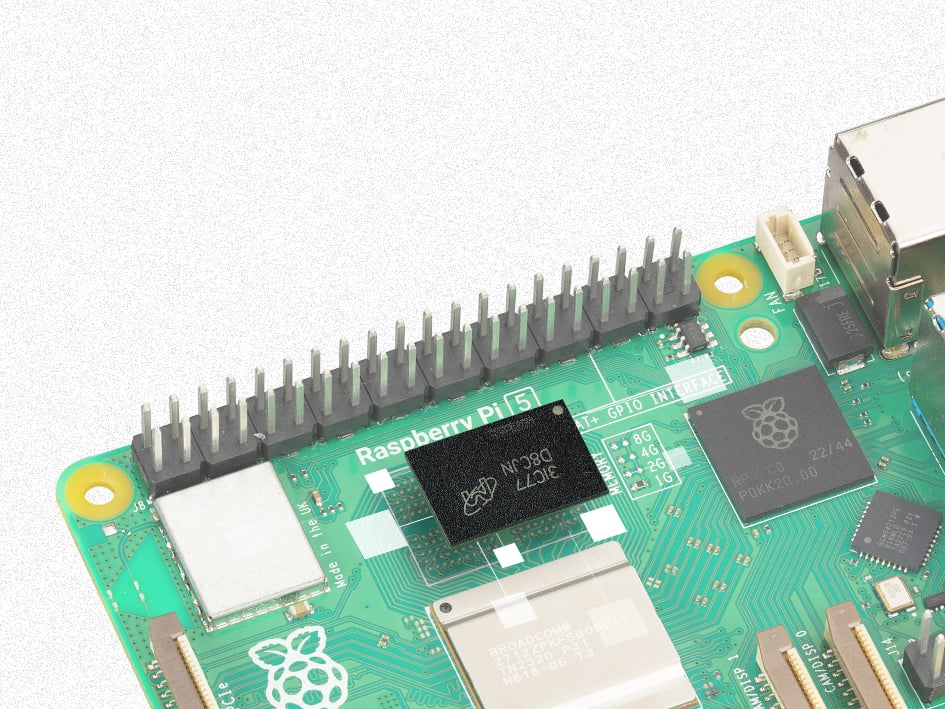
Raspberry Pi 5 1GB model launches at $45 amid memory cost pressures
Raspberry Pi announces a new 1GB Raspberry Pi 5 priced at $45, maintaining their commitment to low-cost computing despite rising memory cost
raspberrypi.com·6mo agoFedora 44 Beta Images Released for Raspberry Pi 5 on Pi Day
The article discusses the release of Fedora 44 Beta images for Raspberry Pi 5, specifically timed for Pi Day. The author explains they were
OpenBSD Adds Raspberry Pi 5 Model B Support to ARM64 Ramdisk
OpenBSD developer Marcus Glocker has added support for Raspberry Pi 5 Model B to the operating system's ARM64 ramdisk. The commit includes m

Raspberry Pi Launches AI HAT+ 2 Add-on Board with 8GB RAM for Local Generative AI
Raspberry Pi has launched the AI HAT+ 2, an upgraded add-on board for the Raspberry Pi 5 that enables local generative AI model execution. T
 The Verge·5mo ago
How to Build a Raspberry Pi ADS-B Receiver for Flightradar24
This article provides a hardware shopping list and installation instructions for setting up a Raspberry Pi-based ADS-B receiver to feed data
 flightradar24.com·9mo ago