





















Focus Cursor Tool for Highlighting Cursor Movements in Presentations and Tutorials
By
Kenny Wang

Lacks bite. And filling. And a copy-editor at the bakery.
Summary
Focus Cursor is a tool that highlights cursor movements and clicks to make them easier to follow, particularly useful for presentations, teaching, and video tutorials to help audiences stay engaged and understand actions better.
Key quotes
· 2 pulledThis tool clearly highlights the cursor, making movements and clicks easy to follow.
It's ideal for conferences, teaching, and video tutorials, helping audiences stay engaged and better understand your actions.
You might also wanna read


Libertify.com: Transform Documents into Interactive Videos with Quizzes and Analytics
Libertify.com offers a one-click tool that converts static documents like PDFs, presentations, and reports into interactive video experience
 Product Hunt·1mo ago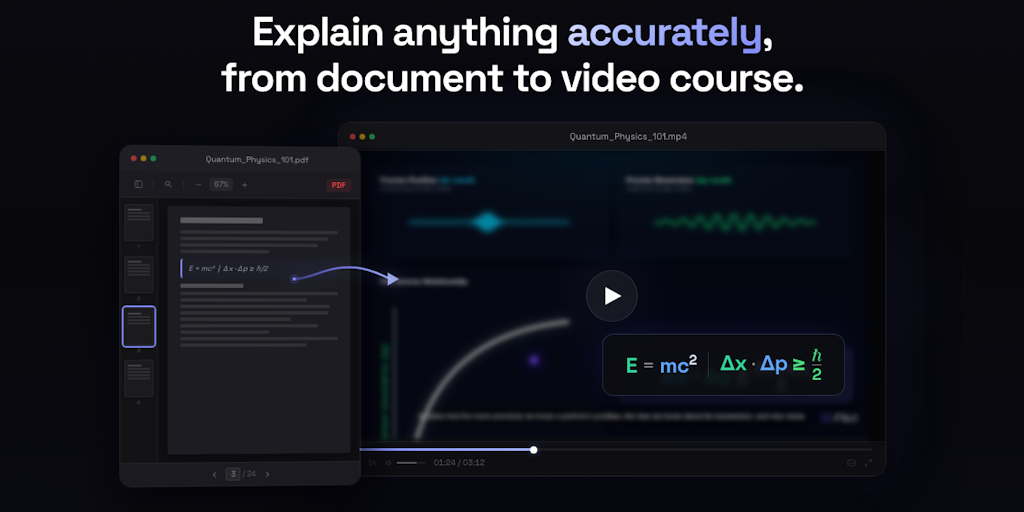
X-Pilot: Deterministic Documentation-to-Video Course Tool for Accurate Technical Explanations
X-Pilot is a tool that converts documentation into video courses with programmatically rendered visuals using Remotion in isolated sandboxes
Product Hunt·1mo ago
YouTube Advanced Search Tool with Filters for Duration, Date, and Title
This article describes an advanced search tool for YouTube called Playlists.at that provides enhanced search capabilities with filters for d
 playlists.at·1mo ago
Free Online OCR Tool for Converting Scanned PDFs and Images to Editable Text
This article describes a free online OCR (Optical Character Recognition) tool that converts scanned PDF documents and images into editable t
 onlineocrfree.qzz.io·2mo ago
Ourguide: AI-Powered On-Screen Step-by-Step Guidance for macOS
Ourguide is an AI-powered desktop application for macOS that provides real-time, on-screen step-by-step guidance for completing any task or
 ourguide.ai·4mo ago
ChatGPT PDF Generator App Converts LaTeX to PDF for Math Worksheets
The article announces a PDF generator app for ChatGPT that converts LaTeX code to PDFs directly within the ChatGPT interface. Created by an
Product Hunt·4mo ago