





















DisplayFlow CLI: Command-Line Tool for Windows Display Setup Management
By
pyotq

Crusty in the right places. Worth the chew.
Summary
DisplayFlow CLI is a command-line tool for managing and switching display setups on Windows. The tool features a 'Snapshot' capability that allows users to save their current monitor/window arrangement as a named configuration, which can then be restored with hotkeys. It supports both quick snapshot saving and comprehensive manual configuration using a colon-separated string format for scripting purposes. The tool is designed for users who frequently switch between different display setups, such as for gaming, work, or other specific use cases.
Key quotes
· 4 pulledThe easiest way to use DisplayFlow is a Snapshot. If you provide --save without a configuration string, the tool reads your current live setup and saves it exactly as it is.
Manually arrange your windows/monitors in Windows Settings
Run this to save the current state as 'Gaming'
For manual configuration or scripting, use the following colon-separated string format.
You might also wanna read

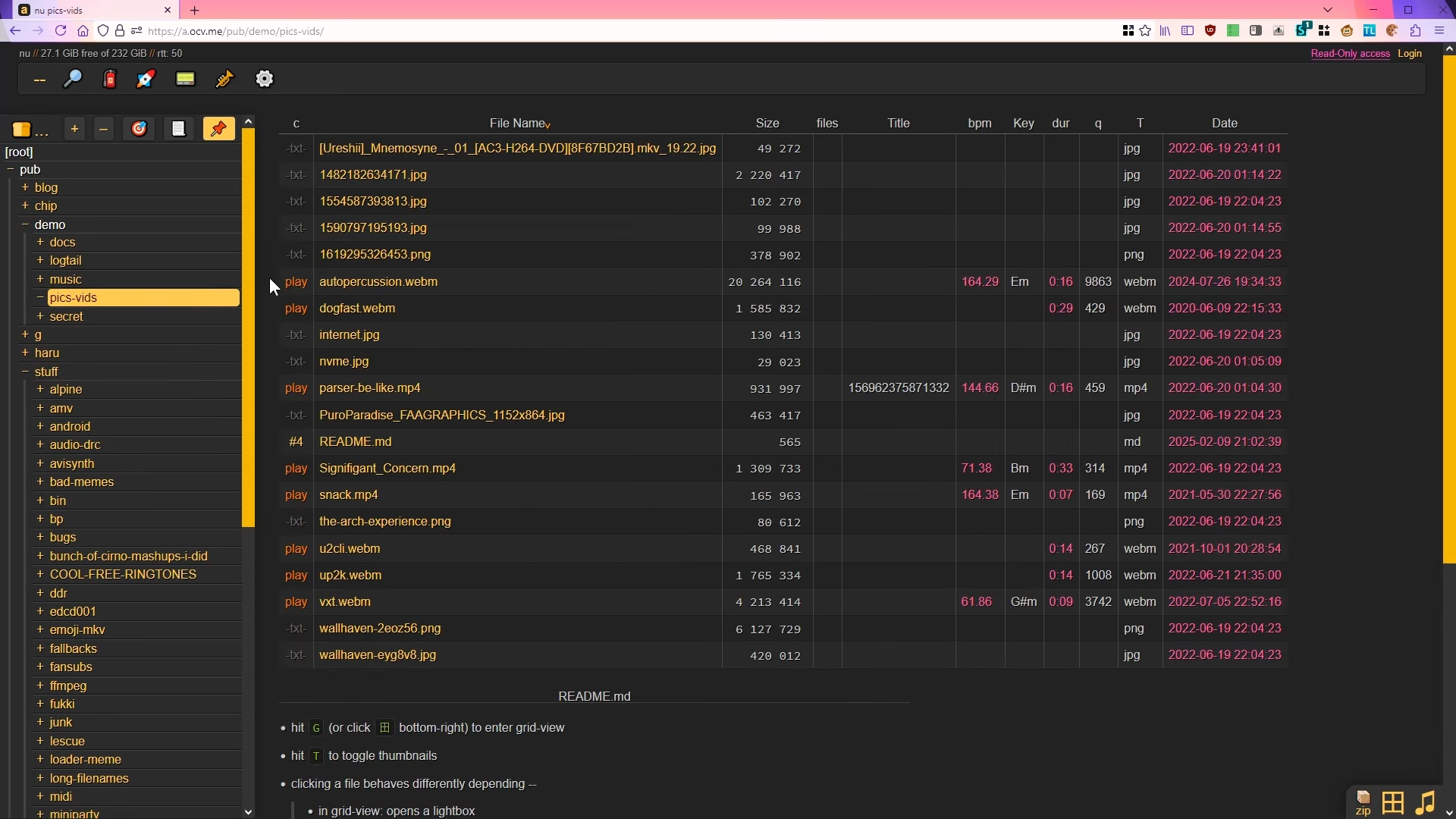
Copyparty: A Lightweight File Server That Runs as a Single Python Script
Copyparty is a lightweight, full-featured file server that runs as a single Python script, making it extremely easy to set up without needin
 hackaday.com·6h ago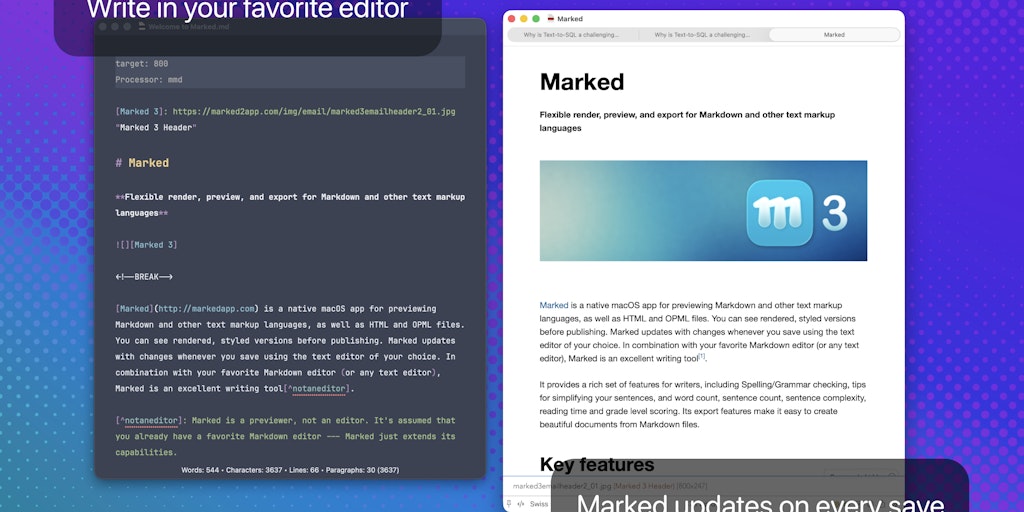
Marked 3 for Mac: Major Markdown Preview and Export Update with DOCX, EPUB, and Speed Reading Features
Marked 3 is a major update to the popular Mac application for previewing and exporting Markdown documents. The update introduces best-in-cla
 Product Hunt·4d ago
Switching from JetBrains to Zed as Primary Code Editor
The author announces they are switching from JetBrains products to Zed as their primary code editor after Zed's v1 release. They praise Zed'
matthewkosarek.xyz·13d ago
Replit Launches Agent 3: Most Autonomous AI for App Development and Testing
Replit has launched Agent 3, its most autonomous AI agent yet that can build apps, test them in real browsers, fix issues automatically, and
Product Hunt·18d ago
Kuku: A Native, Local-First Markdown Editor for macOS Built with Tauri
Kuku is a native, local-first markdown editor for macOS built with Tauri instead of Electron. It stores notes as plain markdown files with w
Product Hunt·23d ago
Plannotator: Local Browser Plugin for Annotating and Reviewing Claude Code Plans
Plannotator is a local browser plugin that enables interactive review and annotation of Claude Code plans. Users can mark up plans for delet
Product Hunt·1mo ago