





















Design In The Browser: Visual Tool for Frontend Development with AI Code Generation
By
Peter Assentorp

More crust than filling. Mostly air.
Summary
Design In The Browser is a visual tool that allows frontend developers to point at website elements and describe changes in plain language, which are then automatically converted to code by AI assistants like Claude Code, Cursor, or Gemini CLI. The tool eliminates the need for manually copying selectors or describing layouts in chat, enabling direct visual editing with support for multi-edit queuing, responsive viewports, and integration with preferred code editors.
Key quotes
· 4 pulledDesign In The Browser lets you point at any element on your website and tell AI what to change.
Click a button, a heading, or select text — describe your edit in plain language, and it sends the instruction (with a screenshot) directly to Claude Code, Cursor, or Gemini CLI running in the built-in terminal.
No more copying selectors or describing layouts in chat. You see it, you change it, and AI does it.
Supports multi-edit queuing, responsive viewports, and your preferred code editor.
You might also wanna read


CSS Studio: Visual CSS Editor with AI-Powered Code Generation
CSS Studio is a browser-based visual CSS editor that allows designers to adjust styles using intuitive sliders and pickers, while an AI agen
 cssstudio.ai·1mo ago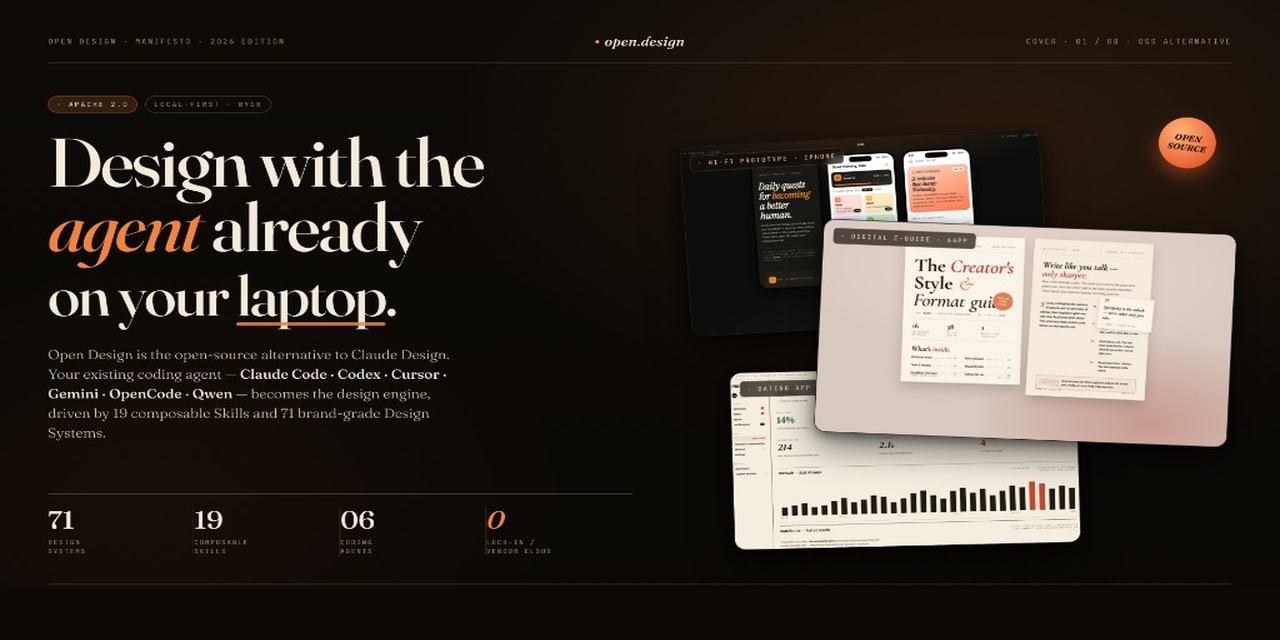
Open Design: An Open-Source, Local-First Alternative to Anthropic's Claude Design
This article introduces Open Design, an open-source, local-first alternative to Anthropic's Claude Design. It is a web-deployable tool that
 github.com·29d ago
AI Design and Code Generator for React Components
UIImagine is an AI design and code generator that creates React components based on text prompts or screenshots. Users can describe the UI c
 Prototypr
ScreenCoder: A Modular System for Converting UI Screenshots to HTML/CSS Code
ScreenCoder is an advanced UI-to-code generation system that converts screenshots or design mockups into clean, production-ready HTML/CSS co
github.com·10mo ago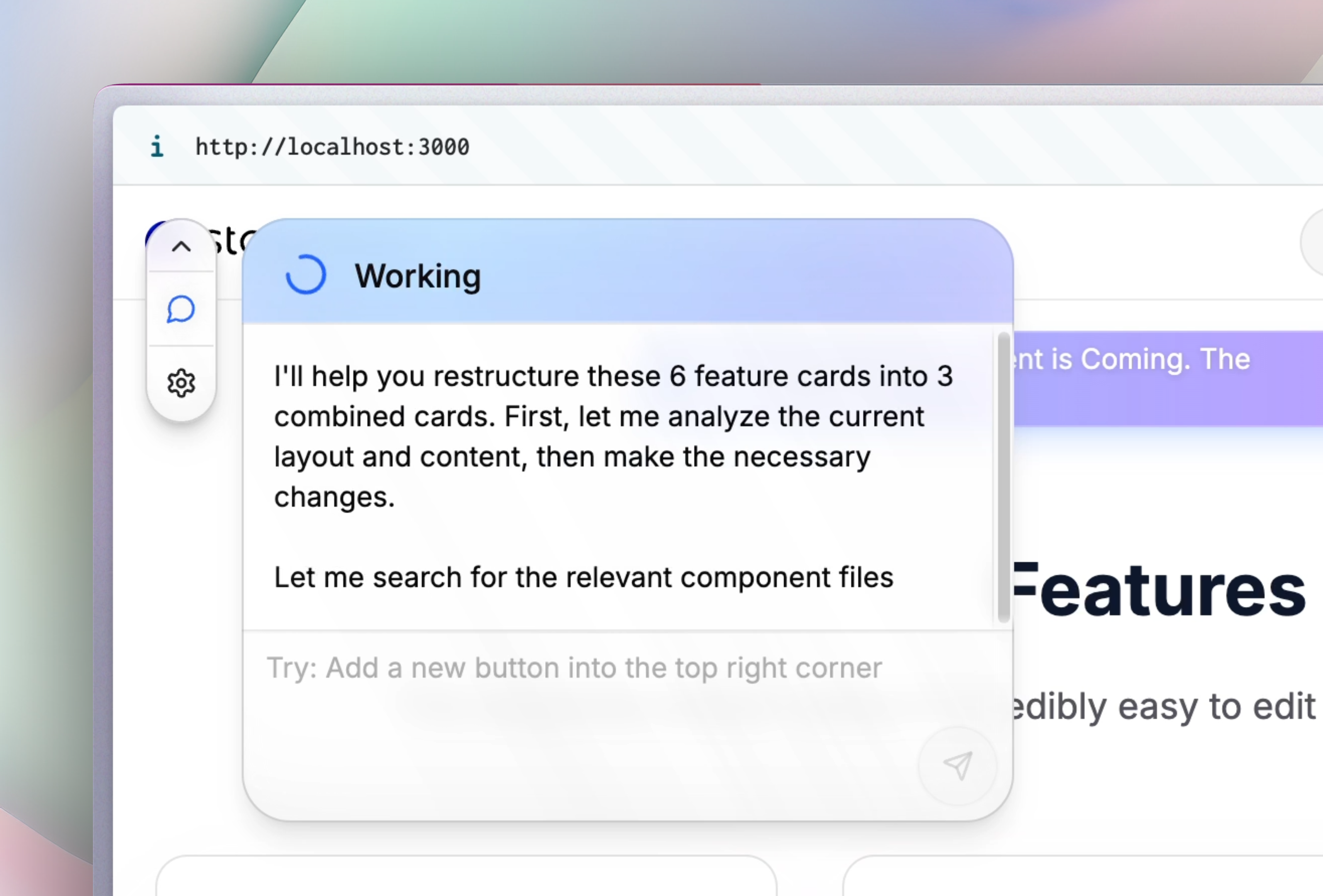
Stagewise: Local Browser-Based Frontend Coding Agent for Visual App Development
Stagewise is a frontend coding agent that runs locally in the browser, allowing developers to build app frontends by selecting elements and
 stagewise.io·9mo ago
Anthropic Launches Claude Code Web Beta for Browser-Based Coding Tasks
Anthropic has launched Claude Code on the web, a new browser-based tool that allows users to delegate coding tasks directly from their brows
 anthropic.com·7mo ago