





















AI Shortcuts: Hotkey Tool for Direct ChatGPT Integration in Any Application
By
Mihey Mik

Sat on the counter overnight. Well past its best.
Summary
AI Shortcuts is a productivity tool that eliminates the need to constantly switch between applications when using ChatGPT. Instead of manually copying text to ChatGPT and back, users can select text and use a hotkey to get AI-generated results directly in their current application for tasks like translation, rewriting, summarization, or custom prompts.
Key quotes
· 3 pulledYou Cmd+Tab to ChatGPT 50 times a day. Paste text in, wait, copy result back.
AI Shortcuts kills that loop: select text, press a hotkey, get the result right where you are.
Translate, rewrite, summarize - or run any custom prompt.
You might also wanna read


OpenAI's ChatGPT Agent: A Tool for Automating Complex Online Tasks
The article introduces ChatGPT agent, a tool by OpenAI designed to assist users in completing complex online tasks autonomously. It can navi
 help.openai.com·9mo ago
OpenAI Launches App Integrations Within ChatGPT
OpenAI has launched new app integrations within ChatGPT that allow users to control third-party applications directly through the chatbot in
 The Verge·7mo ago
OpenAI Launches ChatGPT App Directory and SDK for Developers
OpenAI has launched an App Directory for ChatGPT, allowing users to browse available tools and developers to build new interactive experienc
The Verge·5mo ago
Practical Guide: Integrating AI Tools into UX Design Workflows
This article provides a practical, day-by-day guide for designers looking to integrate AI tools like ChatGPT into their UX design workflow w
 Smashing Magazine·9mo ago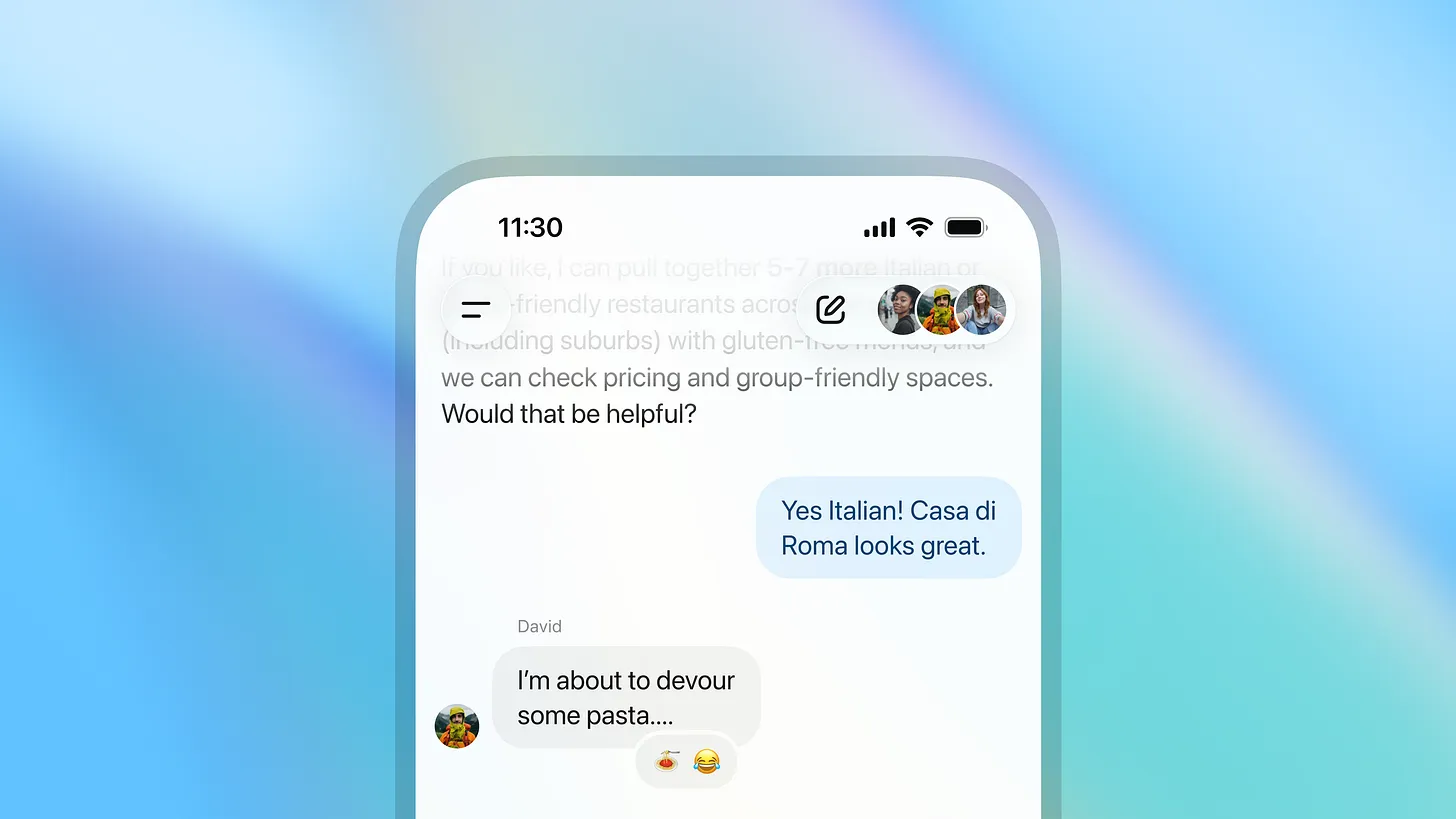
OpenAI Launches Group Chat Feature in ChatGPT for Collaborative AI Conversations
OpenAI has launched group chat functionality in ChatGPT, allowing users to invite up to 20 people to collaborate in conversations with the A
The Verge·6mo ago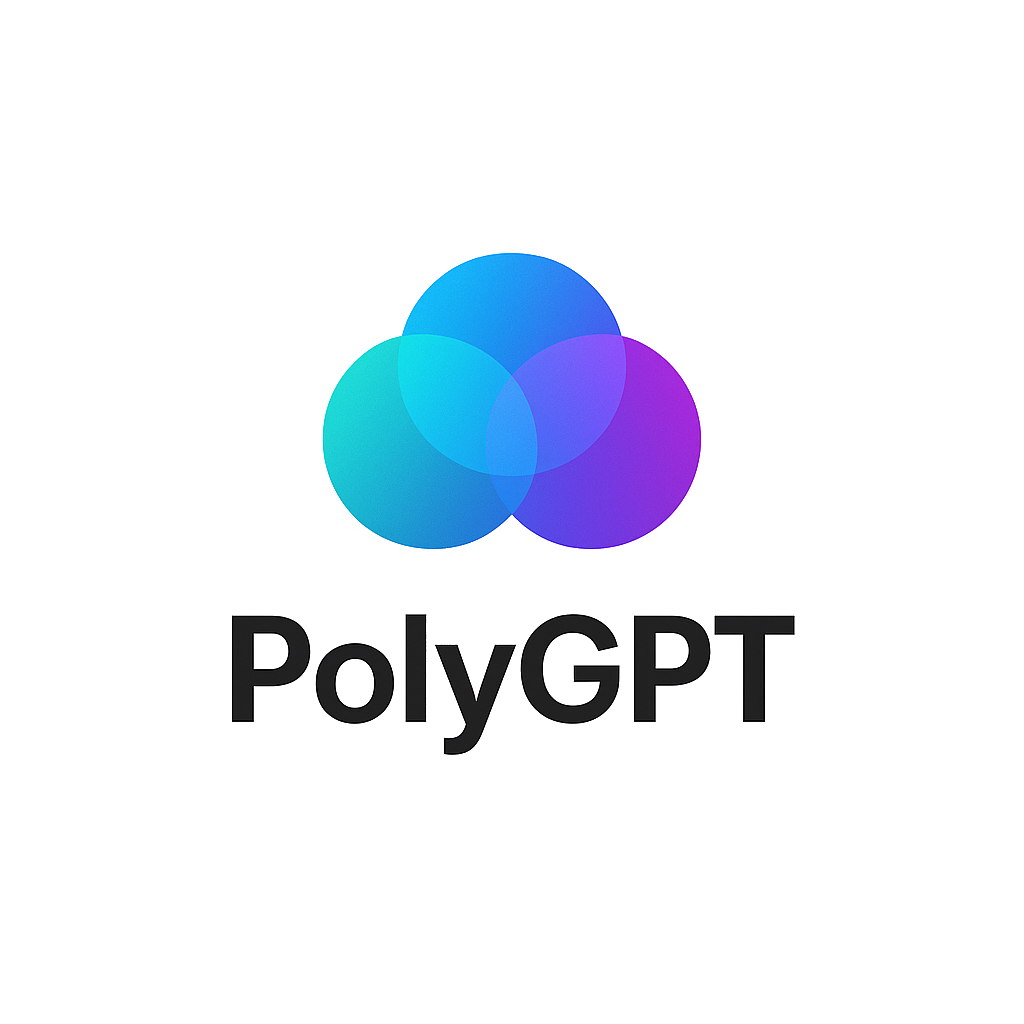
PolyGPT: Open-Source Tool for Simultaneous Chat with Multiple AI Models
PolyGPT is a free, open-source desktop application that allows users to chat with multiple AI models (ChatGPT, Gemini, and Claude) simultane
 polygpt.app·6mo ago